Tranquil Respite: A Cozy Escape - Flux.1 dev
提示
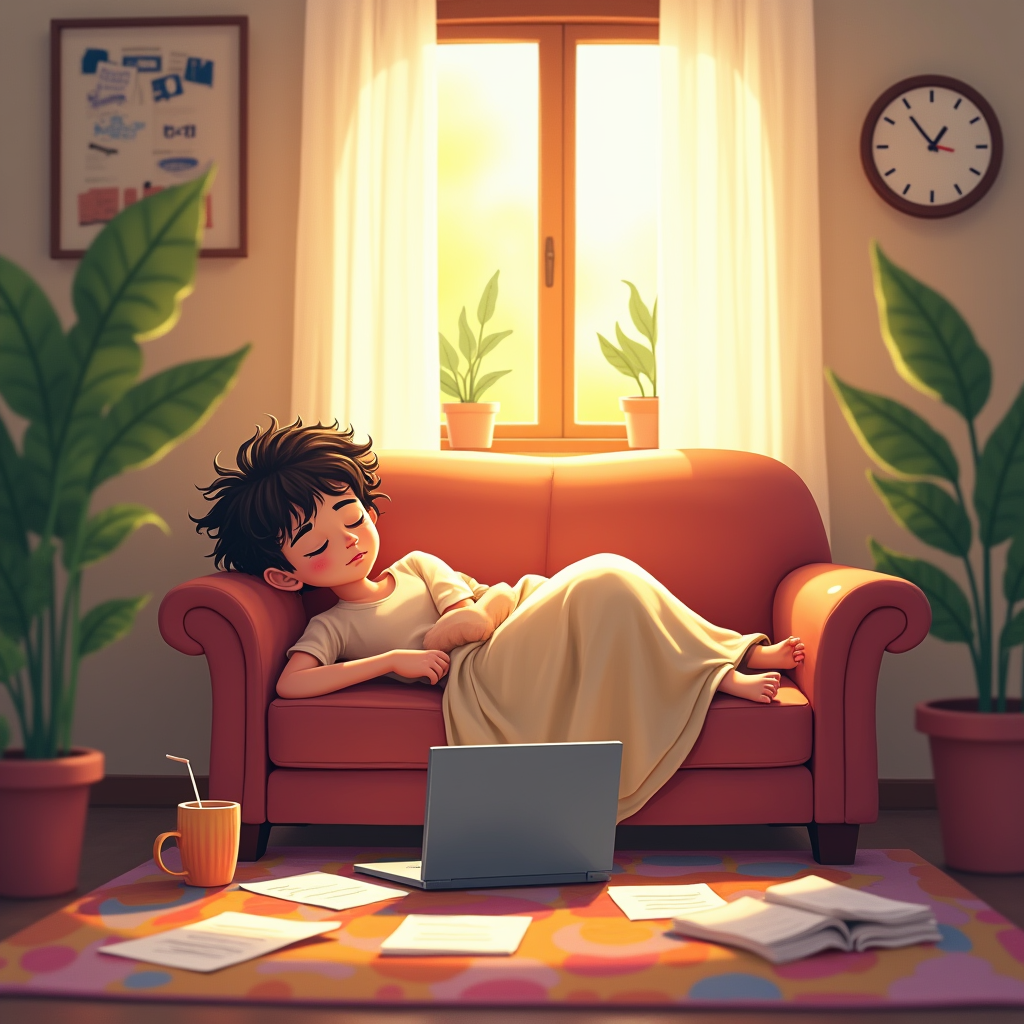
Create an image depicting a cozy living room scene where a young adult, mid-20s, is slumped on a plush couch, surrounded by scattered papers, a laptop, and an unfinished cup of coffee. The sunlight filters through sheer curtains, casting a warm, golden glow across the room. The character, with tousled hair and a relaxed expression, is partially covered by a soft blanket, hinting at a well-deserved nap. In the background, a wall clock shows 3 PM, emphasizing the irony of their intention to be productive. Include vibrant houseplants and a colorful rug to add life to the space. Use a soft, painterly style with warm pastel colors to evoke a sense of comfort and tranquility. The composition should focus on the character, with a shallow depth of field blurring the background slightly, enhancing the feeling of isolation in their moment of rest.
Flux AI 圖像提示的詳細分析
分析使用 Flux AI 圖像生成器生成圖像所使用的詳細提示。
探索 Flux AI 圖像生成器的提示
如何通過 Flux.1 dev
遵循以下四個簡單步驟來創建您想要的圖片。
步驟 1:輸入您的文字 (可自由調整提示以獲得更好的結果)
步驟 2:選擇圖片的縱橫比
步驟 3:選擇您的 Flux 模型:
步驟 4:點擊生成按鈕並等待幾秒鐘獲取您的圖片
與提示相關的 Flux AI 工具 Flux.1 dev
發現來自 Flux AI 的高級工具,提升您的創意工作流程。