Ethereal Floral Wrist Embrace - Flux.1.1 pro
提示
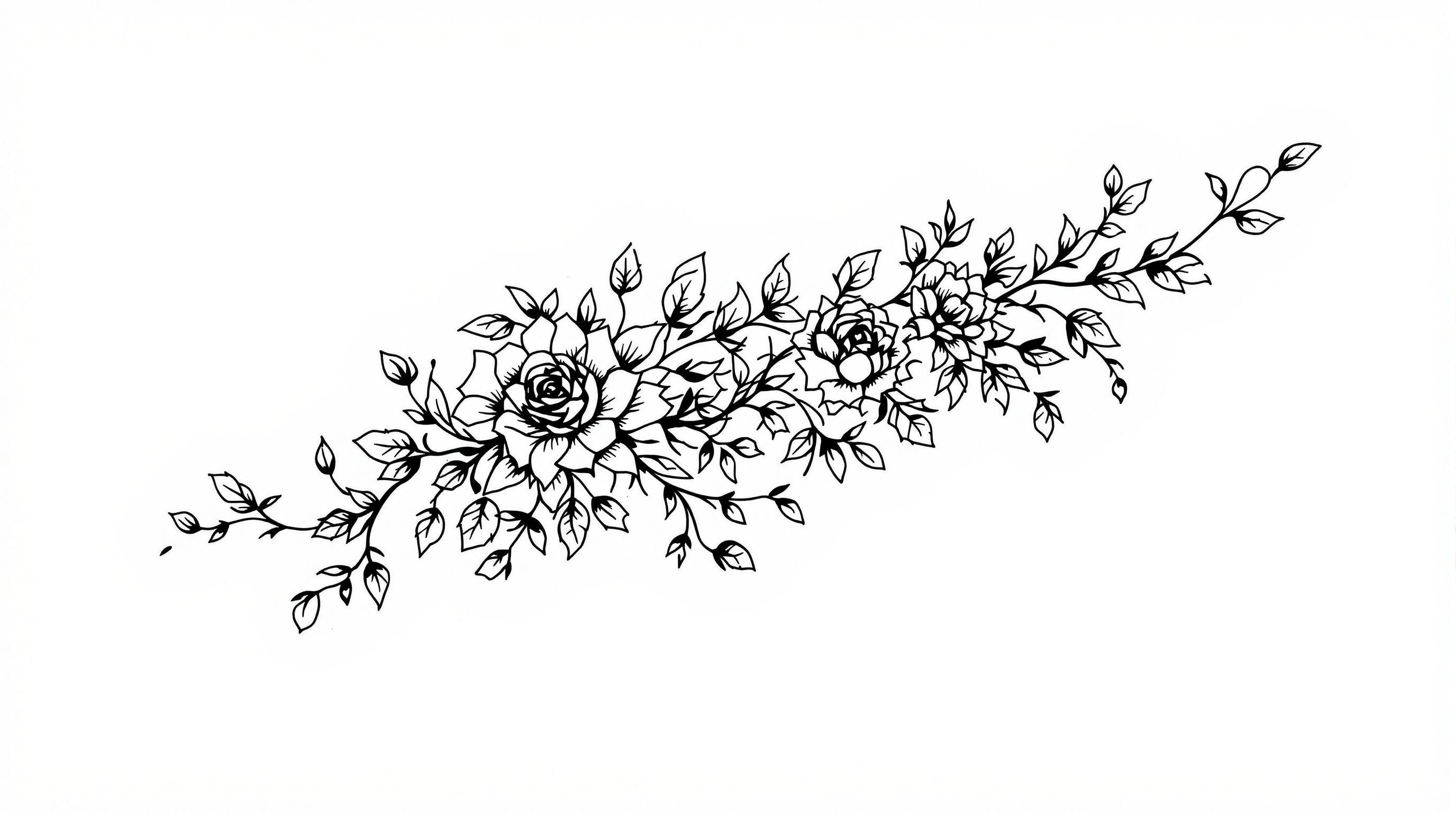
Create a tattoo design for the side of the wrist featuring a stylized floral vine that elegantly wraps around the wrist like a delicate bracelet. Incorporate intricate elements such as blooming roses and twisting ivy leaves, with fine line details and subtle shading to enhance depth. The artistic style should be a fusion of minimalist and traditional, emphasizing clean lines and organic shapes. The size should be medium, allowing the vine to gracefully extend from the wrist to the forearm. Use a monochromatic color palette, focusing on deep blacks and soft grays to create a timeless feel. Include intricate patterns within the petals and leaves, reminiscent of lacework. The design symbolizes growth and resilience, evoking a serene and harmonious mood, perfect for those who appreciate nature's beauty intertwined with personal strength.
Flux AI 圖像提示的詳細分析
分析使用 Flux AI 圖像生成器生成圖像所使用的詳細提示。
探索 Flux AI 圖像生成器的提示
如何通過 Flux.1.1 pro
遵循以下四個簡單步驟來創建您想要的圖片。
步驟 1:輸入您的文字 (可自由調整提示以獲得更好的結果)
步驟 2:選擇圖片的縱橫比
步驟 3:選擇您的 Flux 模型:
步驟 4:點擊生成按鈕並等待幾秒鐘獲取您的圖片
與提示相關的 Flux AI 工具 Flux.1.1 pro
發現來自 Flux AI 的高級工具,提升您的創意工作流程。