Hikaru Shirogane - Flux.1.1 pro
提示
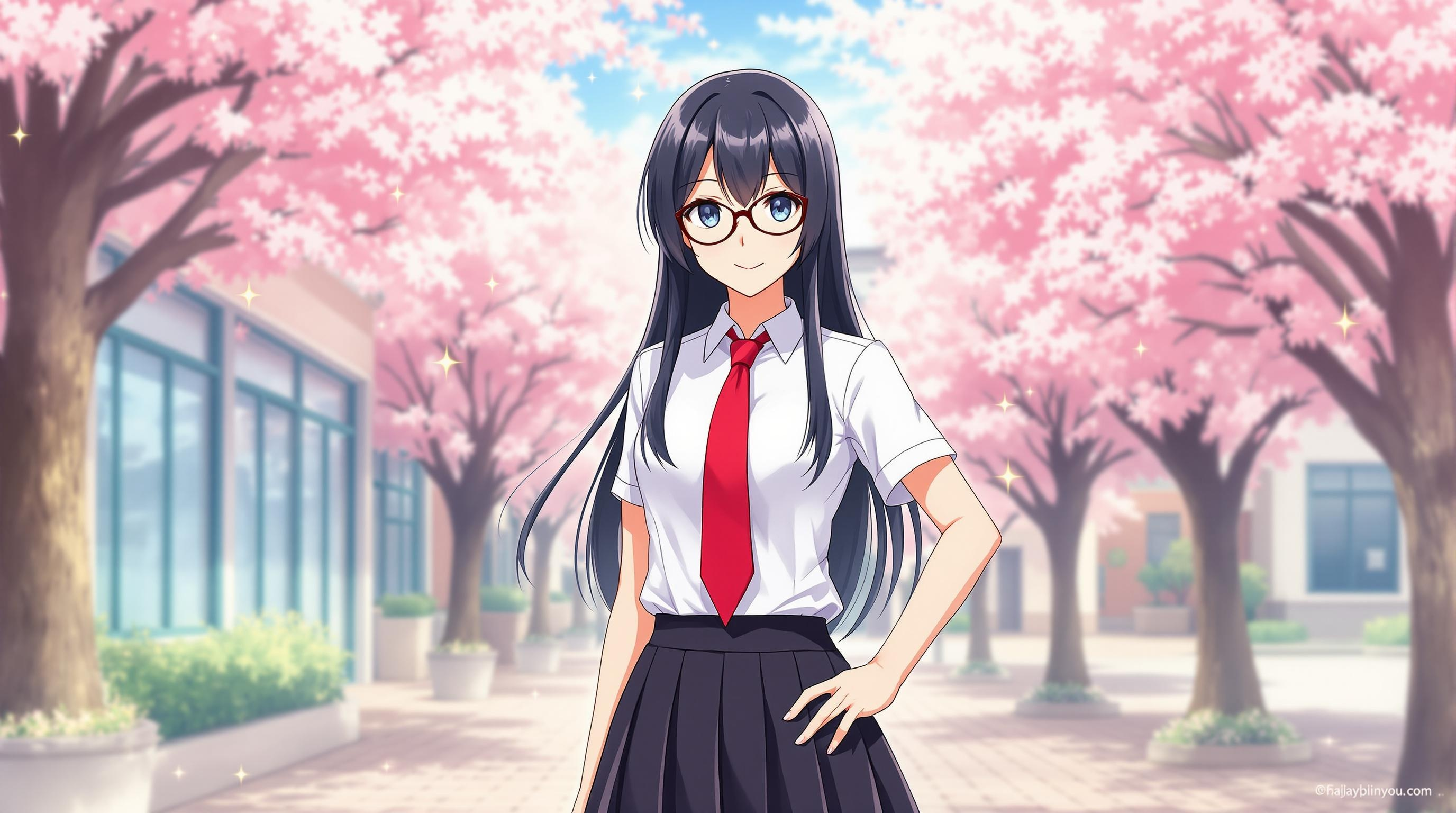
Create an image of Hikaru Shirogane in a vibrant anime style, featuring her signature long, straight black hair with a subtle blue tint. She wears a stylish school uniform consisting of a fitted white blouse, a dark pleated skirt, and a distinctive red necktie. Add her signature round glasses perched on her nose, highlighting her intelligent and determined expression. Capture her in a confident pose, with one hand on her hip and a slight smile that conveys her cheerful yet competitive nature. The background should depict a lively school courtyard with cherry blossom trees in full bloom, creating a warm and inviting atmosphere. Use a bright color palette with soft shading to emphasize the anime aesthetic, ensuring her character's essence shines through. Incorporate small motifs like stars or sparkles around her to reflect her ambitious spirit and love for competition.
Flux AI 圖像提示的詳細分析
分析使用 Flux AI 圖像生成器生成圖像所使用的詳細提示。
探索 Flux AI 圖像生成器的提示
如何通過 Flux.1.1 pro
遵循以下四個簡單步驟來創建您想要的圖片。
步驟 1:輸入您的文字 (可自由調整提示以獲得更好的結果)
步驟 2:選擇圖片的縱橫比
步驟 3:選擇您的 Flux 模型:
步驟 4:點擊生成按鈕並等待幾秒鐘獲取您的圖片
與提示相關的 Flux AI 工具 Flux.1.1 pro
發現來自 Flux AI 的高級工具,提升您的創意工作流程。