Turtle - Flux.1 dev
提示
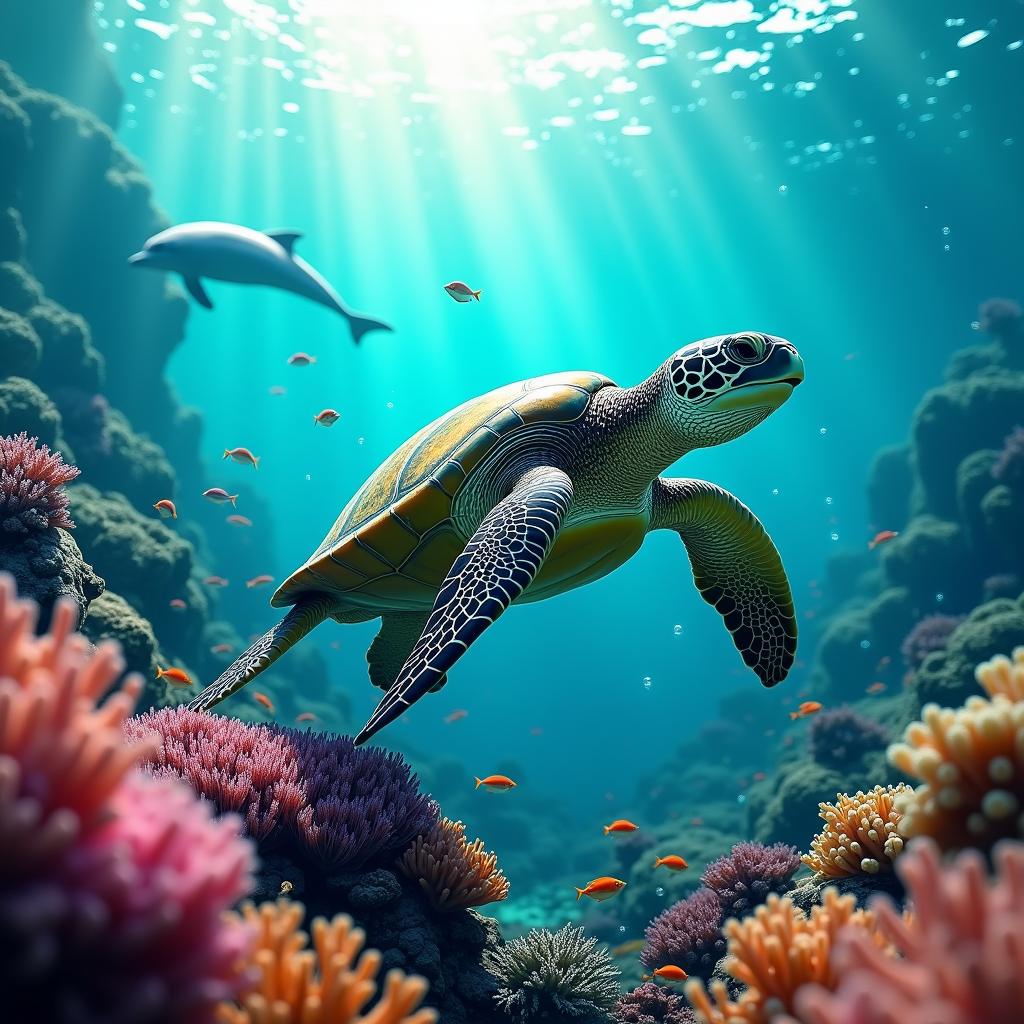
A majestic sea turtle glides gracefully through a vibrant coral reef, its shell adorned with intricate patterns of emerald green and deep blue. The turtle's flippers are outstretched, creating a sense of motion as it navigates through a school of shimmering fish. Surrounding it are colorful corals in shades of pink, orange, and purple, teeming with life. The scene is captured in a hyper-realistic style, with soft, dappled sunlight filtering down from the surface, casting a warm, golden glow on the underwater landscape. The color palette is rich and vivid, evoking a sense of tranquility and wonder. The camera angle is slightly below the turtle, emphasizing its grandeur against the backdrop of the reef. Bubbles rise around it, and a playful dolphin can be seen in the distance, adding a touch of whimsy to this serene underwater tableau.
Flux AI 圖像提示的詳細分析
分析使用 Flux AI 圖像生成器生成圖像所使用的詳細提示。
探索 Flux AI 圖像生成器的提示
如何通過 Flux.1 dev
遵循以下四個簡單步驟來創建您想要的圖片。
步驟 1:輸入您的文字 (可自由調整提示以獲得更好的結果)
步驟 2:選擇圖片的縱橫比
步驟 3:選擇您的 Flux 模型:
步驟 4:點擊生成按鈕並等待幾秒鐘獲取您的圖片
與提示相關的 Flux AI 工具 Flux.1 dev
發現來自 Flux AI 的高級工具,提升您的創意工作流程。