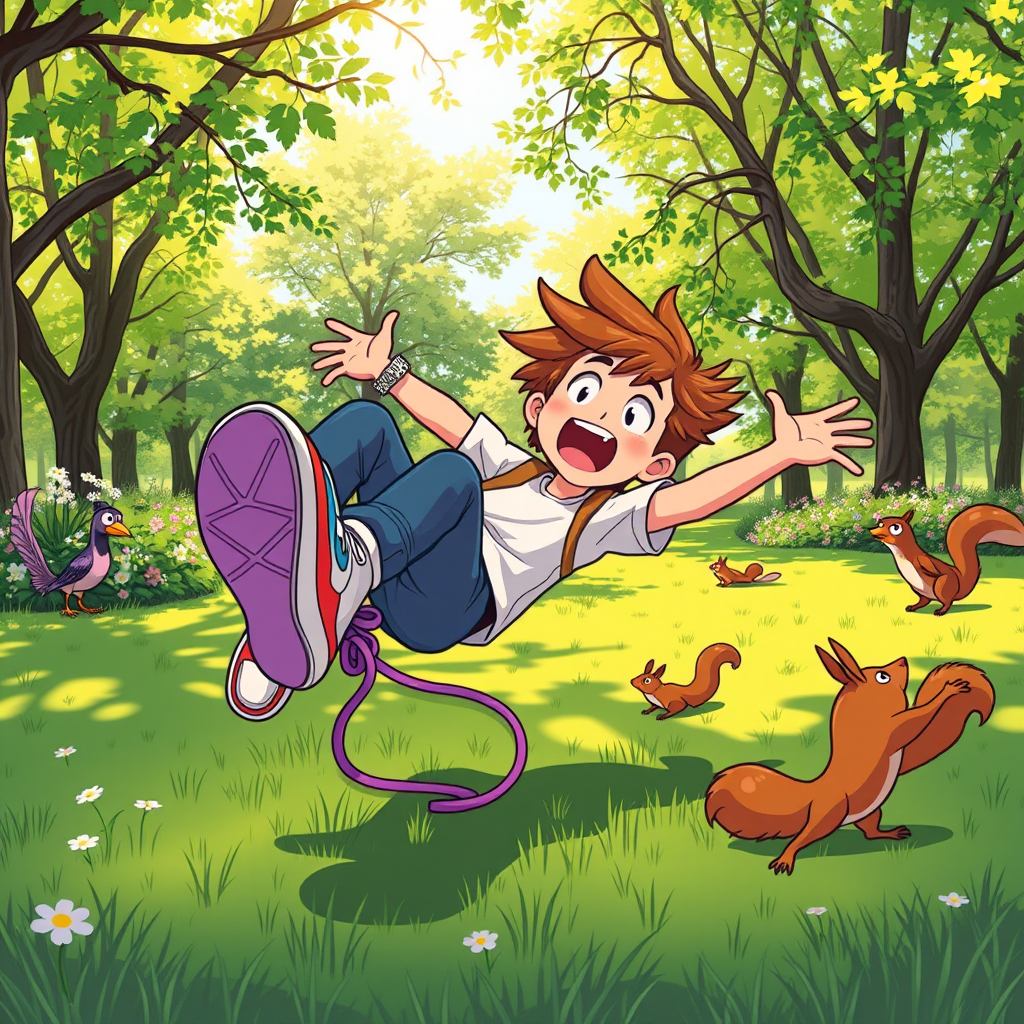
Lace-Tangled Tumble in the Park - Flux.1 schnell
提示
A whimsical scene capturing the moment of a person falling after stepping on their own shoelace. The character, a young adult with tousled hair, is mid-fall, arms flailing, with a surprised expression. They wear colorful sneakers, and the vibrant shoelace is prominently tangled around their foot. The background features a sunny park with lush green grass and blooming flowers, adding a cheerful atmosphere. Soft, dappled sunlight filters through the trees, casting playful shadows on the ground. The composition is dynamic, with the character slightly off-center, emphasizing motion. Use a bright, cartoonish color palette to enhance the playful tone, and consider a slightly exaggerated, comic book style to convey humor and energy. Add a few startled squirrels and birds in the background, reacting to the commotion, to enhance the liveliness of the scene.
Flux AI 圖像提示的詳細分析
分析使用 Flux AI 圖像生成器生成圖像所使用的詳細提示。
探索 Flux AI 圖像生成器的提示
如何通過 Flux.1 schnell
遵循以下四個簡單步驟來創建您想要的圖片。
步驟 1:輸入您的文字 (可自由調整提示以獲得更好的結果)
步驟 2:選擇圖片的縱橫比
步驟 3:選擇您的 Flux 模型:
步驟 4:點擊生成按鈕並等待幾秒鐘獲取您的圖片
與提示相關的 Flux AI 工具 Flux.1 schnell
發現來自 Flux AI 的高級工具,提升您的創意工作流程。