Chun-Li: Dance of the Dragon - Flux.1.1 pro
提示
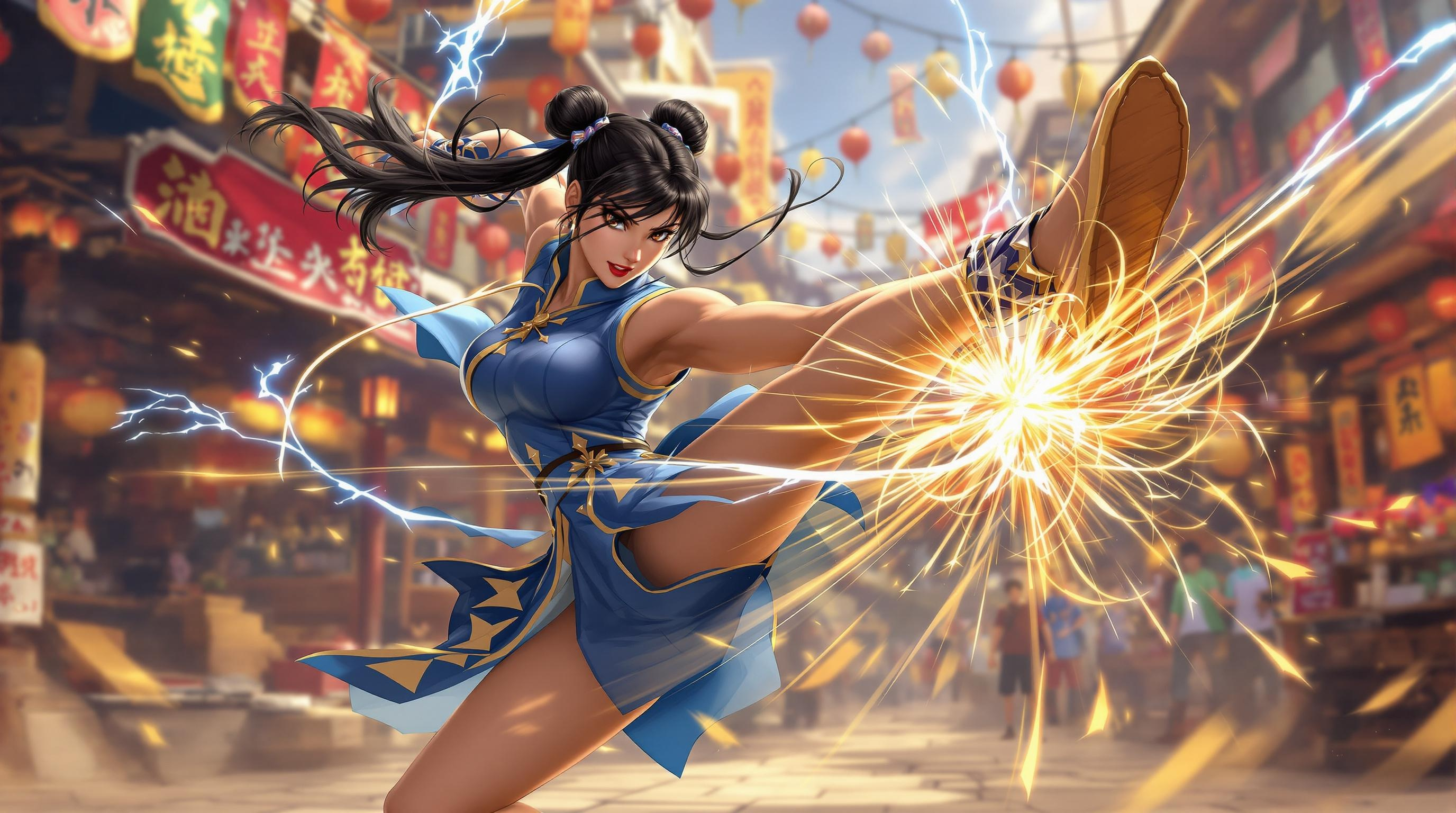
Create a dynamic, high-energy scene inspired by the fighting game genre, specifically "Street Fighter II." Center the composition on Chun-Li, the iconic martial artist, showcasing her powerful stance. Highlight her distinctive features: long black hair tied in twin buns, traditional blue qipao adorned with golden accents, and her signature spiked bracelets. Capture the motion of her lightning-fast kicks, with a blur effect to emphasize speed. The background should depict a vibrant urban environment, reminiscent of a bustling Chinese street market, with colorful banners and lanterns. Include elements like a wooden market stall and cheering onlookers to enhance the atmosphere. The overall mood should be electrifying and intense, evoking the thrill of a competitive fight, with a warm color palette to reflect the energy and excitement of the battle.
Flux AI 圖像提示的詳細分析
分析使用 Flux AI 圖像生成器生成圖像所使用的詳細提示。
探索 Flux AI 圖像生成器的提示
如何通過 Flux.1.1 pro
遵循以下四個簡單步驟來創建您想要的圖片。
步驟 1:輸入您的文字 (可自由調整提示以獲得更好的結果)
步驟 2:選擇圖片的縱橫比
步驟 3:選擇您的 Flux 模型:
步驟 4:點擊生成按鈕並等待幾秒鐘獲取您的圖片
與提示相關的 Flux AI 工具 Flux.1.1 pro
發現來自 Flux AI 的高級工具,提升您的創意工作流程。