Grace in the Unexpected - Flux.1 schnell
提示
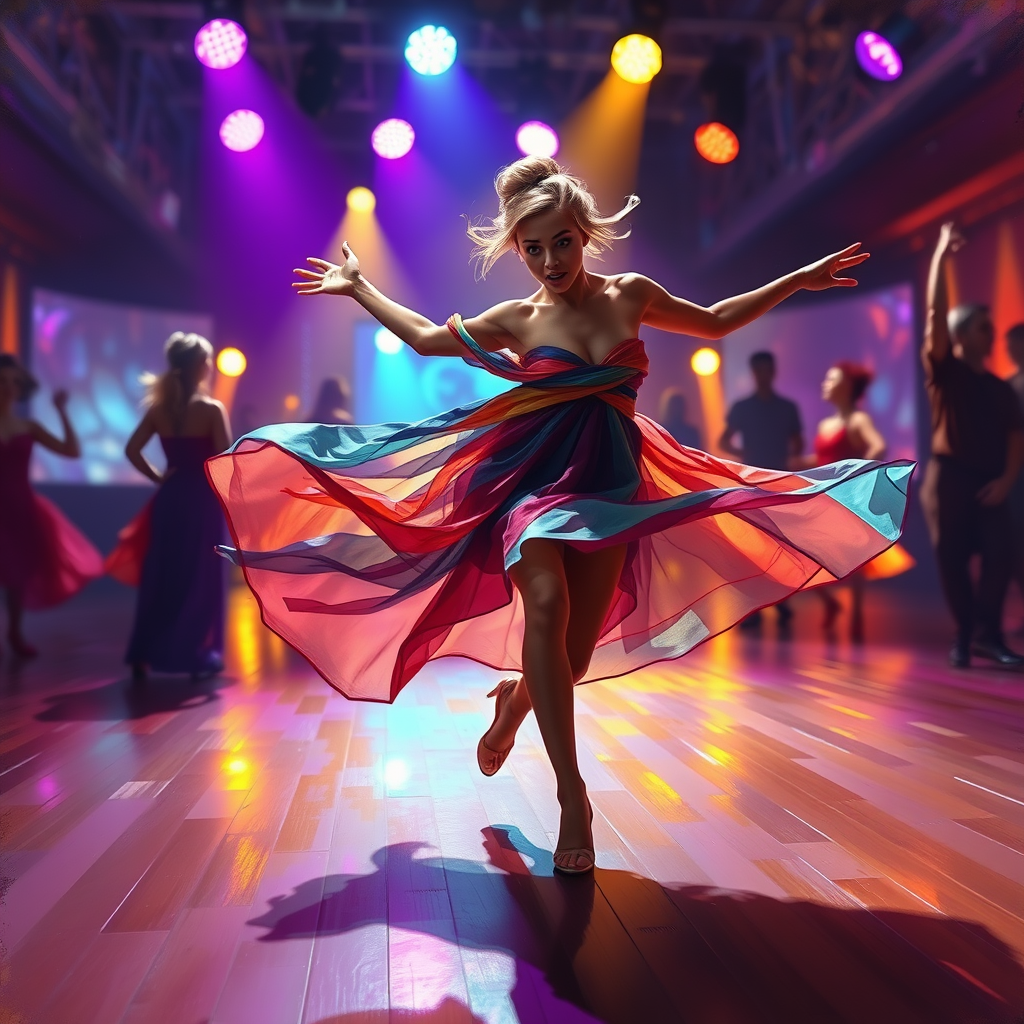
Create an image capturing the moment of a dancer tripping but seamlessly incorporating it into a fluid dance move. The scene is set on a vibrant, dimly lit stage with a wooden floor reflecting colorful spotlights in shades of purple, blue, and gold. The dancer, a young woman with flowing, multicolored fabric draped around her, has a surprised yet graceful expression, her arms thrown wide as if inviting the audience to join in the rhythm. Her hair is styled in an elegant updo, with a few strands playfully escaping. Surrounding her are blurred silhouettes of other dancers, creating a sense of movement and energy. The atmosphere is electric, filled with a sense of spontaneity and joy. Use a dynamic, impressionistic style to emphasize motion and emotion, with soft brush strokes and a slightly exaggerated perspective to enhance the drama of the moment.
Flux AI 圖像提示的詳細分析
分析使用 Flux AI 圖像生成器生成圖像所使用的詳細提示。
探索 Flux AI 圖像生成器的提示
如何通過 Flux.1 schnell
遵循以下四個簡單步驟來創建您想要的圖片。
步驟 1:輸入您的文字 (可自由調整提示以獲得更好的結果)
步驟 2:選擇圖片的縱橫比
步驟 3:選擇您的 Flux 模型:
步驟 4:點擊生成按鈕並等待幾秒鐘獲取您的圖片
與提示相關的 Flux AI 工具 Flux.1 schnell
發現來自 Flux AI 的高級工具,提升您的創意工作流程。