Ada Lovelace - Flux.1 schnell
提示
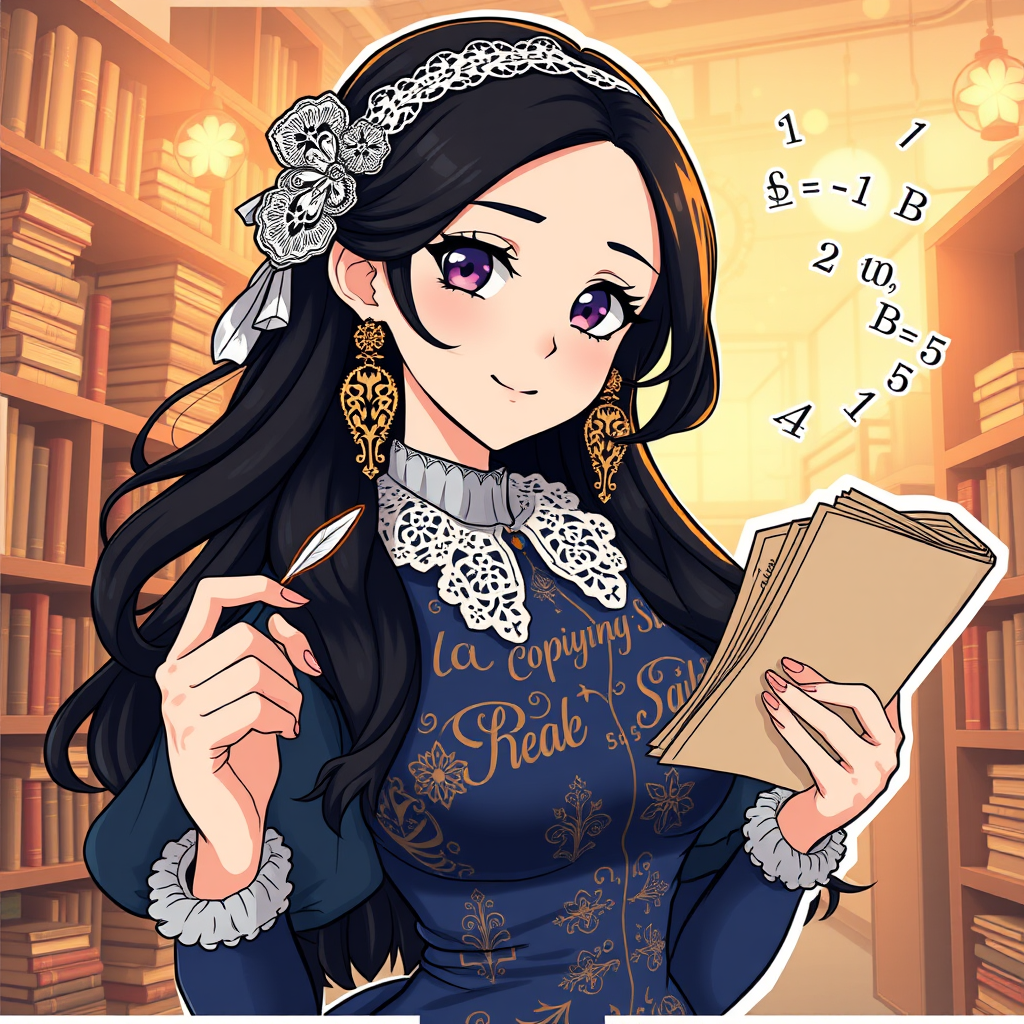
Generate an image of Ada Lovelace in a vibrant anime sticker style. She has long, flowing dark hair adorned with a delicate lace headband, accentuating her intelligent gaze. Ada wears a Victorian-inspired dress with intricate patterns, featuring a high collar and puffed sleeves, in shades of deep blue and gold. Her expression is thoughtful yet determined, with a slight smile hinting at her brilliance. Pose her confidently, holding a quill pen in one hand and a stack of parchment in the other, symbolizing her contributions to computing. The background should be a whimsical library filled with books and gears, softly illuminated by warm light. Incorporate signature elements like mathematical equations subtly floating around her, enhancing her connection to computer science. Use a colorful, dynamic anime art style with bold outlines and a playful, cheerful vibe.
Flux AI 圖像提示的詳細分析
分析使用 Flux AI 圖像生成器生成圖像所使用的詳細提示。
探索 Flux AI 圖像生成器的提示
如何通過 Flux.1 schnell
遵循以下四個簡單步驟來創建您想要的圖片。
步驟 1:輸入您的文字 (可自由調整提示以獲得更好的結果)
步驟 2:選擇圖片的縱橫比
步驟 3:選擇您的 Flux 模型:
步驟 4:點擊生成按鈕並等待幾秒鐘獲取您的圖片
與提示相關的 Flux AI 工具 Flux.1 schnell
發現來自 Flux AI 的高級工具,提升您的創意工作流程。