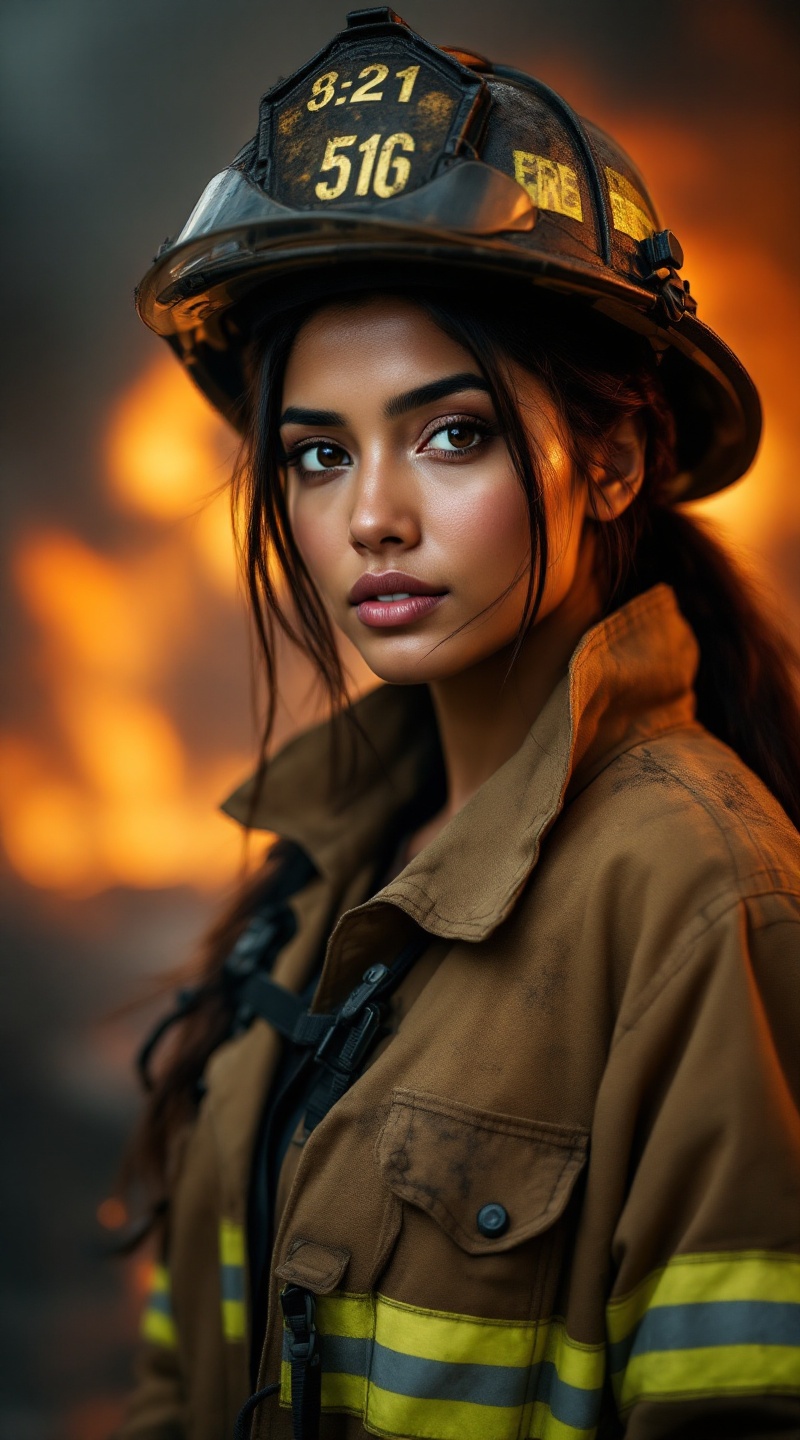
Heroine in the Flames - Flux.1.1 pro
提示
Create a striking portrait of a South Asian female firefighter, showcasing her strength and resilience. She has long, dark hair pulled back in a practical ponytail, with a few strands framing her determined face. Her skin is a warm brown tone, and her expressive brown eyes radiate courage and compassion. She wears a soot-streaked firefighter’s helmet, slightly tilted, and a rugged fire-resistant jacket, adorned with reflective stripes. The background features a smoky, blurred scene of a fire in action, enhancing the dramatic atmosphere. Use warm, dynamic lighting to highlight her features and create a sense of urgency. The composition should be a close-up, focusing on her face and upper body, with a shallow depth of field to emphasize her expression. Render in a realistic style, akin to contemporary portrait photography, capturing the grit and determination of a hero in her element.
Flux AI 圖像提示的詳細分析
分析使用 Flux AI 圖像生成器生成圖像所使用的詳細提示。
探索 Flux AI 圖像生成器的提示
如何通過 Flux.1.1 pro
遵循以下四個簡單步驟來創建您想要的圖片。
步驟 1:輸入您的文字 (可自由調整提示以獲得更好的結果)
步驟 2:選擇圖片的縱橫比
步驟 3:選擇您的 Flux 模型:
步驟 4:點擊生成按鈕並等待幾秒鐘獲取您的圖片
與提示相關的 Flux AI 工具 Flux.1.1 pro
發現來自 Flux AI 的高級工具,提升您的創意工作流程。