Lost in a Cozy Reverie - Flux.1 dev
提示
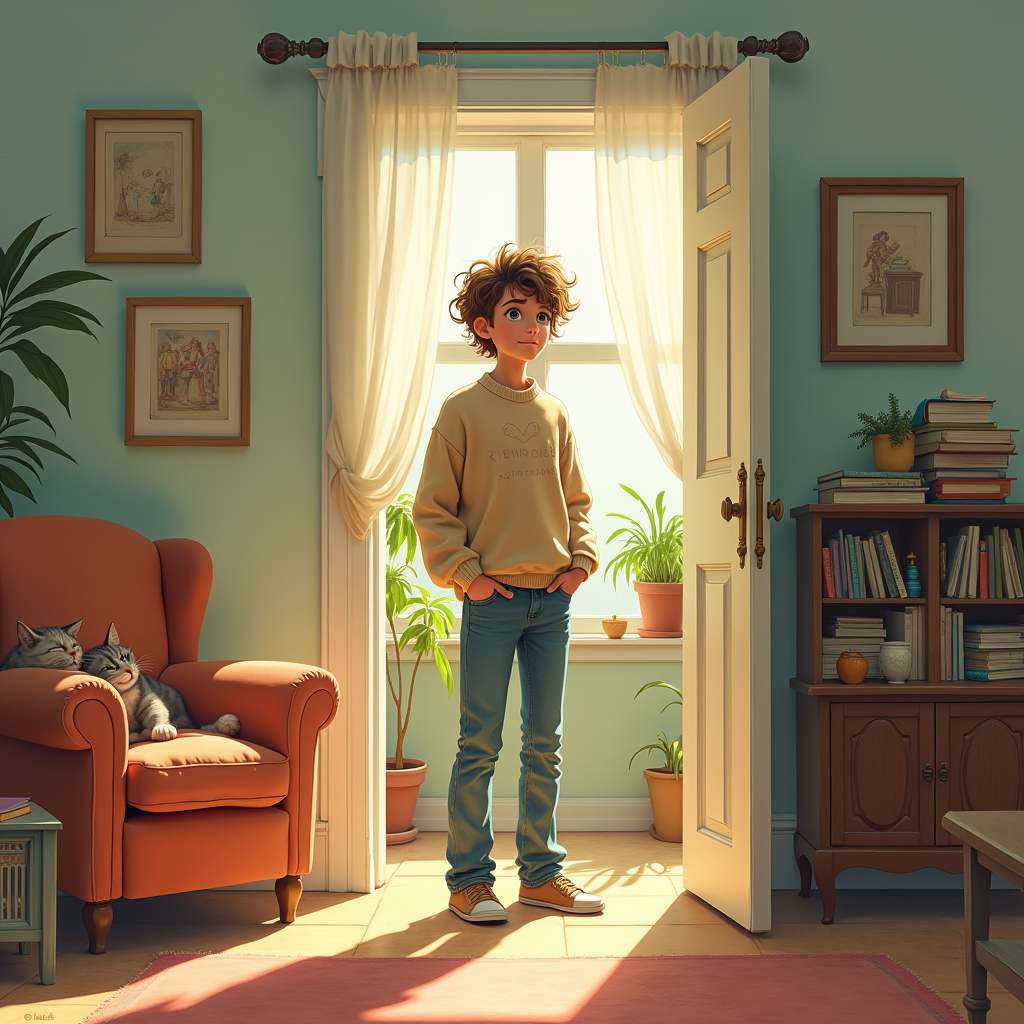
Create an image depicting a person standing in the doorway of a cluttered living room, looking bewildered. The room is filled with mismatched furniture: a vintage armchair, a coffee table stacked with books, and a potted plant in the corner. Sunlight streams through a window, casting soft shadows and creating a warm, inviting atmosphere. The walls are painted a soft pastel color, adorned with eclectic artwork. The person, a young adult with a puzzled expression, has tousled hair and is dressed casually in a cozy sweater and jeans. Their posture suggests uncertainty as they glance around, trying to recall their purpose. Add a playful cat lounging on the armchair, adding a touch of whimsy. Use a soft, impressionistic style with a warm color palette to evoke a sense of nostalgia and confusion, capturing the fleeting moment of forgetfulness.
Flux AI 圖像提示的詳細分析
分析使用 Flux AI 圖像生成器生成圖像所使用的詳細提示。
探索 Flux AI 圖像生成器的提示
如何通過 Flux.1 dev
遵循以下四個簡單步驟來創建您想要的圖片。
步驟 1:輸入您的文字 (可自由調整提示以獲得更好的結果)
步驟 2:選擇圖片的縱橫比
步驟 3:選擇您的 Flux 模型:
步驟 4:點擊生成按鈕並等待幾秒鐘獲取您的圖片
與提示相關的 Flux AI 工具 Flux.1 dev
發現來自 Flux AI 的高級工具,提升您的創意工作流程。