Cozy Retreat: Love and Playfulness - Flux.1 dev
提示
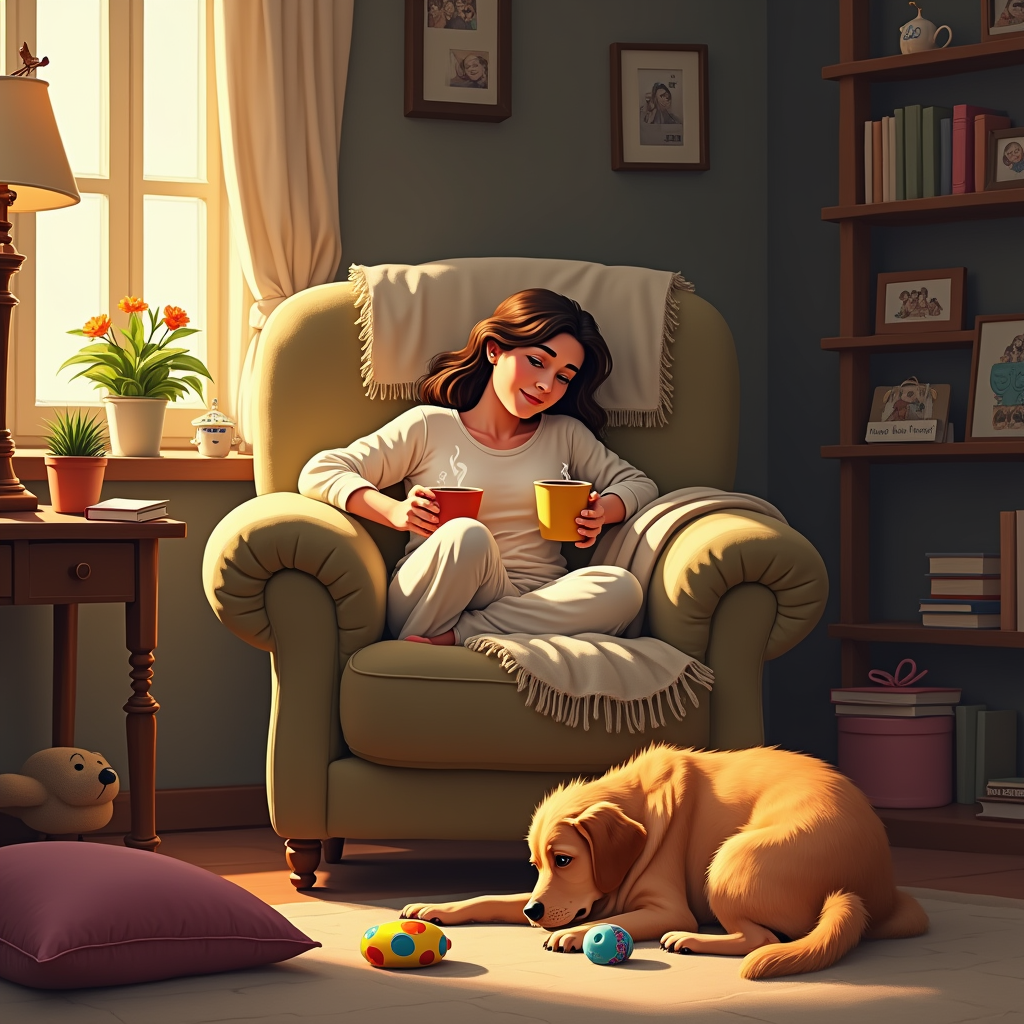
Create a cozy living room scene where a person, visibly exhausted, sinks into a plush, overstuffed armchair. The warm, golden light from a nearby lamp casts soft shadows, enhancing the inviting atmosphere. The person, wearing comfortable loungewear, has a slight smile, holding a steaming mug of tea. At their feet, an enthusiastic dog, a golden retriever with a shiny coat, playfully nudges a colorful squeaky toy, its big, expressive eyes full of longing for attention. Surrounding them are scattered cushions and a soft throw blanket draped over the chair. The walls are adorned with family photos and a bookshelf filled with well-loved books. Use a warm color palette with earthy tones, and apply a slightly impressionistic style to evoke a sense of comfort and intimacy, capturing the contrast between relaxation and playful demand for attention.
Flux AI 圖像提示的詳細分析
分析使用 Flux AI 圖像生成器生成圖像所使用的詳細提示。
探索 Flux AI 圖像生成器的提示
如何通過 Flux.1 dev
遵循以下四個簡單步驟來創建您想要的圖片。
步驟 1:輸入您的文字 (可自由調整提示以獲得更好的結果)
步驟 2:選擇圖片的縱橫比
步驟 3:選擇您的 Flux 模型:
步驟 4:點擊生成按鈕並等待幾秒鐘獲取您的圖片
與提示相關的 Flux AI 工具 Flux.1 dev
發現來自 Flux AI 的高級工具,提升您的創意工作流程。