Melody in Bloom: A Portrait - Flux.1 schnell
提示
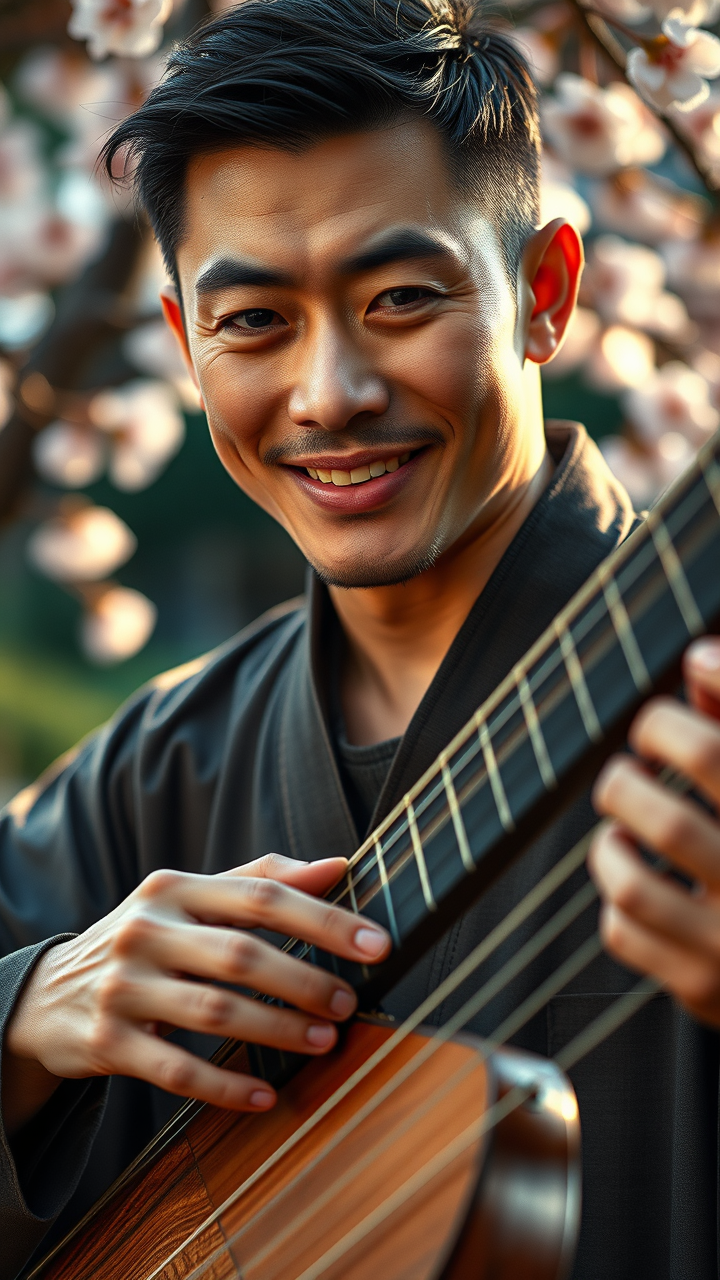
Create a striking portrait of a male East Asian musician, showcasing his passionate expression as he plays a traditional instrument, such as a guzheng or shamisen. His angular facial features include high cheekbones, almond-shaped dark eyes, and a slight smile that conveys deep emotion. The warm, ambient lighting casts soft shadows, highlighting the contours of his face and the intricate details of his instrument. Set against a blurred backdrop of a serene Japanese garden, with cherry blossoms gently falling, the composition evokes a sense of tranquility and artistry. Capture the scene with a shallow depth of field using a 50mm lens, emphasizing the subject while softening the background. The overall mood should reflect a harmonious blend of tradition and modernity, reminiscent of a contemporary Asian art style, with rich colors and intricate textures.
Flux AI 圖像提示的詳細分析
分析使用 Flux AI 圖像生成器生成圖像所使用的詳細提示。
探索 Flux AI 圖像生成器的提示
如何通過 Flux.1 schnell
遵循以下四個簡單步驟來創建您想要的圖片。
步驟 1:輸入您的文字 (可自由調整提示以獲得更好的結果)
步驟 2:選擇圖片的縱橫比
步驟 3:選擇您的 Flux 模型:
步驟 4:點擊生成按鈕並等待幾秒鐘獲取您的圖片
與提示相關的 Flux AI 工具 Flux.1 schnell
發現來自 Flux AI 的高級工具,提升您的創意工作流程。