Ada Wong - Flux.1 dev
提示
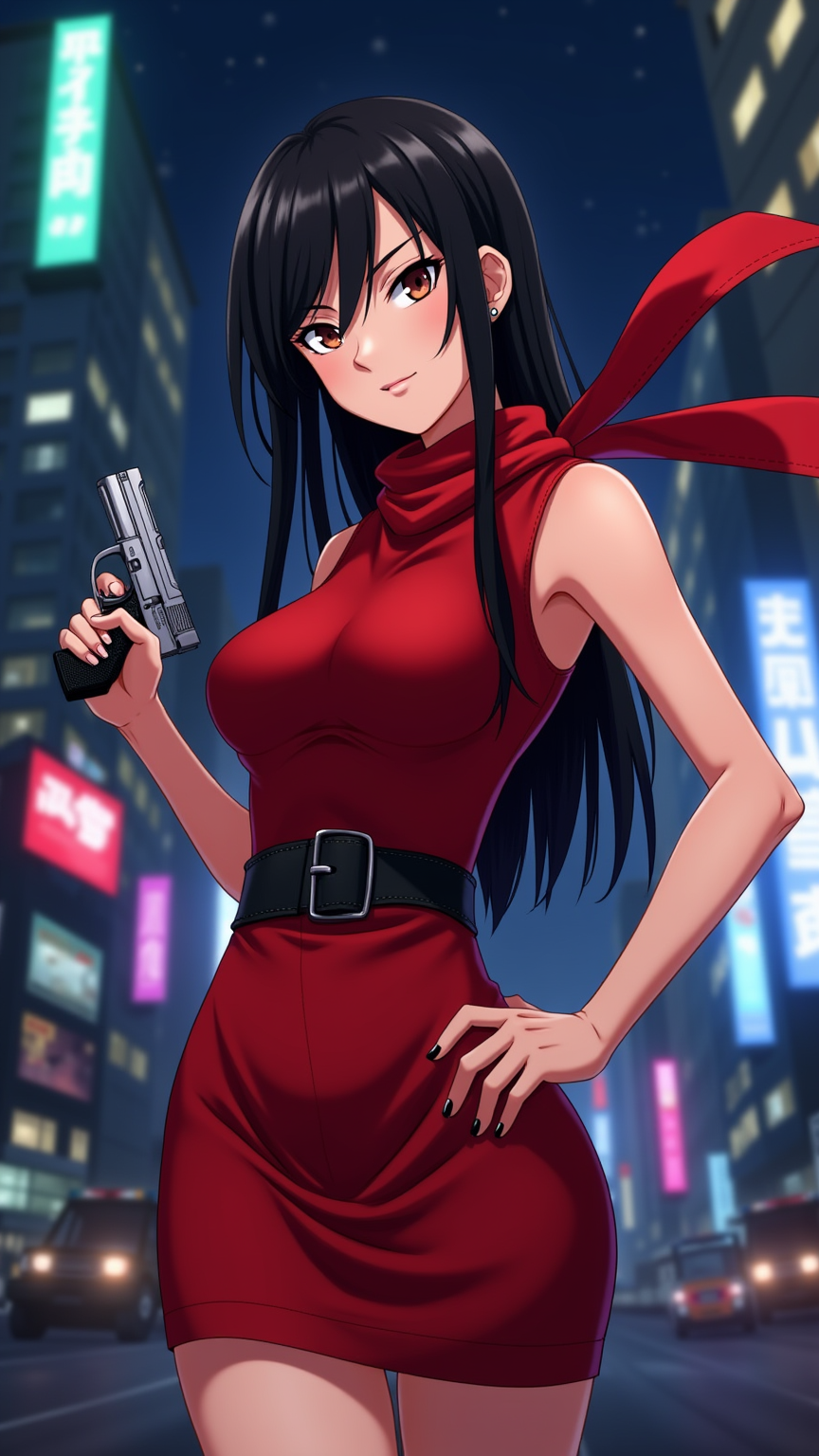
Generate an image of Ada Wong in a vibrant anime style, showcasing her striking features: long, sleek black hair cascading down her back, sharp red dress that hugs her figure, and high heels. She wears a black leather belt with a holster holding a pistol, emphasizing her role as a skilled operative. Her expression is confident and enigmatic, with a slight smirk that hints at her cunning nature. Pose her in a dynamic stance, one hand on her hip and the other holding the pistol, ready for action. Set the scene in a neon-lit cityscape at night, with blurred skyscrapers in the background, reflecting her mysterious and urban vibe. Use bold, vivid colors typical of anime, with sharp outlines and a slightly exaggerated style to enhance her allure. Incorporate her signature red scarf flowing behind her, adding movement to the image, and emphasize her piercing gaze that captivates the viewer.
Flux AI 圖像提示的詳細分析
分析使用 Flux AI 圖像生成器生成圖像所使用的詳細提示。
探索 Flux AI 圖像生成器的提示
如何通過 Flux.1 dev
遵循以下四個簡單步驟來創建您想要的圖片。
步驟 1:輸入您的文字 (可自由調整提示以獲得更好的結果)
步驟 2:選擇圖片的縱橫比
步驟 3:選擇您的 Flux 模型:
步驟 4:點擊生成按鈕並等待幾秒鐘獲取您的圖片
與提示相關的 Flux AI 工具 Flux.1 dev
發現來自 Flux AI 的高級工具,提升您的創意工作流程。