Cheetah - Flux.1.1 pro
提示
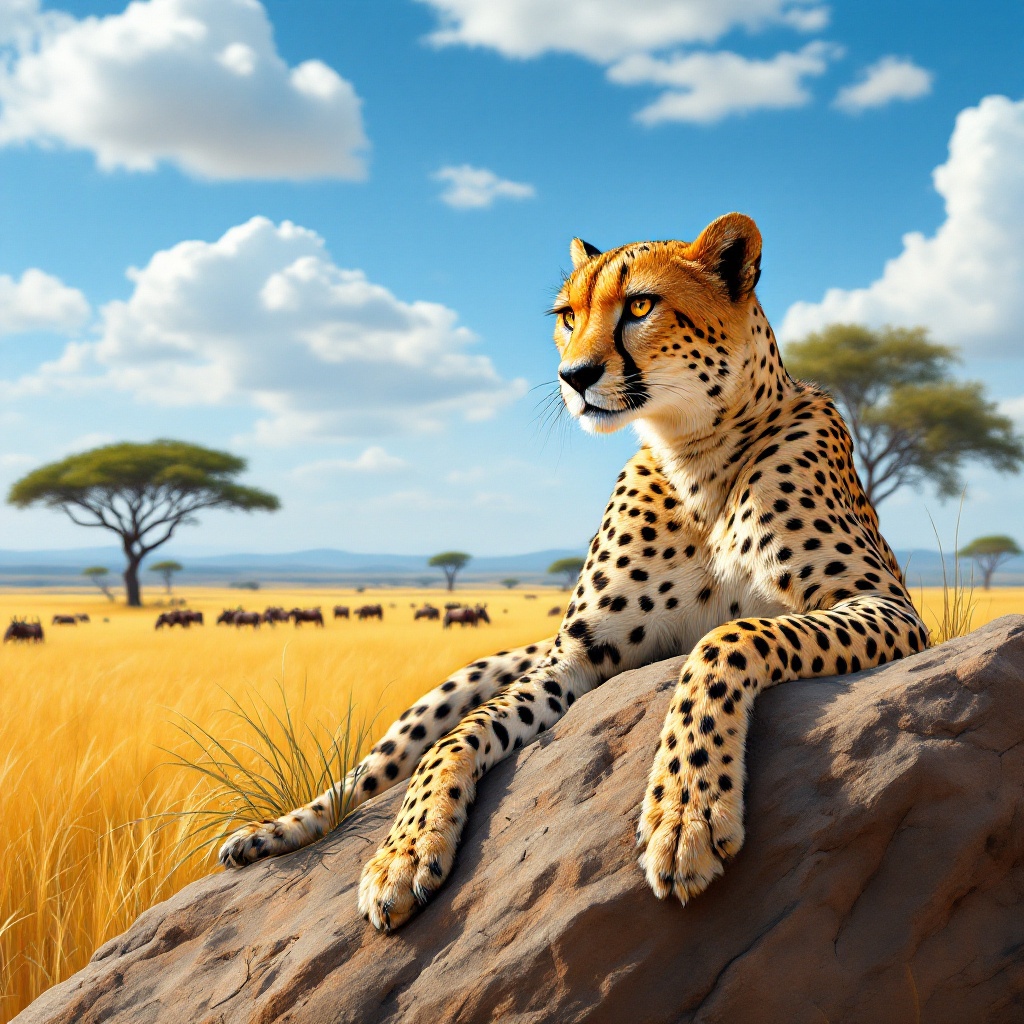
A sleek, golden-brown cheetah with distinctive black spots lounges gracefully on a sun-warmed rock in the African savanna. Its muscular body is poised elegantly, with one paw hanging over the edge, while its piercing amber eyes scan the horizon. The background features a vast expanse of tall, golden grass swaying gently in the breeze, dotted with acacia trees under a brilliant blue sky. The scene is painted in a hyper-realistic style, capturing the fine details of the cheetah's fur and the texture of the rocks. Warm, golden sunlight bathes the scene, casting soft shadows and enhancing the rich earthy tones. The camera angle is low, focusing on the cheetah's face, creating an intimate connection with the viewer. To enhance the scene, a distant herd of wildebeest can be seen grazing, adding context to the cheetah’s natural habitat and evoking a sense of serene wilderness.
Flux AI 圖像提示的詳細分析
分析使用 Flux AI 圖像生成器生成圖像所使用的詳細提示。
探索 Flux AI 圖像生成器的提示
如何通過 Flux.1.1 pro
遵循以下四個簡單步驟來創建您想要的圖片。
步驟 1:輸入您的文字 (可自由調整提示以獲得更好的結果)
步驟 2:選擇圖片的縱橫比
步驟 3:選擇您的 Flux 模型:
步驟 4:點擊生成按鈕並等待幾秒鐘獲取您的圖片
與提示相關的 Flux AI 工具 Flux.1.1 pro
發現來自 Flux AI 的高級工具,提升您的創意工作流程。