Dawn's Embrace: Love's Light - Flux.1.1 pro
提示
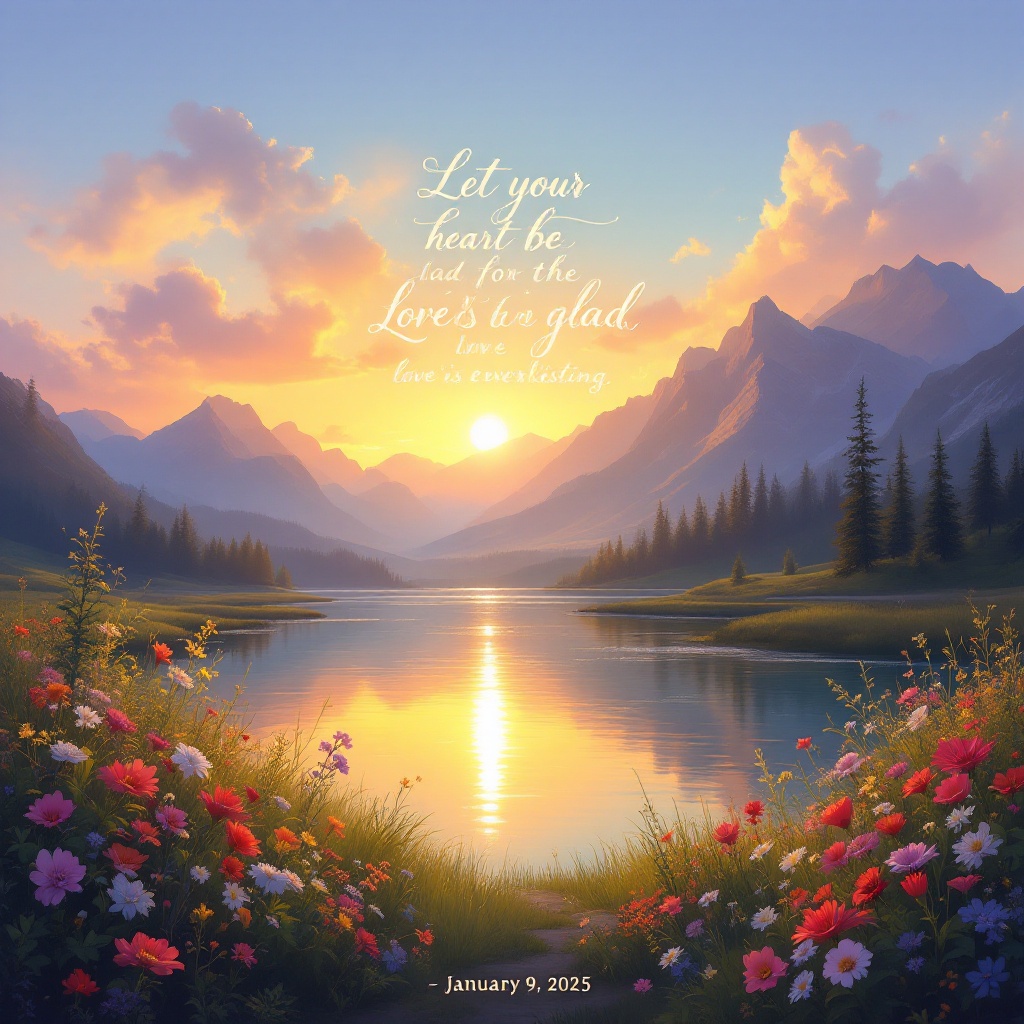
Create a serene landscape at dawn, where a gentle sunrise bathes the scene in warm golden light. In the foreground, a tranquil river reflects the vibrant colors of the sky, symbolizing peace and hope. Along the riverbank, wildflowers bloom in a riot of colors, representing joy and the beauty of life. In the background, majestic mountains rise, their peaks kissed by the first light of day, embodying strength and stability. In the center, artistically inscribe the phrase "Let your heart be glad, for the Lord's love is everlasting.-January 9, 2025" in elegant, flowing script, intertwining it with the natural elements, like vines or clouds. The overall mood is uplifting and serene, evoking feelings of gratitude and love. Use a soft, impressionistic style reminiscent of Claude Monet, focusing on light and color to enhance the emotional depth of the scene.
Flux AI 圖像提示的詳細分析
分析使用 Flux AI 圖像生成器生成圖像所使用的詳細提示。
探索 Flux AI 圖像生成器的提示
如何通過 Flux.1.1 pro
遵循以下四個簡單步驟來創建您想要的圖片。
步驟 1:輸入您的文字 (可自由調整提示以獲得更好的結果)
步驟 2:選擇圖片的縱橫比
步驟 3:選擇您的 Flux 模型:
步驟 4:點擊生成按鈕並等待幾秒鐘獲取您的圖片
與提示相關的 Flux AI 工具 Flux.1.1 pro
發現來自 Flux AI 的高級工具,提升您的創意工作流程。