Distractions in a Cozy Chaos - Flux.1 dev
提示
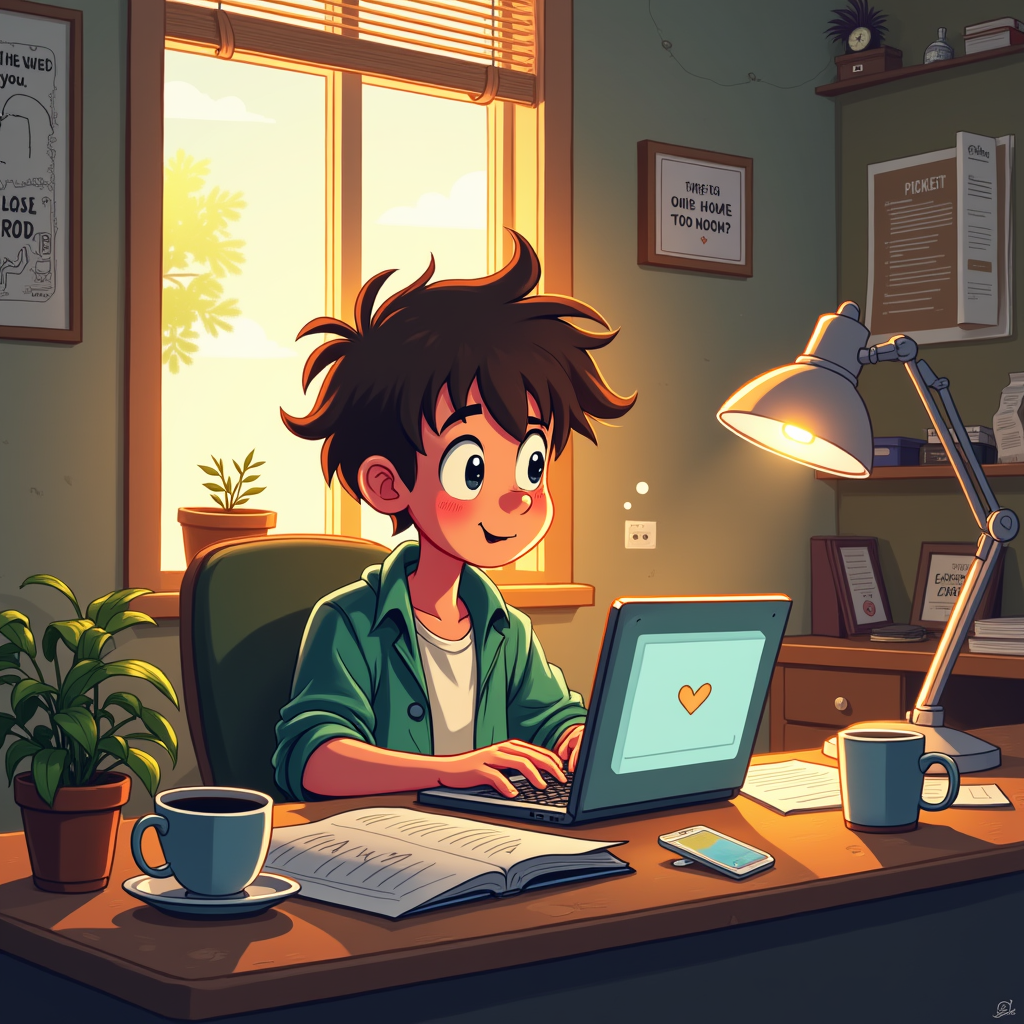
A cozy, cluttered office space with a young adult sitting at a desk, half-heartedly typing on a laptop while their eyes are glued to a smartphone displaying amusing memes. The scene is bathed in warm, soft lighting, creating a relaxed atmosphere. The desk is scattered with coffee cups, crumpled papers, and a small potted plant. A motivational poster hangs crookedly on the wall, contrasting with the chaos. The character, with disheveled hair and casual attire, wears a playful expression, caught in the act of distraction. The background features a window with a view of a sunny day outside, hinting at the contrast between work and leisure. Use a vibrant color palette with pops of humor, employing a cartoonish, exaggerated art style to emphasize the comedic nature of the situation, with dynamic lines to capture the character's playful demeanor.
Flux AI 圖像提示的詳細分析
分析使用 Flux AI 圖像生成器生成圖像所使用的詳細提示。
探索 Flux AI 圖像生成器的提示
如何通過 Flux.1 dev
遵循以下四個簡單步驟來創建您想要的圖片。
步驟 1:輸入您的文字 (可自由調整提示以獲得更好的結果)
步驟 2:選擇圖片的縱橫比
步驟 3:選擇您的 Flux 模型:
步驟 4:點擊生成按鈕並等待幾秒鐘獲取您的圖片
與提示相關的 Flux AI 工具 Flux.1 dev
發現來自 Flux AI 的高級工具,提升您的創意工作流程。