Stonehenge - Flux.1 schnell
提示
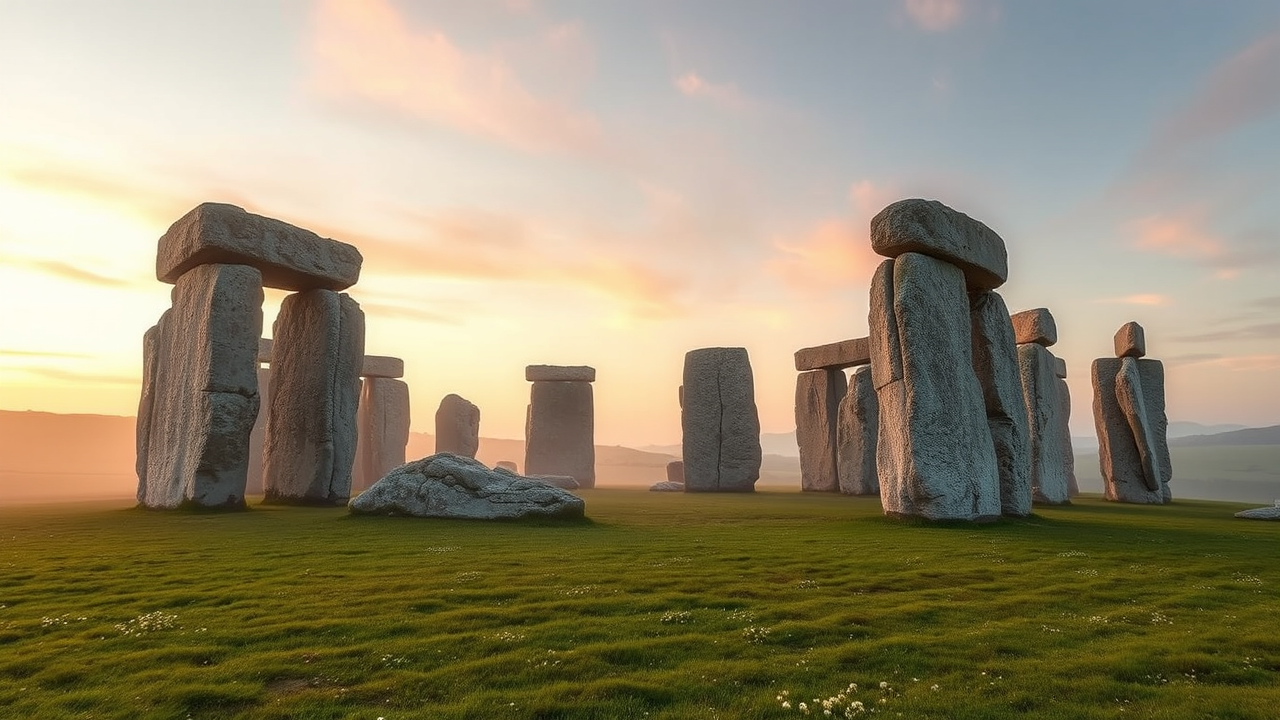
A breathtaking view of Stonehenge at dawn, shrouded in a gentle mist that softens the rugged textures of the ancient sarsen stones and bluestones. The towering monoliths, weathered and moss-covered, rise dramatically against a pastel sky painted in soft pinks and oranges. The ground is a lush green, dotted with wildflowers, enhancing the contrast with the gray stone. In the background, rolling hills stretch into the horizon, their silhouette softened by the morning light. The scene captures the mystical aura of this prehistoric monument, evoking a sense of wonder and reverence. The photograph should be taken in a wide-angle format to encompass the entire circle of stones, with a focus on the interplay of light and shadow, highlighting the architectural precision and cultural significance of this UNESCO World Heritage site.
Flux AI 圖像提示的詳細分析
分析使用 Flux AI 圖像生成器生成圖像所使用的詳細提示。
探索 Flux AI 圖像生成器的提示
如何通過 Flux.1 schnell
遵循以下四個簡單步驟來創建您想要的圖片。
步驟 1:輸入您的文字 (可自由調整提示以獲得更好的結果)
步驟 2:選擇圖片的縱橫比
步驟 3:選擇您的 Flux 模型:
步驟 4:點擊生成按鈕並等待幾秒鐘獲取您的圖片
與提示相關的 Flux AI 工具 Flux.1 schnell
發現來自 Flux AI 的高級工具,提升您的創意工作流程。