Monday's Quirky Office Chaos - Flux.1 dev
提示
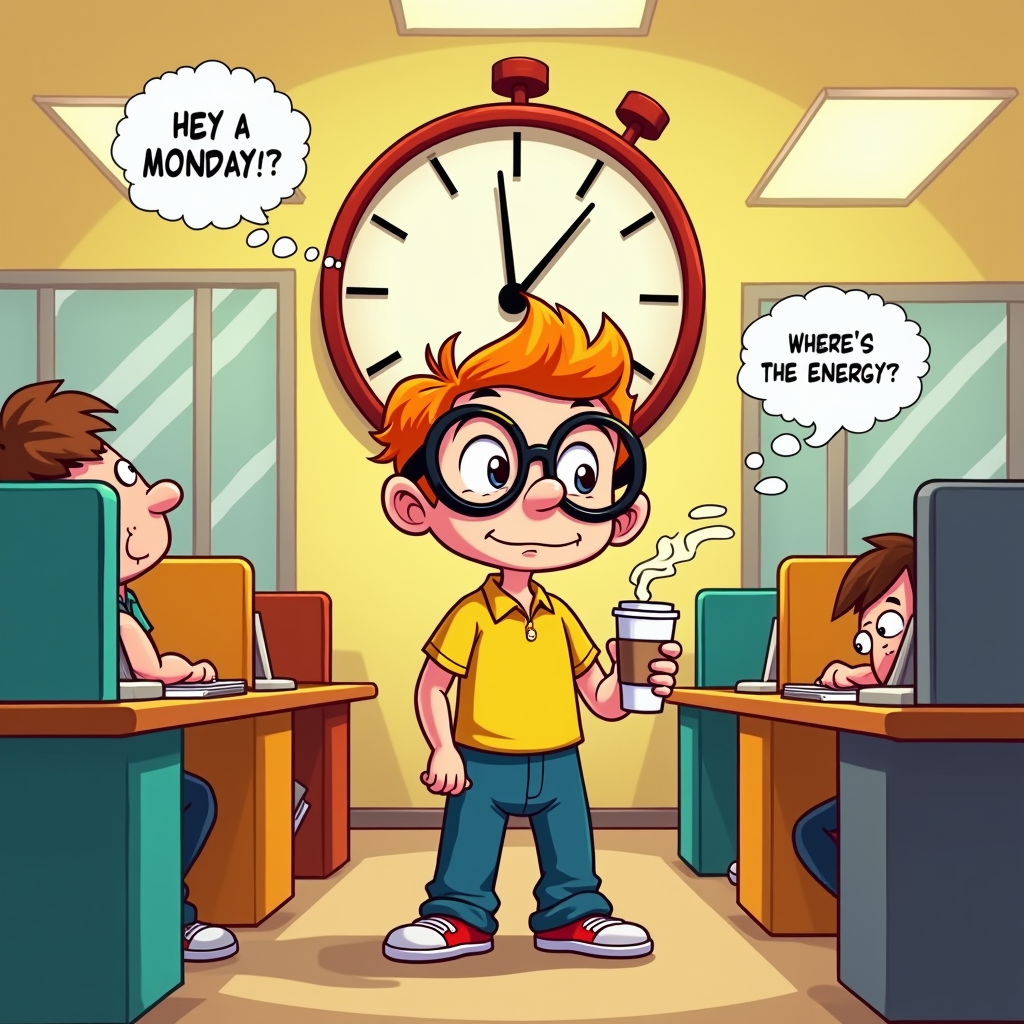
Create a whimsical illustration depicting a cartoonish, anthropomorphized Monday as a quirky character with oversized glasses, a coffee cup in hand, and a slightly disheveled appearance. The setting is a bright, bustling office filled with colorful cubicles, where tired employees are slumped over their desks. The background features a large, wall clock showing 9:00 AM, with exaggerated, droopy clock hands. Use a vibrant color palette of yellows, oranges, and blues to evoke a playful yet chaotic atmosphere. Soft, warm lighting spills from overhead fluorescent lights, contrasting with the cool shadows of the cubicles. Incorporate speech bubbles with humorous phrases like, "Hey, where's the energy?" to enhance the theme. Employ a cartoon style with bold outlines and exaggerated expressions to amplify the comedic effect, reminiscent of classic animated shows.
Flux AI 圖像提示的詳細分析
分析使用 Flux AI 圖像生成器生成圖像所使用的詳細提示。
探索 Flux AI 圖像生成器的提示
如何通過 Flux.1 dev
遵循以下四個簡單步驟來創建您想要的圖片。
步驟 1:輸入您的文字 (可自由調整提示以獲得更好的結果)
步驟 2:選擇圖片的縱橫比
步驟 3:選擇您的 Flux 模型:
步驟 4:點擊生成按鈕並等待幾秒鐘獲取您的圖片
與提示相關的 Flux AI 工具 Flux.1 dev
發現來自 Flux AI 的高級工具,提升您的創意工作流程。