Whispers of Adventure: Zelda's Realm - Flux.1 dev
提示
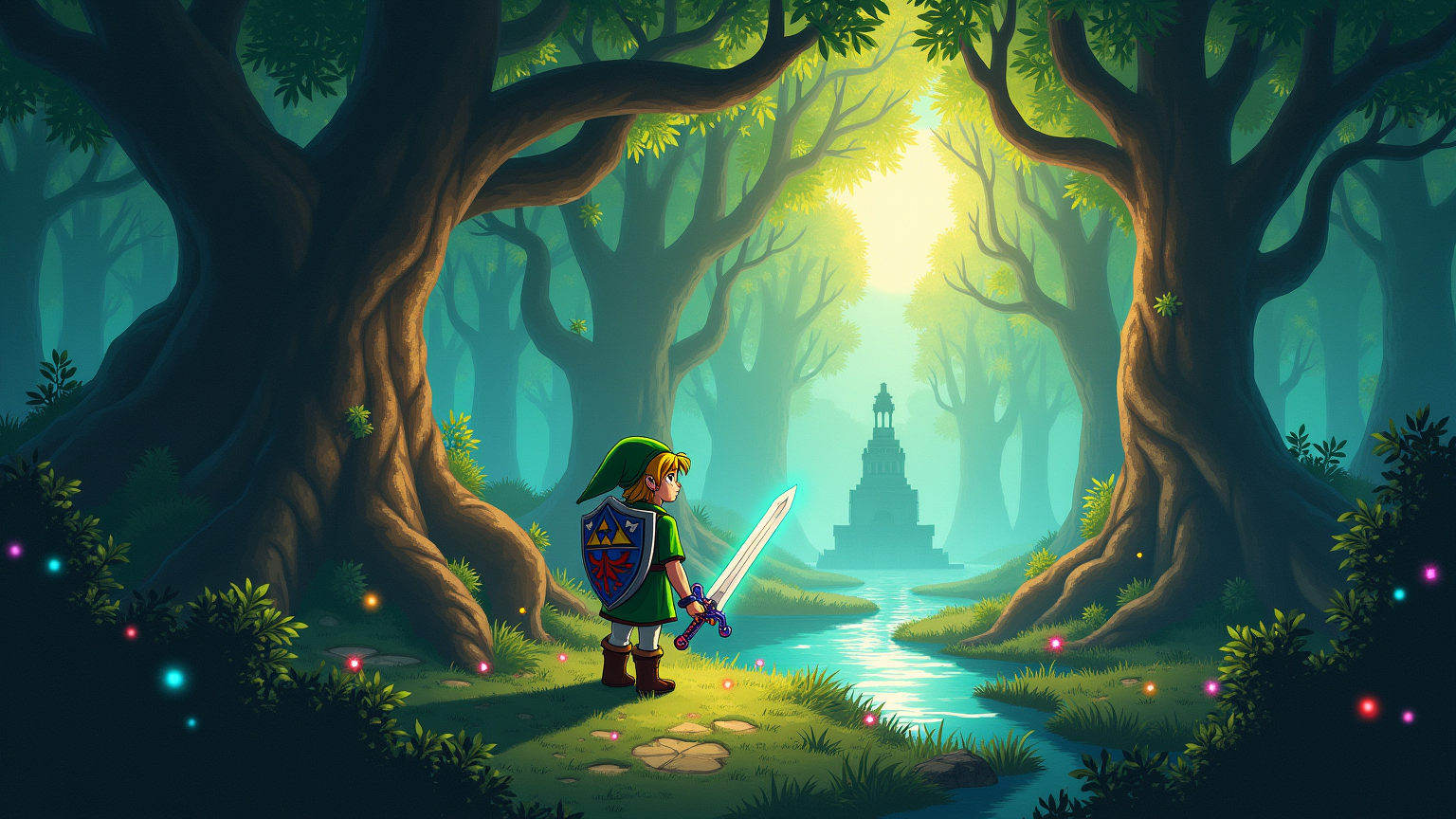
Create a vibrant scene inspired by the action-adventure game "The Legend of Zelda: Ocarina of Time." Capture Navi, the tiny, glowing fairy with delicate, translucent wings, illuminating a lush, enchanted forest. The background should feature towering, ancient trees with sprawling roots and dappled sunlight filtering through the leaves, creating a mystical atmosphere. Include Link, the iconic hero, clad in his green tunic and pointed hat, wielding the Master Sword, which glimmers with a magical aura. Surround them with ethereal blue wisps, symbolizing Navi's guidance. Incorporate elements like a shimmering pond reflecting the moonlight and a distant stone temple, hinting at adventure. The overall mood should be whimsical yet adventurous, evoking a sense of wonder and exploration in a magical realm filled with mystery and danger.
Flux AI 圖像提示的詳細分析
分析使用 Flux AI 圖像生成器生成圖像所使用的詳細提示。
探索 Flux AI 圖像生成器的提示
如何通過 Flux.1 dev
遵循以下四個簡單步驟來創建您想要的圖片。
步驟 1:輸入您的文字 (可自由調整提示以獲得更好的結果)
步驟 2:選擇圖片的縱橫比
步驟 3:選擇您的 Flux 模型:
步驟 4:點擊生成按鈕並等待幾秒鐘獲取您的圖片
與提示相關的 Flux AI 工具 Flux.1 dev
發現來自 Flux AI 的高級工具,提升您的創意工作流程。