Radiant in Relaxed Charm - Flux.1 dev
提示
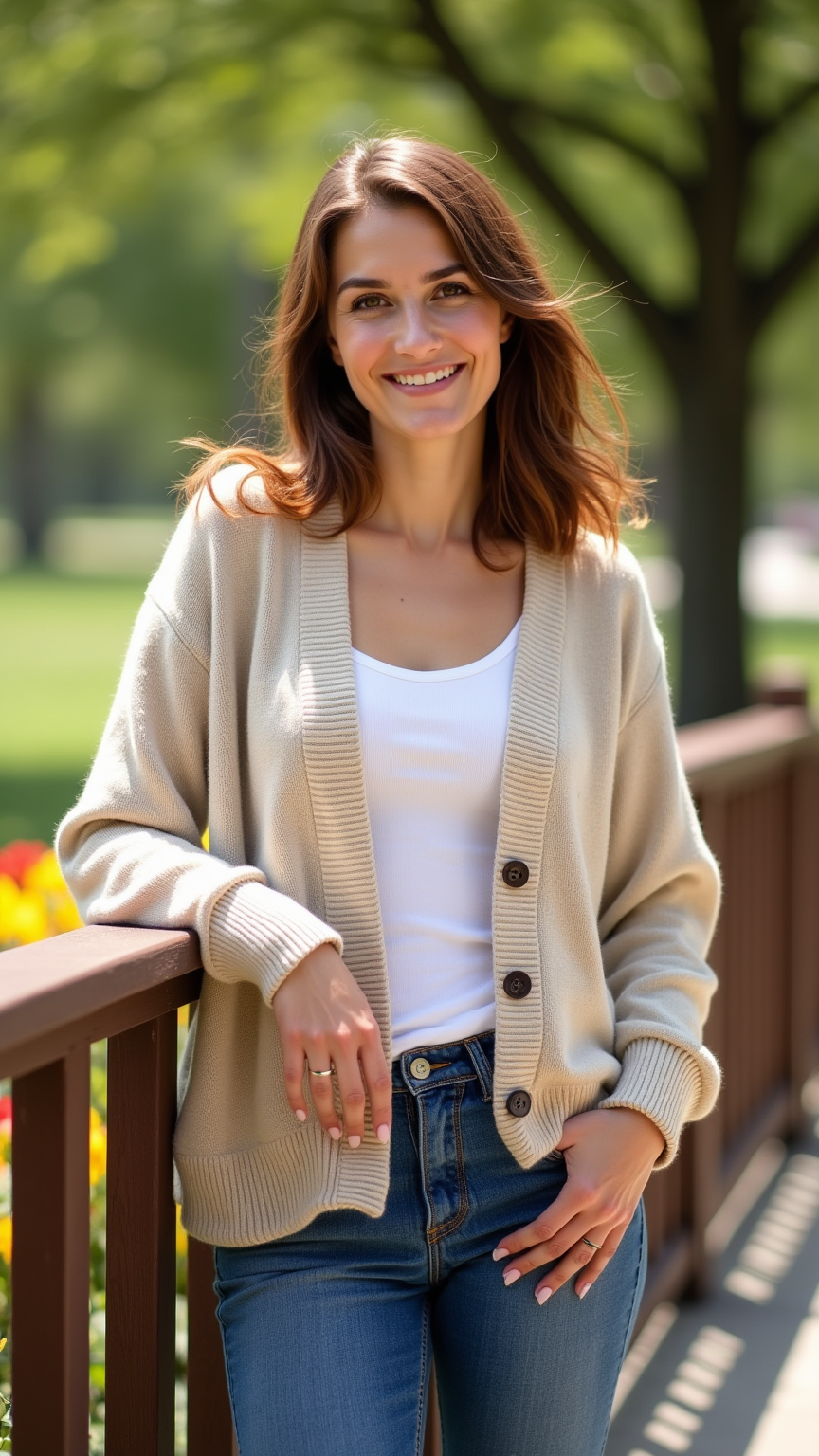
A medium-statured individual with a rounded body stands confidently, showcasing a warm smile. Their face features soft, gentle contours, with round cheeks and bright hazel eyes that sparkle with kindness. They have shoulder-length, wavy chestnut hair that frames their face, complemented by a light tan skin tone. Dressed in a cozy beige cardigan that drapes comfortably over their frame, the cardigan is slightly oversized, adding to their relaxed vibe. They pair it with classic blue jeans that fit snugly at the waist and taper slightly at the ankles, giving a casual yet stylish look. The person is leaning against a wooden railing, one hand resting casually in their pocket, exuding a friendly demeanor. The background features a sunlit park with green trees and a few colorful flowers, enhancing the cheerful atmosphere.
Flux AI 圖像提示的詳細分析
分析使用 Flux AI 圖像生成器生成圖像所使用的詳細提示。
探索 Flux AI 圖像生成器的提示
如何通過 Flux.1 dev
遵循以下四個簡單步驟來創建您想要的圖片。
步驟 1:輸入您的文字 (可自由調整提示以獲得更好的結果)
步驟 2:選擇圖片的縱橫比
步驟 3:選擇您的 Flux 模型:
步驟 4:點擊生成按鈕並等待幾秒鐘獲取您的圖片
與提示相關的 Flux AI 工具 Flux.1 dev
發現來自 Flux AI 的高級工具,提升您的創意工作流程。