Shawarma - Flux.1 dev
提示
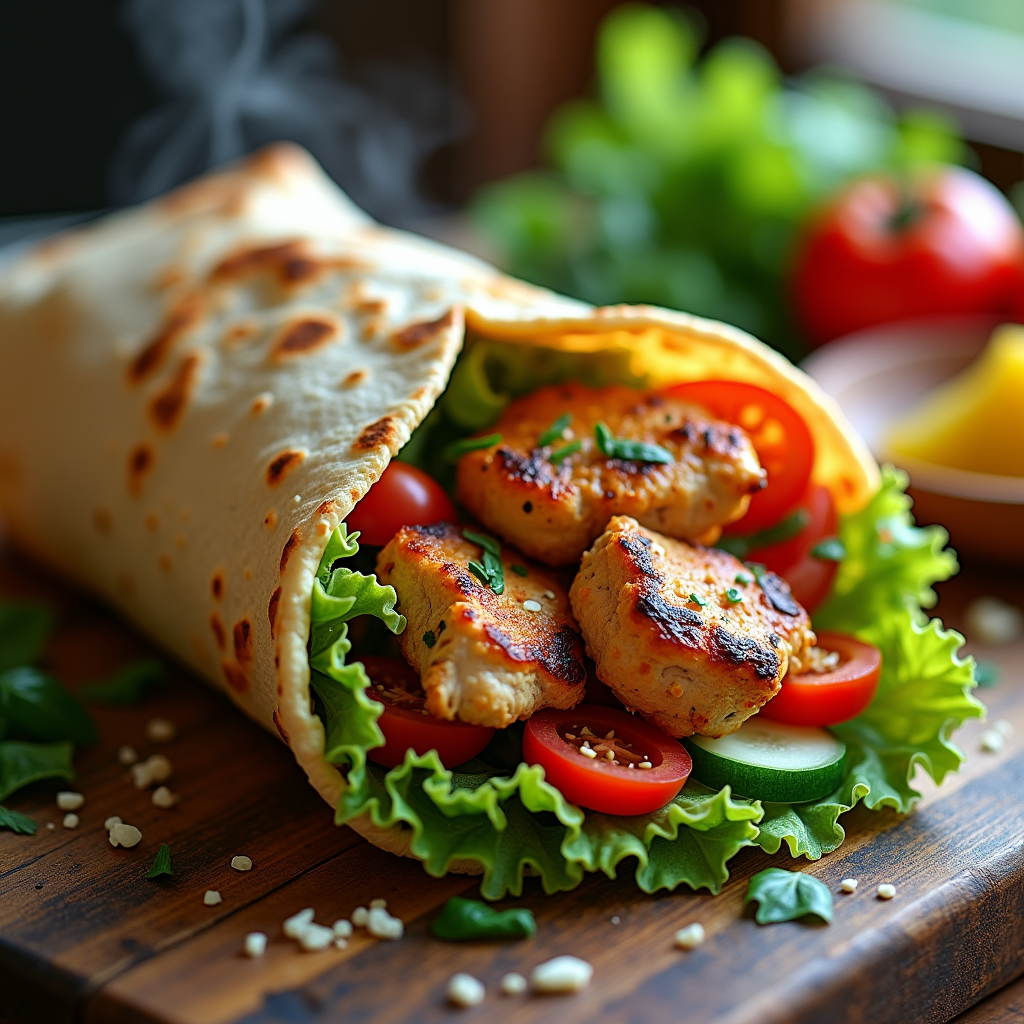
A beautifully arranged Shawarma wrap, bursting with vibrant colors: golden-brown, perfectly grilled chicken slices glistening with a tantalizing garlic sauce, surrounded by fresh, crisp lettuce, ripe red tomatoes, and thinly sliced cucumbers. The wrap itself is lightly toasted, showcasing a warm, inviting tan hue. Set against a rustic wooden table, sprinkled with fresh herbs and a side of vibrant, tangy pickles, the scene feels authentic and inviting. Soft, warm light filters through a nearby window, casting gentle shadows that enhance the textures of the ingredients. The composition features a close-up macro shot, focusing on the juicy layers of the Shawarma, with steam rising slightly, hinting at its warmth. The overall style is rustic food photography, evoking a sense of comfort and indulgence, inviting the viewer to savor the aromatic spices and flavors.
Flux AI 圖像提示的詳細分析
分析使用 Flux AI 圖像生成器生成圖像所使用的詳細提示。
探索 Flux AI 圖像生成器的提示
如何通過 Flux.1 dev
遵循以下四個簡單步驟來創建您想要的圖片。
步驟 1:輸入您的文字 (可自由調整提示以獲得更好的結果)
步驟 2:選擇圖片的縱橫比
步驟 3:選擇您的 Flux 模型:
步驟 4:點擊生成按鈕並等待幾秒鐘獲取您的圖片
與提示相關的 Flux AI 工具 Flux.1 dev
發現來自 Flux AI 的高級工具,提升您的創意工作流程。