Hide the Pain New Year - Flux.1 schnell
提示
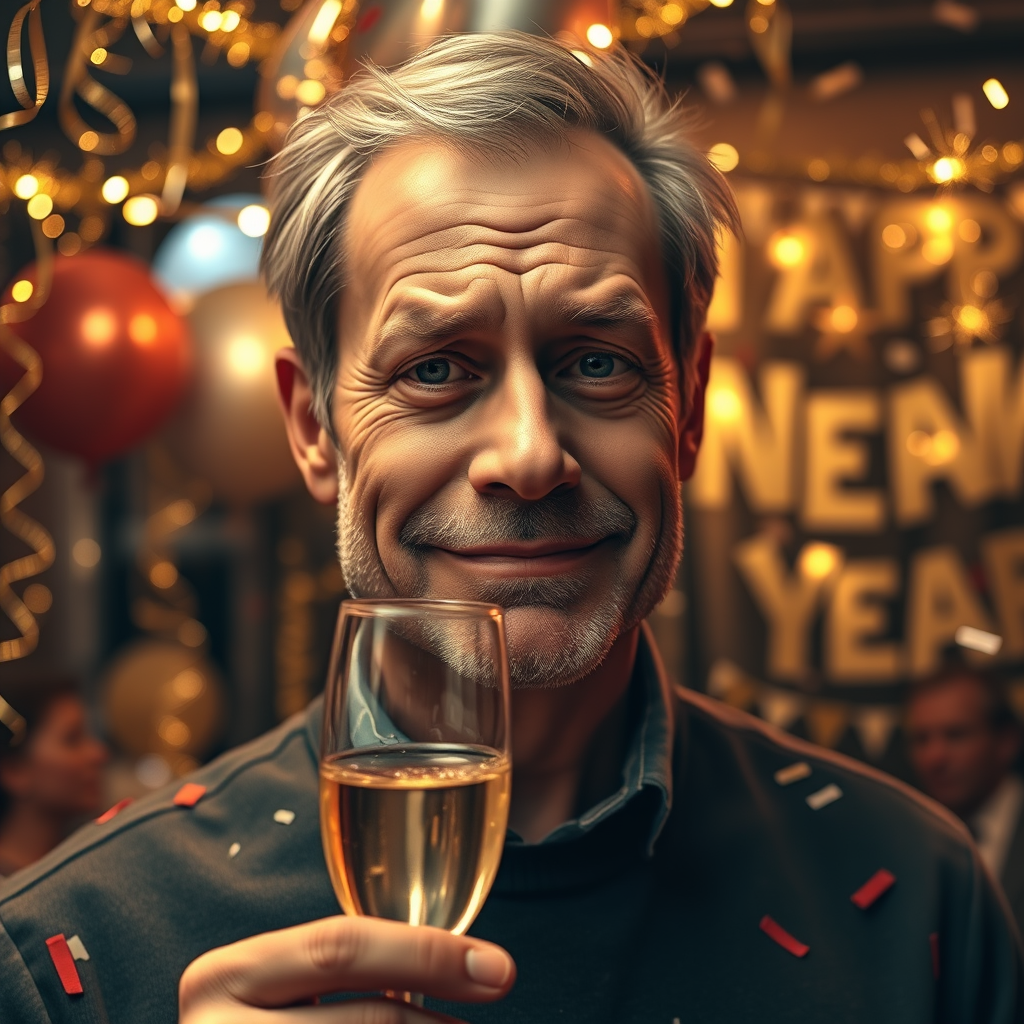
**Prompt:** "A close-up portrait of a middle-aged man with a forced, awkward smile, standing in front of a festive New Year's Eve party. His eyes subtly convey exhaustion or sadness, contrasting with his exaggerated grin. The background features blurred party decorations—glittering streamers, balloons, and a 'Happy New Year' banner—bathed in warm, golden light from string lights and sparklers. He holds a half-empty champagne glass, its bubbles fading, while confetti falls around him. The composition emphasizes his strained expression, with shallow depth of field to isolate him from the lively yet slightly chaotic scene. Use a photorealistic style with soft, diffused lighting to enhance the bittersweet mood. Color palette: warm golds, deep reds, and muted blues to evoke celebration with an underlying melancholy." (Characters: 999)
Flux AI 圖像提示的詳細分析
分析使用 Flux AI 圖像生成器生成圖像所使用的詳細提示。
探索 Flux AI 圖像生成器的提示
如何通過 Flux.1 schnell
遵循以下四個簡單步驟來創建您想要的圖片。
步驟 1:輸入您的文字 (可自由調整提示以獲得更好的結果)
步驟 2:選擇圖片的縱橫比
步驟 3:選擇您的 Flux 模型:
步驟 4:點擊生成按鈕並等待幾秒鐘獲取您的圖片
與提示相關的 Flux AI 工具 Flux.1 schnell
發現來自 Flux AI 的高級工具,提升您的創意工作流程。