Overly Manly DIY Gifts - Flux.1.1 pro
提示
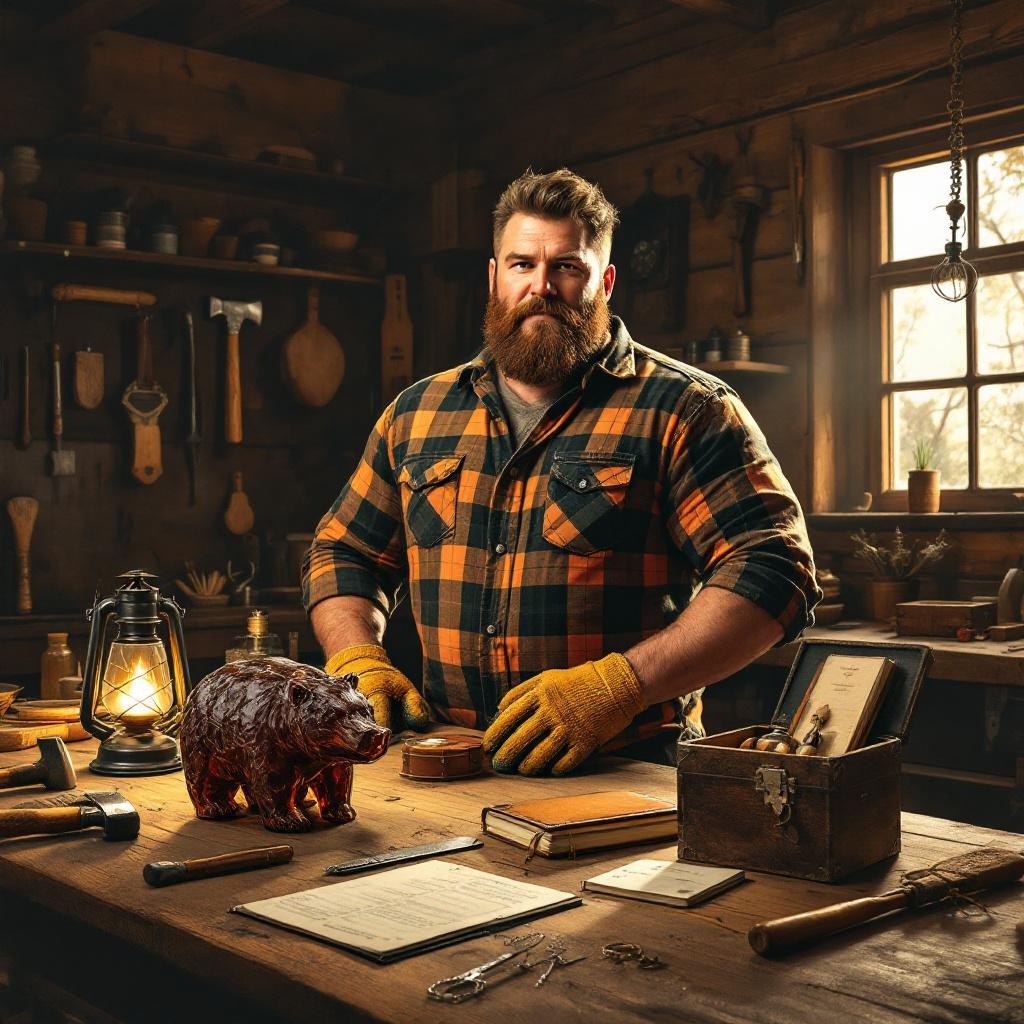
**"Overly Manly DIY Gifts" – A rugged, hyper-masculine workshop scene bathed in warm, golden lighting, evoking a rustic, lumberjack-esque vibe. A burly, bearded man in a flannel shirt and work gloves stands proudly beside a wooden workbench, showcasing his handmade gifts: a roughly carved bear-shaped whiskey decanter, a leather-bound journal with a steel clasp, and a fire-starting kit in a charred oak box. The background features rough-hewn timber walls, scattered tools (axe, hammer, chisels), and a vintage oil lantern casting dramatic shadows. The palette is earthy—deep browns, burnt oranges, and dark greens—with a slightly exaggerated, hyper-detailed style reminiscent of retro advertising art. The composition emphasizes texture: wood grain, leather stitching, and metallic sheen, all rendered with bold, high-contrast lighting to amplify the rugged charm.
Flux AI 圖像提示的詳細分析
分析使用 Flux AI 圖像生成器生成圖像所使用的詳細提示。
探索 Flux AI 圖像生成器的提示
如何通過 Flux.1.1 pro
遵循以下四個簡單步驟來創建您想要的圖片。
步驟 1:輸入您的文字 (可自由調整提示以獲得更好的結果)
步驟 2:選擇圖片的縱橫比
步驟 3:選擇您的 Flux 模型:
步驟 4:點擊生成按鈕並等待幾秒鐘獲取您的圖片
與提示相關的 Flux AI 工具 Flux.1.1 pro
發現來自 Flux AI 的高級工具,提升您的創意工作流程。