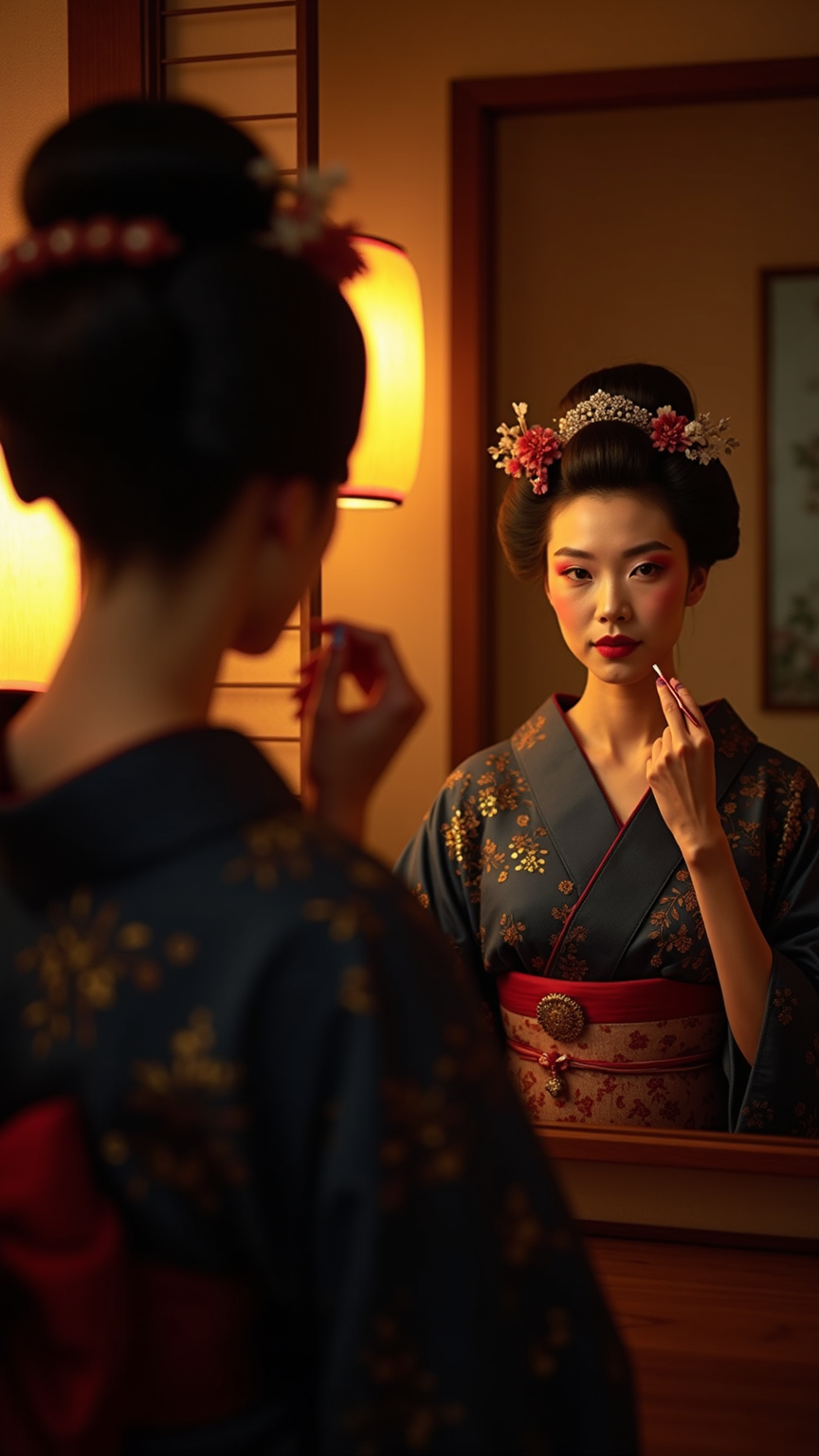
Geisha applying crimson lipstick before mirror with paper lanterns - Flux.1 dev
提示
**Image Prompt:** A geisha in her mid-20s, with porcelain-like skin and delicate features, applies bold crimson lipstick while gazing into an ornate mirror. Her dark, sleek hair is styled in an elaborate updo adorned with subtle kanzashi (hairpins). She wears a luxurious silk kimono in deep indigo with intricate gold embroidery, the obi tied elegantly at her waist. Her posture is poised yet relaxed, fingers gracefully holding the lipstick brush. Soft light from paper lanterns casts a warm glow around her, illuminating the traditional wooden room with tatami flooring. The ambiance is serene, her expression calm and focused, embodying quiet confidence. Shadows dance gently behind her, enhancing the intimate, atmospheric setting. *(999 characters)*
Flux AI 圖像提示的詳細分析
分析使用 Flux AI 圖像生成器生成圖像所使用的詳細提示。
探索 Flux AI 圖像生成器的提示
如何通過 Flux.1 dev
遵循以下四個簡單步驟來創建您想要的圖片。
步驟 1:輸入您的文字 (可自由調整提示以獲得更好的結果)
步驟 2:選擇圖片的縱橫比
步驟 3:選擇您的 Flux 模型:
步驟 4:點擊生成按鈕並等待幾秒鐘獲取您的圖片
與提示相關的 Flux AI 工具 Flux.1 dev
發現來自 Flux AI 的高級工具,提升您的創意工作流程。