Karen Manager Memes - Flux.1.1 pro
提示
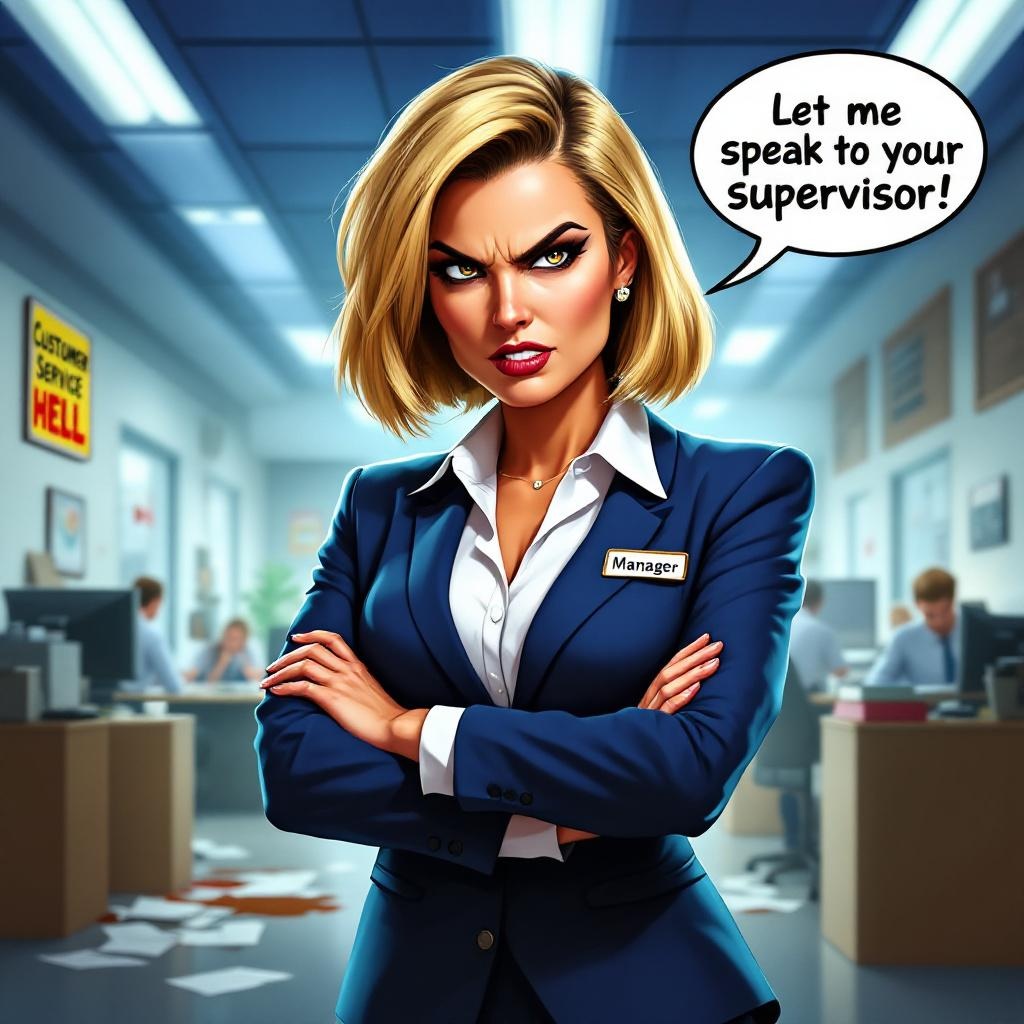
**Prompt:** "A dynamic, exaggerated meme-style image of a stereotypical 'Karen Manager' in a corporate office setting. The Karen has a sharp, angular bob haircut (blonde with dark roots), piercing glare, and a scowl, wearing a crisp white blouse and a navy blazer with a 'Manager' name tag. She stands aggressively, arms crossed or pointing accusingly, with a speech bubble shouting, 'Let me speak to your supervisor!' The background features a chaotic office—disgruntled employees, scattered papers, and a coffee spill. Use bold, high-contrast colors (vibrant blues, whites, and reds) with harsh lighting to emphasize drama. Comic-book-style shading and exaggerated expressions enhance the humor. Include subtle details like a 'Customer Service Hell' poster or a broken 'Teamwork' plaque. Render in a semi-realistic cartoon style, blending meme aesthetics with polished digital art.
Flux AI 圖像提示的詳細分析
分析使用 Flux AI 圖像生成器生成圖像所使用的詳細提示。
探索 Flux AI 圖像生成器的提示
如何通過 Flux.1.1 pro
遵循以下四個簡單步驟來創建您想要的圖片。
步驟 1:輸入您的文字 (可自由調整提示以獲得更好的結果)
步驟 2:選擇圖片的縱橫比
步驟 3:選擇您的 Flux 模型:
步驟 4:點擊生成按鈕並等待幾秒鐘獲取您的圖片
與提示相關的 Flux AI 工具 Flux.1.1 pro
發現來自 Flux AI 的高級工具,提升您的創意工作流程。