Jane Austen - Flux.1 pro
提示
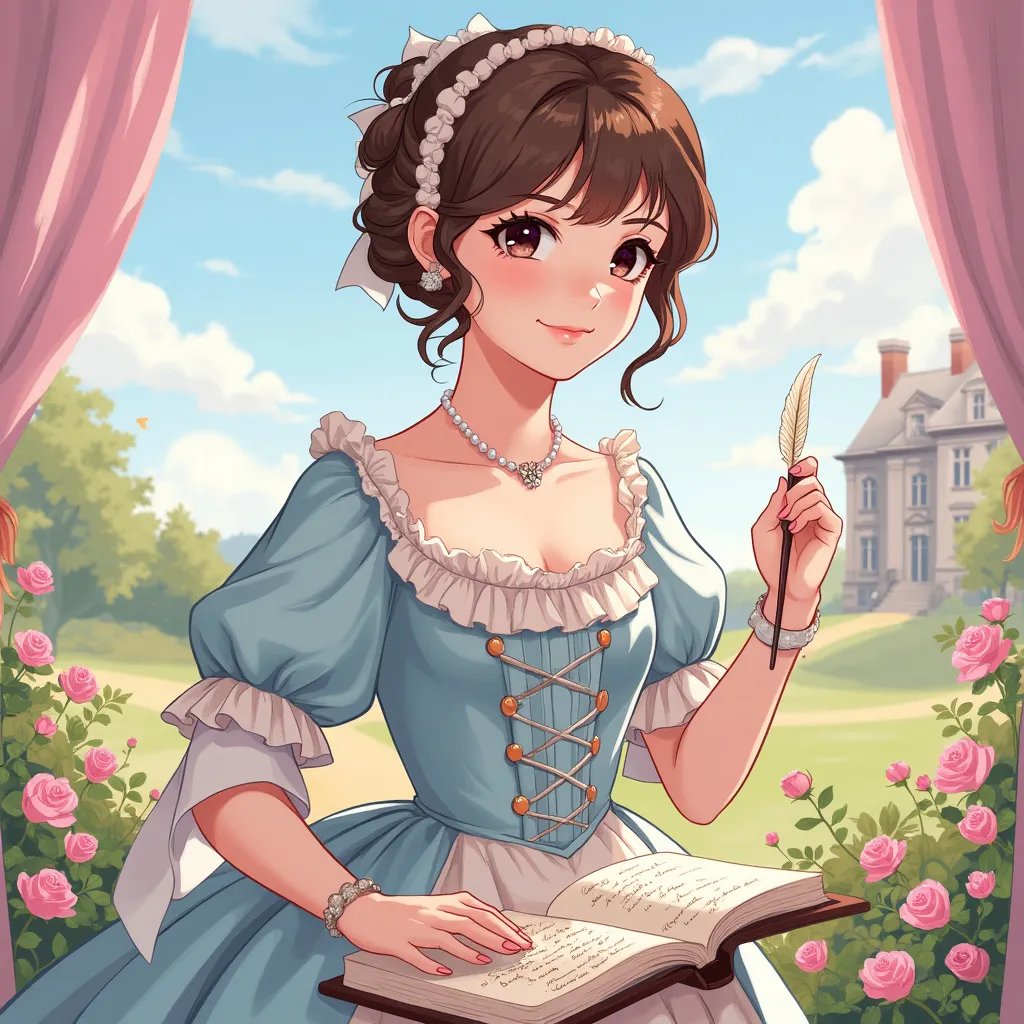
Style: Vibrant anime art, slightly stylized Character: Jane Austen with intelligent, compassionate eyes and a gentle smile Outfit: Regency-era dress with delicate lace and pastel colors (think light pinks, blues, and creams) Pose: Holding a quill pen in her right hand, as if she’s about to write, with a book in the other hand Background: Subtle elements of English countryside with Georgian-style architecture Symbols: Include small, delicate roses and an open book with elegant handwriting Colors: Use soft, pastel colors to create a gentle, soothing atmosphere (light pink, lavender, and sky blue) Atmosphere: Convey elegance, intellect, and timeless charm Ensure the image is visually appealing and captures Austen's essence in a delightful, anime-inspired style, suitable for a charming sticker design that highlights her literary brilliance and poise.
Flux AI 图像提示的详细分析
分析用于通过 Flux AI 图像生成器生成图像的详细提示。
探索Flux AI图像生成器的提示词
如何通过 Flux.1 pro
按照以下四个简单步骤创建您想要的图像。
步骤 1:输入您的文字 (可以优化您的提示以获得更好的结果)
步骤 2:选择图片宽高比
步骤 3:选择您的 Flux 模型:
步骤 4:点击生成按钮,等待几秒钟获取您的图像
与提示相关的 Flux AI 工具 Flux.1 pro
发现来自 Flux AI 的高级工具,提升您的创意工作流程。