Jane Austen - Flux.1 pro
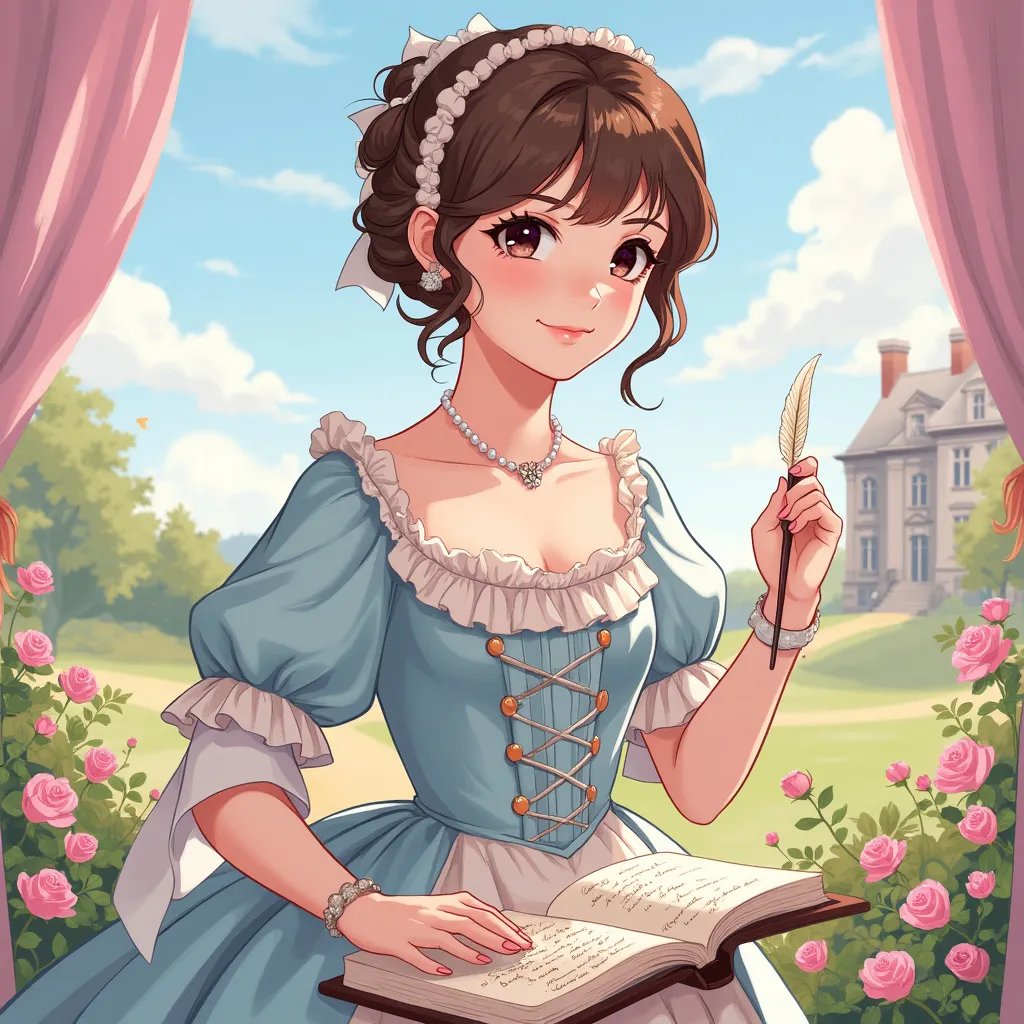
プロンプト
Style: Vibrant anime art, slightly stylized Character: Jane Austen with intelligent, compassionate eyes and a gentle smile Outfit: Regency-era dress with delicate lace and pastel colors (think light pinks, blues, and creams) Pose: Holding a quill pen in her right hand, as if she’s about to write, with a book in the other hand Background: Subtle elements of English countryside with Georgian-style architecture Symbols: Include small, delicate roses and an open book with elegant handwriting Colors: Use soft, pastel colors to create a gentle, soothing atmosphere (light pink, lavender, and sky blue) Atmosphere: Convey elegance, intellect, and timeless charm Ensure the image is visually appealing and captures Austen's essence in a delightful, anime-inspired style, suitable for a charming sticker design that highlights her literary brilliance and poise.
Flux AI Image Promptの詳細分析
Flux AI Image Generatorを使用して画像を生成するために使用された詳細なプロンプトを分析します。
Flux AI画像生成のプロンプトを探索
で画像を生成する方法 Flux.1 pro
以下の4つの簡単なステップに従って、希望する画像を作成してください。
ステップ 1: テキストを入力 (より良い結果のためにプロンプトを調整してください)
ステップ 2: 画像のアスペクト比を選択
ステップ 3: Fluxモデルを選択:
ステップ 4: 生成ボタンをクリックして数秒待ち、画像を取得
プロンプトに関連するFlux AIツール Flux.1 pro
Flux AIの高度なツールを発見して、クリエイティブな作業フローを強化しましょう。