Fern Elegance: Nature's Tattoo - Flux.1.1 pro
prompt
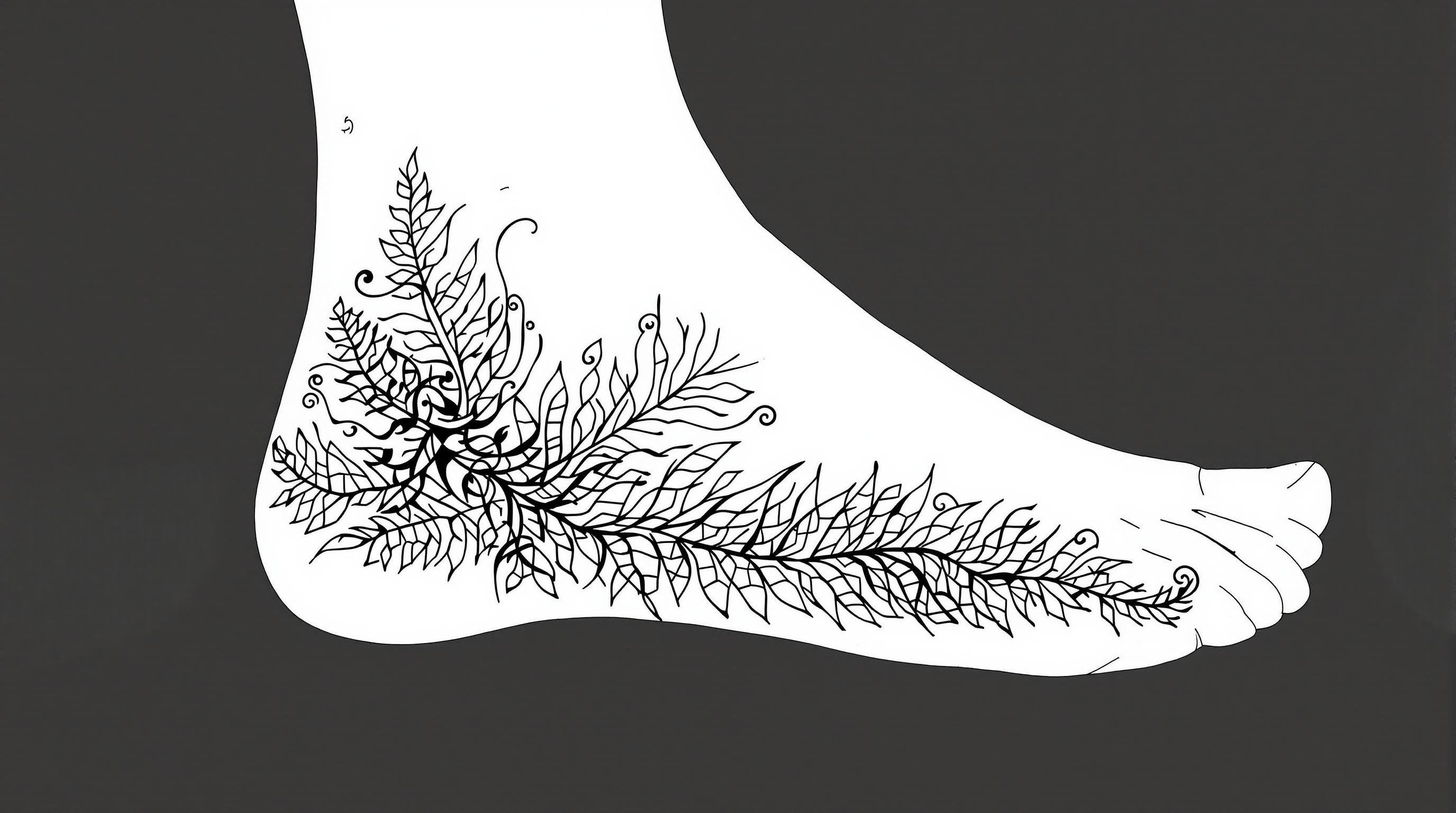
Create a tattoo design for the side of the foot featuring a stylized fern with intricate leaf details. The fern should have a flowing, organic shape that wraps gracefully around the contours of the foot, extending from the ankle down to the arch. Emphasize a realistic artistic style, capturing the delicate textures of the leaves with fine line work and shading to create depth. The size should be medium, allowing the design to be prominent yet not overwhelming. Utilize a monochromatic color palette in black and gray, highlighting the intricate patterns with varying shades for a dynamic effect. Incorporate subtle tribal elements within the fern to add cultural significance, symbolizing growth and resilience. The overall mood should evoke a sense of tranquility and connection to nature, making it a perfect adornment for those who appreciate botanical artistry.
Analisi Dettagliata del Prompt Immagine Flux AI
Analizza il prompt dettagliato utilizzato per generare l'immagine con il Generatore Immagini Flux AI.
Esplora i Prompt Flux per il Generatore Immagini Flux AI
Come generare immagini con Flux.1.1 pro
Segui questi quattro semplici passaggi per creare l'immagine desiderata.
Passaggio 1: Inserisci il Tuo Testo (Sentiti libero di perfezionare il prompt per risultati migliori)
Passaggio 2: Scegli le Proporzioni dell'Immagine
Passaggio 3: Seleziona il Tuo Modello Flux:
Passaggio 4: Clicca il Pulsante Genera e Attendi Alcuni Secondi per la Tua Immagine
Strumenti Flux AI correlati per prompt su Flux.1.1 pro
Scopri strumenti avanzati di Flux AI per potenziare il tuo flusso di lavoro creativo.