Meme Mishap: Crush Shocked! - Flux.1 dev
提示
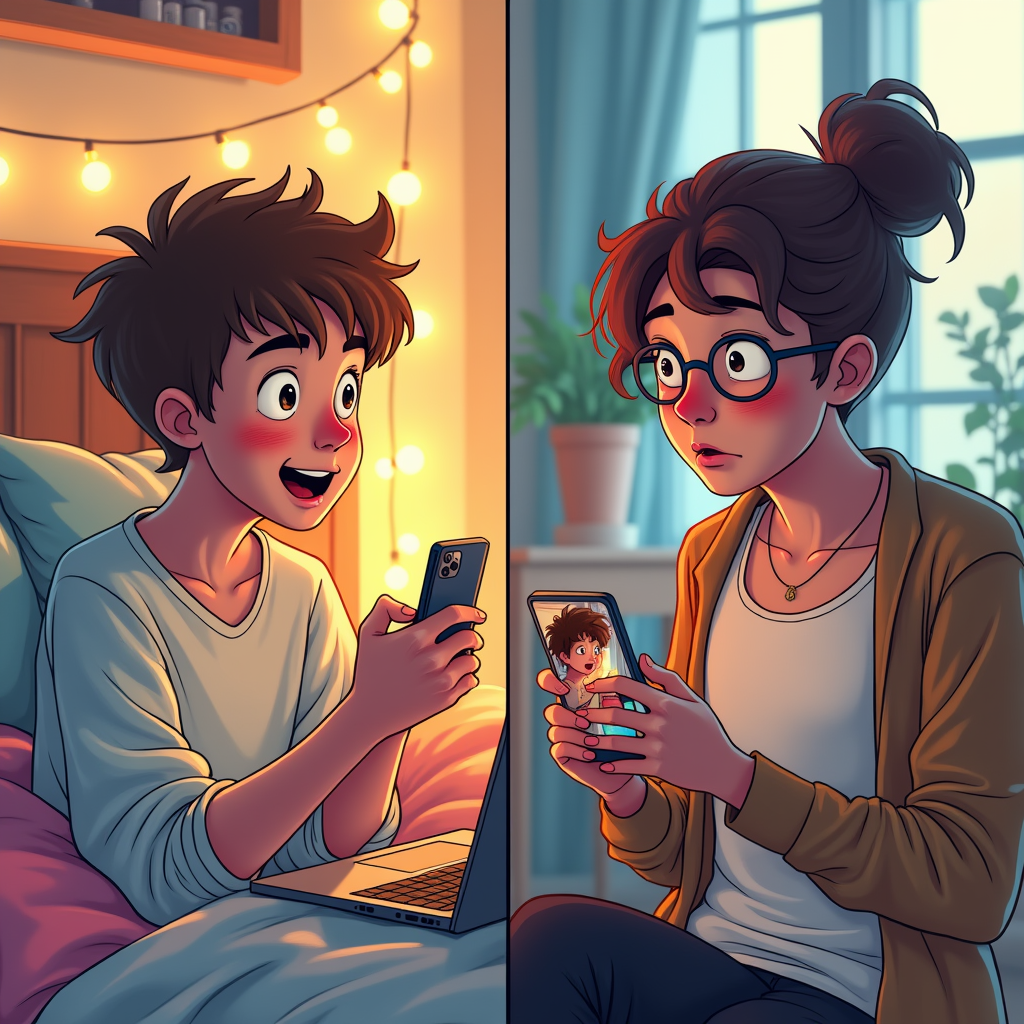
A split-screen composition captures the moment of accidental meme sending. On the left, a young person with tousled hair, wide eyes, and flushed cheeks, sits on a cozy bed surrounded by colorful pillows and a laptop, their phone in hand displaying a cringe-worthy meme. The room is softly lit with warm fairy lights, creating an intimate atmosphere. On the right, the crush—a stylish individual with a surprised expression, holding their phone with the meme visible on the screen. Their background features a trendy café with bright, natural light streaming through large windows. The color palette includes pastel shades and warm tones for a lighthearted feel. The artistic style is a blend of digital illustration and comic book aesthetics, using bold outlines and exaggerated expressions to enhance the comedic tension of the moment.
Flux AI 图像提示的详细分析
分析用于通过 Flux AI 图像生成器生成图像的详细提示。
探索Flux AI图像生成器的提示词
如何通过 Flux.1 dev
按照以下四个简单步骤创建您想要的图像。
步骤 1:输入您的文字 (可以优化您的提示以获得更好的结果)
步骤 2:选择图片宽高比
步骤 3:选择您的 Flux 模型:
步骤 4:点击生成按钮,等待几秒钟获取您的图像
与提示相关的 Flux AI 工具 Flux.1 dev
发现来自 Flux AI 的高级工具,提升您的创意工作流程。