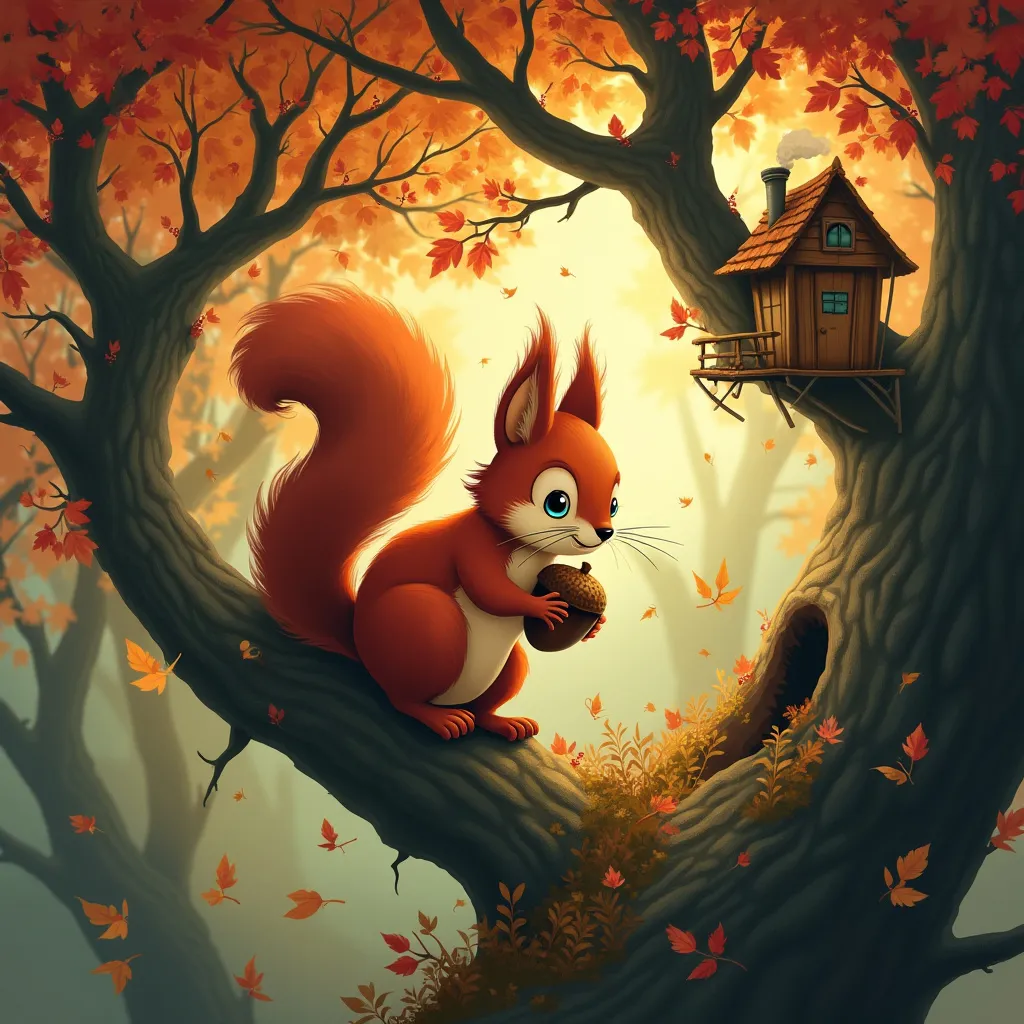
Squirrel - Flux.1 pro
Eingabe
A whimsical red squirrel perched on a gnarled oak branch, its bushy tail curled elegantly. The squirrel's bright eyes gleam with curiosity as it clutches an oversized acorn. Surrounding the creature, a magical autumn forest unfolds with swirling leaves in shades of gold, amber, and crimson. Tiny fairies with acorn-cap hats flit among the branches. Style: Blend of Studio Ghibli animation and Art Nouveau illustration. Lighting: Soft, dappled sunlight filtering through the canopy, creating a warm glow. Color palette: Rich autumnal hues - deep reds, oranges, golds, with touches of forest green and sky blue. Mood: Enchanting and playful, with a touch of mystery. Camera angle: Slightly below eye-level, looking up at the squirrel, emphasizing its importance in the scene. Composition: The squirrel positioned off-center, with the spiral of leaves and fairies drawing the eye around the image. Additional elements: A distant treehouse nestled in the branches, smoke curling from its tiny chimney. A half-hidden doorway in the tree trunk, suggesting a secret world within.
Detaillierte Analyse des Flux KI Image Prompt
Analysiere den detaillierten Prompt, der zur Erstellung des Bildes mit dem Flux KI Image Generator verwendet wurde.
Flux-Prompts für den KI-Bildgenerator erkunden
Wie man ein Bild generiert von Flux.1 pro
Folge diesen vier einfachen Schritten, um das gewünschte Bild zu erstellen.
Schritt 1: Gib deinen Text ein (Fühle dich frei, deinen Prompt für bessere Ergebnisse zu verfeinern)
Schritt 2: Wähle das Bildseitenverhältnis
Schritt 3: Wähle dein Flux-Modell:
Schritt 4: Klicke auf die Generieren-Schaltfläche und warte ein paar Sekunden auf dein Bild
Verwandte Flux KI Tools für Prompts über Flux.1 pro
Entdecke fortschrittliche Tools von Flux KI, um deinen kreativen Workflow zu verbessern.