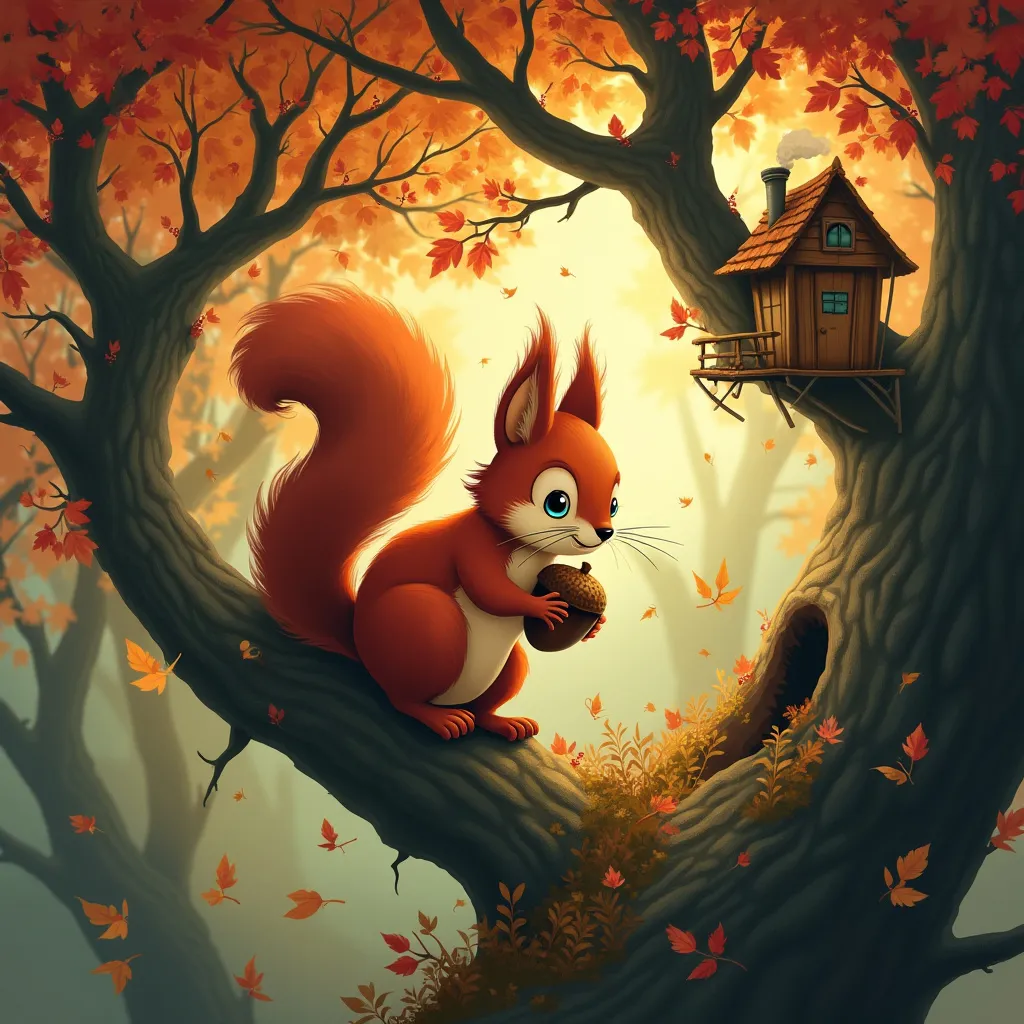
Squirrel - Flux.1 pro
Indicador
A whimsical red squirrel perched on a gnarled oak branch, its bushy tail curled elegantly. The squirrel's bright eyes gleam with curiosity as it clutches an oversized acorn. Surrounding the creature, a magical autumn forest unfolds with swirling leaves in shades of gold, amber, and crimson. Tiny fairies with acorn-cap hats flit among the branches. Style: Blend of Studio Ghibli animation and Art Nouveau illustration. Lighting: Soft, dappled sunlight filtering through the canopy, creating a warm glow. Color palette: Rich autumnal hues - deep reds, oranges, golds, with touches of forest green and sky blue. Mood: Enchanting and playful, with a touch of mystery. Camera angle: Slightly below eye-level, looking up at the squirrel, emphasizing its importance in the scene. Composition: The squirrel positioned off-center, with the spiral of leaves and fairies drawing the eye around the image. Additional elements: A distant treehouse nestled in the branches, smoke curling from its tiny chimney. A half-hidden doorway in the tree trunk, suggesting a secret world within.
Análisis Detallado del Prompt de Imagen de Flux IA
Analiza el prompt detallado utilizado para generar la imagen con Flux IA Image Generator.
Explorar Mensajes para Flux IA
Cómo generar una imagen por Flux.1 pro
Sigue estos cuatro sencillos pasos para crear la imagen que deseas.
Paso 1: Ingresa tu texto (No dudes en refinar tu prompt para mejores resultados)
Paso 2: Elige la relación de aspecto de la imagen
Paso 3: Selecciona tu modelo Flux:
Paso 4: Haz clic en el botón Generar y espera unos segundos para tu imagen
Herramientas Flux IA relacionadas para prompts sobre Flux.1 pro
Descubre herramientas avanzadas de Flux IA para potenciar tu flujo de trabajo creativo.