Neon Mysteries Unveiled - Flux.1 pro
Eingabe
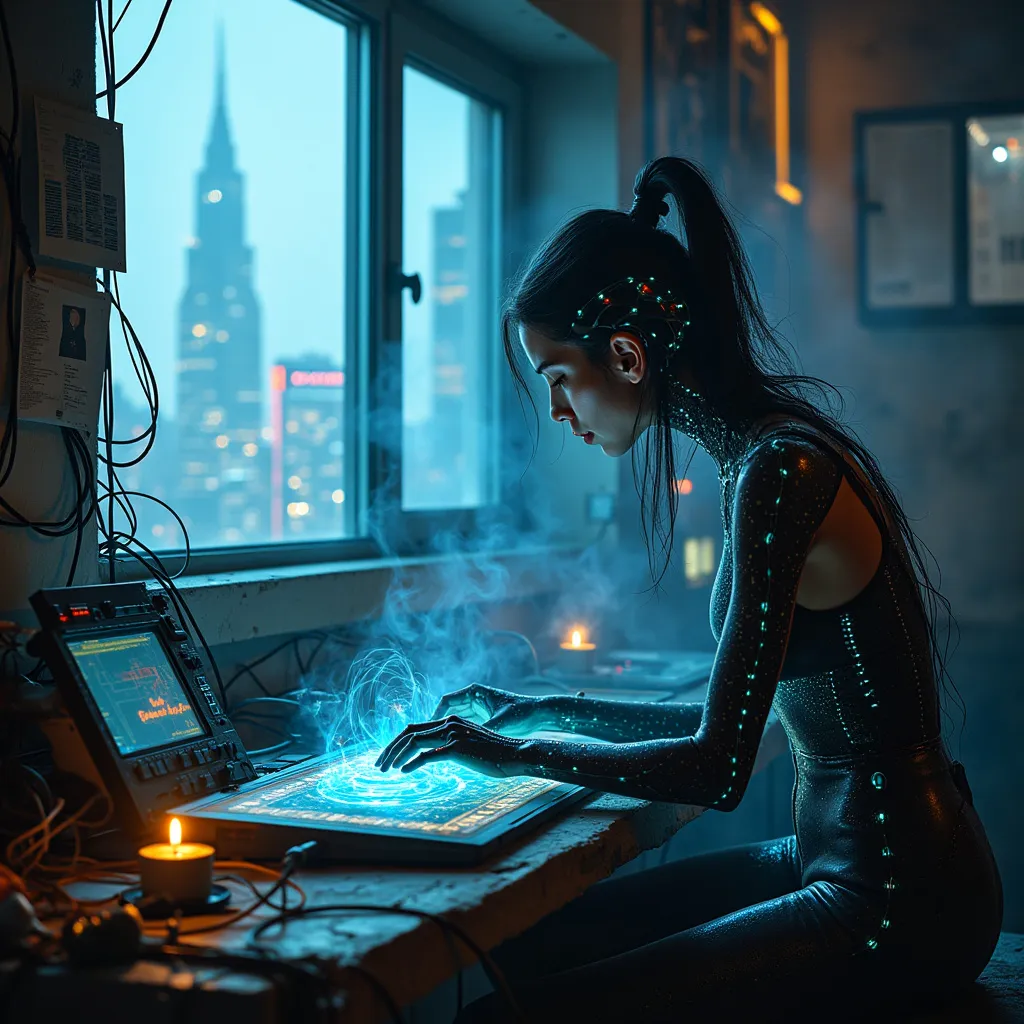
A lone techno-mystic hunches over a holographic terminal, fingers dancing across ethereal keys as quantum-encrypted data streams through her neural mesh implant. Neon-edged circuitry patterns pulse beneath translucent skin, casting an eerie blue glow on her face. The cramped, dimly lit room is a chaotic nest of outdated hardware and cutting-edge biotech, with tangled cables snaking across grimy floors. Forgotten algorithms flicker on wall-mounted screens, their arcane symbols reflected in the techno-mystic's cybernetic eyes. Smoke from incense sticks mingles with the ozone scent of overclocked processors, creating a hazy atmosphere. Outside the grimy window, a towering megacity looms, its skyline a jagged silhouette of neon-lit skyscrapers and holographic billboards. The techno-mystic's fingers pause momentarily as she deciphers a particularly complex strand of data, her expression a mix of concentration and reverence for the digital mysteries unfolding before her.
Detaillierte Analyse des Flux KI Image Prompt
Analysiere den detaillierten Prompt, der zur Erstellung des Bildes mit dem Flux KI Image Generator verwendet wurde.
Flux-Prompts für den KI-Bildgenerator erkunden
Wie man ein Bild generiert von Flux.1 pro
Folge diesen vier einfachen Schritten, um das gewünschte Bild zu erstellen.
Schritt 1: Gib deinen Text ein (Fühle dich frei, deinen Prompt für bessere Ergebnisse zu verfeinern)
Schritt 2: Wähle das Bildseitenverhältnis
Schritt 3: Wähle dein Flux-Modell:
Schritt 4: Klicke auf die Generieren-Schaltfläche und warte ein paar Sekunden auf dein Bild
Verwandte Flux KI Tools für Prompts über Flux.1 pro
Entdecke fortschrittliche Tools von Flux KI, um deinen kreativen Workflow zu verbessern.