Neon Mysteries Unveiled - Flux.1 pro
Indicador
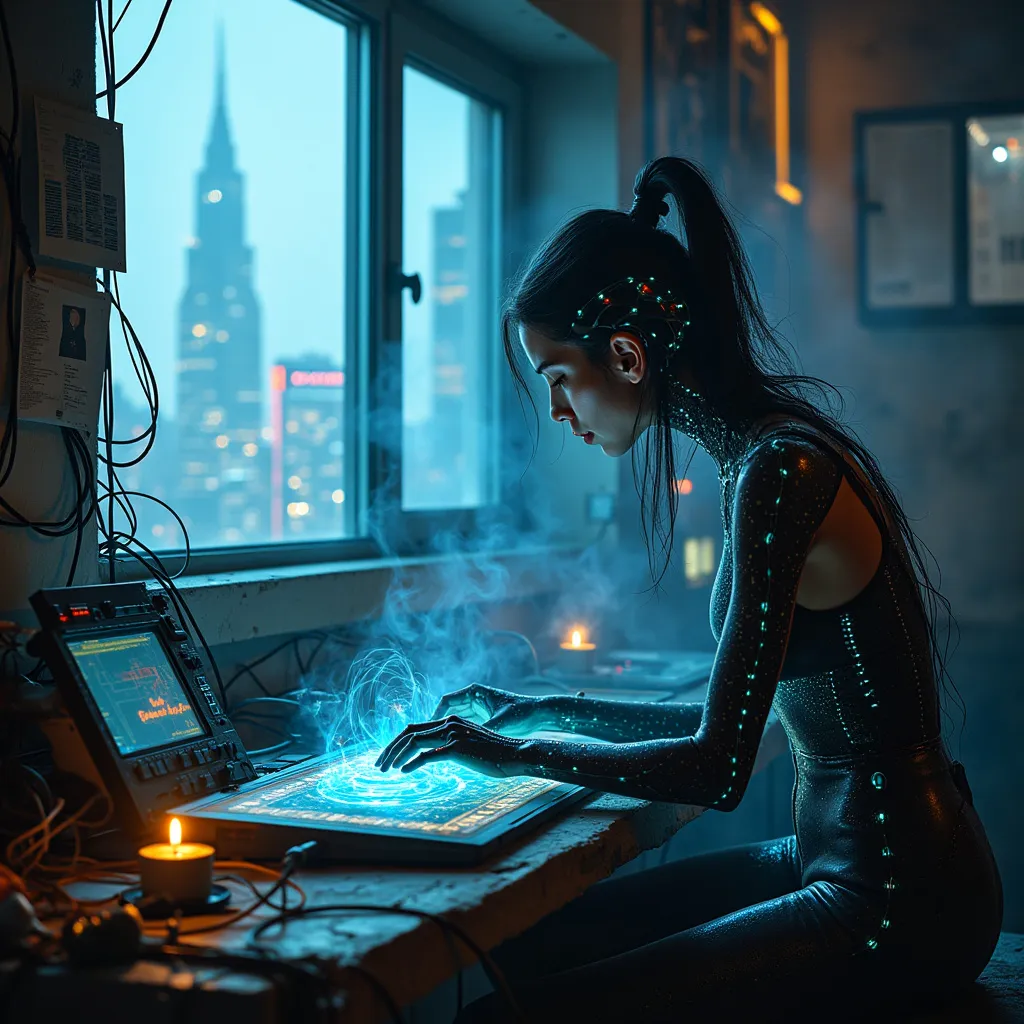
A lone techno-mystic hunches over a holographic terminal, fingers dancing across ethereal keys as quantum-encrypted data streams through her neural mesh implant. Neon-edged circuitry patterns pulse beneath translucent skin, casting an eerie blue glow on her face. The cramped, dimly lit room is a chaotic nest of outdated hardware and cutting-edge biotech, with tangled cables snaking across grimy floors. Forgotten algorithms flicker on wall-mounted screens, their arcane symbols reflected in the techno-mystic's cybernetic eyes. Smoke from incense sticks mingles with the ozone scent of overclocked processors, creating a hazy atmosphere. Outside the grimy window, a towering megacity looms, its skyline a jagged silhouette of neon-lit skyscrapers and holographic billboards. The techno-mystic's fingers pause momentarily as she deciphers a particularly complex strand of data, her expression a mix of concentration and reverence for the digital mysteries unfolding before her.
Análisis Detallado del Prompt de Imagen de Flux IA
Analiza el prompt detallado utilizado para generar la imagen con Flux IA Image Generator.
Explorar Mensajes para Flux IA
Cómo generar una imagen por Flux.1 pro
Sigue estos cuatro sencillos pasos para crear la imagen que deseas.
Paso 1: Ingresa tu texto (No dudes en refinar tu prompt para mejores resultados)
Paso 2: Elige la relación de aspecto de la imagen
Paso 3: Selecciona tu modelo Flux:
Paso 4: Haz clic en el botón Generar y espera unos segundos para tu imagen
Herramientas Flux IA relacionadas para prompts sobre Flux.1 pro
Descubre herramientas avanzadas de Flux IA para potenciar tu flujo de trabajo creativo.