Neon Shadows: Secrets Unleashed - Flux.1 schnell
Eingabe
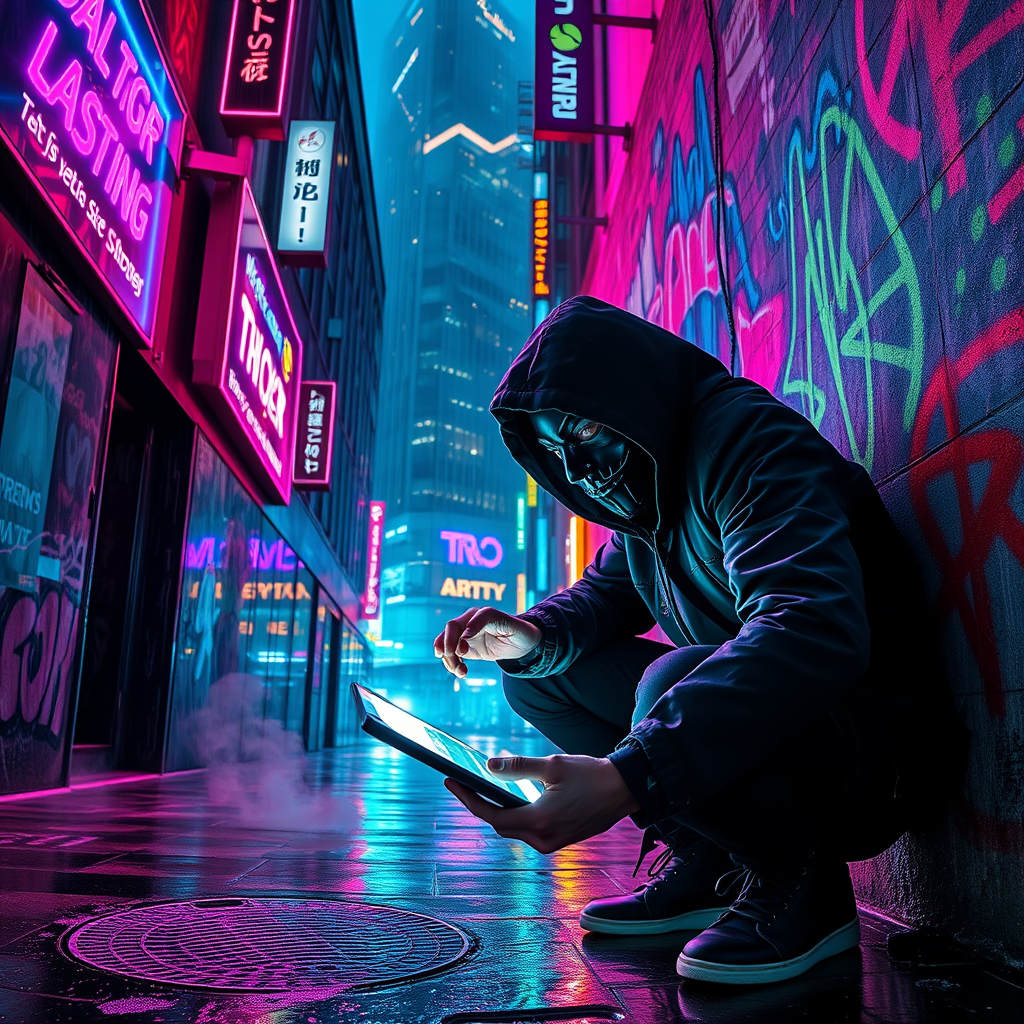
In a rain-soaked alleyway bathed in the pulsating glow of glitching neon signs, a rogue hacker, clad in a tattered black hooded jacket, crouches in the shadows, fingers dancing over a sleek, holographic interface. The air is thick with mist, refracting vibrant hues of electric blue, fiery pink, and toxic green, as the flickering lights cast erratic shadows on the graffiti-covered walls. Behind the hacker, a towering corporate skyscraper looms, its glass façade reflecting the chaotic dance of digital advertisements that flicker like glitching stars. Wisps of steam rise from a nearby manhole, mingling with the acrid scent of burnt circuitry, while the distant hum of drones patrols the night sky. The hacker’s face, partially obscured by a mask, reveals intense determination in their piercing eyes, illuminated by the soft glow of the screen, as lines of cascading code reveal corporate secrets amidst the chaotic backdrop of a dystopian cityscape.
Detaillierte Analyse des Flux KI Image Prompt
Analysiere den detaillierten Prompt, der zur Erstellung des Bildes mit dem Flux KI Image Generator verwendet wurde.
Flux-Prompts für den KI-Bildgenerator erkunden
Wie man ein Bild generiert von Flux.1 schnell
Folge diesen vier einfachen Schritten, um das gewünschte Bild zu erstellen.
Schritt 1: Gib deinen Text ein (Fühle dich frei, deinen Prompt für bessere Ergebnisse zu verfeinern)
Schritt 2: Wähle das Bildseitenverhältnis
Schritt 3: Wähle dein Flux-Modell:
Schritt 4: Klicke auf die Generieren-Schaltfläche und warte ein paar Sekunden auf dein Bild
Verwandte Flux KI Tools für Prompts über Flux.1 schnell
Entdecke fortschrittliche Tools von Flux KI, um deinen kreativen Workflow zu verbessern.