Neon Shadows: Secrets Unleashed - Flux.1 schnell
Indicador
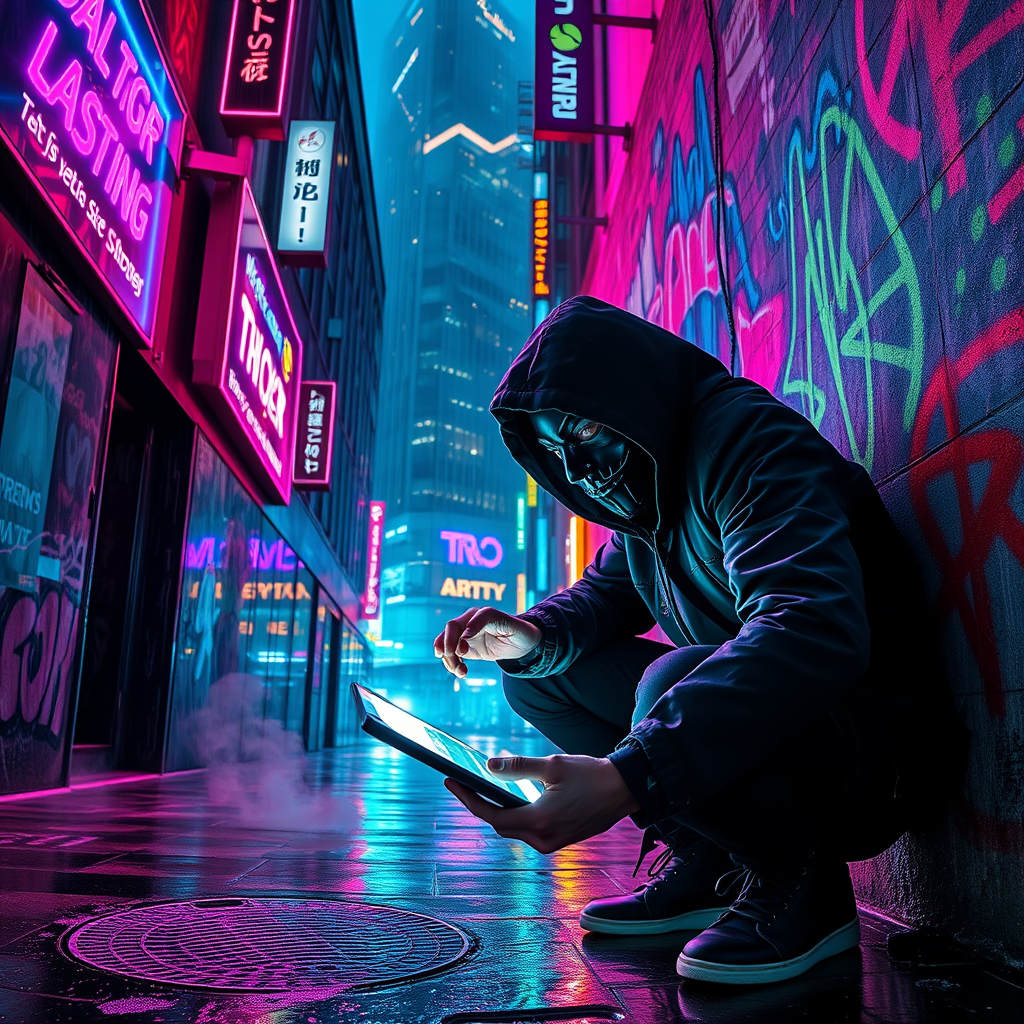
In a rain-soaked alleyway bathed in the pulsating glow of glitching neon signs, a rogue hacker, clad in a tattered black hooded jacket, crouches in the shadows, fingers dancing over a sleek, holographic interface. The air is thick with mist, refracting vibrant hues of electric blue, fiery pink, and toxic green, as the flickering lights cast erratic shadows on the graffiti-covered walls. Behind the hacker, a towering corporate skyscraper looms, its glass façade reflecting the chaotic dance of digital advertisements that flicker like glitching stars. Wisps of steam rise from a nearby manhole, mingling with the acrid scent of burnt circuitry, while the distant hum of drones patrols the night sky. The hacker’s face, partially obscured by a mask, reveals intense determination in their piercing eyes, illuminated by the soft glow of the screen, as lines of cascading code reveal corporate secrets amidst the chaotic backdrop of a dystopian cityscape.
Análisis Detallado del Prompt de Imagen de Flux IA
Analiza el prompt detallado utilizado para generar la imagen con Flux IA Image Generator.
Explorar Mensajes para Flux IA
Cómo generar una imagen por Flux.1 schnell
Sigue estos cuatro sencillos pasos para crear la imagen que deseas.
Paso 1: Ingresa tu texto (No dudes en refinar tu prompt para mejores resultados)
Paso 2: Elige la relación de aspecto de la imagen
Paso 3: Selecciona tu modelo Flux:
Paso 4: Haz clic en el botón Generar y espera unos segundos para tu imagen
Herramientas Flux IA relacionadas para prompts sobre Flux.1 schnell
Descubre herramientas avanzadas de Flux IA para potenciar tu flujo de trabajo creativo.