Neon Shadows: Data Underworld - Flux.1 dev
Eingabe
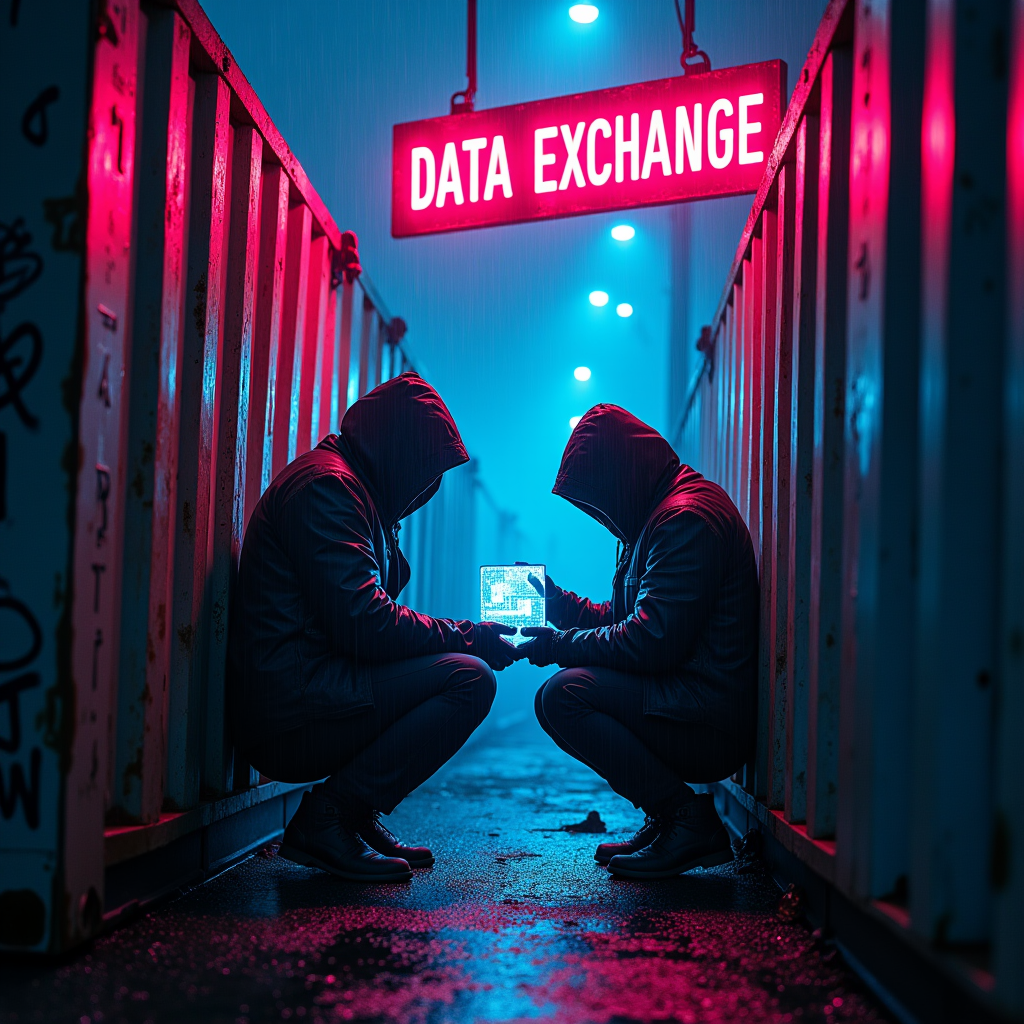
In a shadowy, rain-soaked alleyway, flickering neon signs in electric blue and vibrant magenta cast an otherworldly glow over rusted shipping containers, their surfaces mottled with graffiti and decay. The air is thick with a mist that clings to the ground, reflecting the kaleidoscope of colors above. Two figures, cloaked in dark, tattered jackets, huddle beneath the glow of a sputtering sign that reads "DATA EXCHANGE," their faces obscured by hoods, revealing only the glint of cybernetic implants. A small, holographic display hovers between them, pulsating with cryptic data streams and shimmering icons. The atmosphere is charged with tension, the distant hum of machinery and the soft patter of rain creating a haunting symphony. Shadows dance across the containers, hinting at unseen watchers, while the vibrant neon lights flicker, creating a sense of urgency and danger in this clandestine meeting of data smugglers.
Detaillierte Analyse des Flux KI Image Prompt
Analysiere den detaillierten Prompt, der zur Erstellung des Bildes mit dem Flux KI Image Generator verwendet wurde.
Flux-Prompts für den KI-Bildgenerator erkunden
Wie man ein Bild generiert von Flux.1 dev
Folge diesen vier einfachen Schritten, um das gewünschte Bild zu erstellen.
Schritt 1: Gib deinen Text ein (Fühle dich frei, deinen Prompt für bessere Ergebnisse zu verfeinern)
Schritt 2: Wähle das Bildseitenverhältnis
Schritt 3: Wähle dein Flux-Modell:
Schritt 4: Klicke auf die Generieren-Schaltfläche und warte ein paar Sekunden auf dein Bild
Verwandte Flux KI Tools für Prompts über Flux.1 dev
Entdecke fortschrittliche Tools von Flux KI, um deinen kreativen Workflow zu verbessern.