Neon Shadows: Data Underworld - Flux.1 dev
prompt
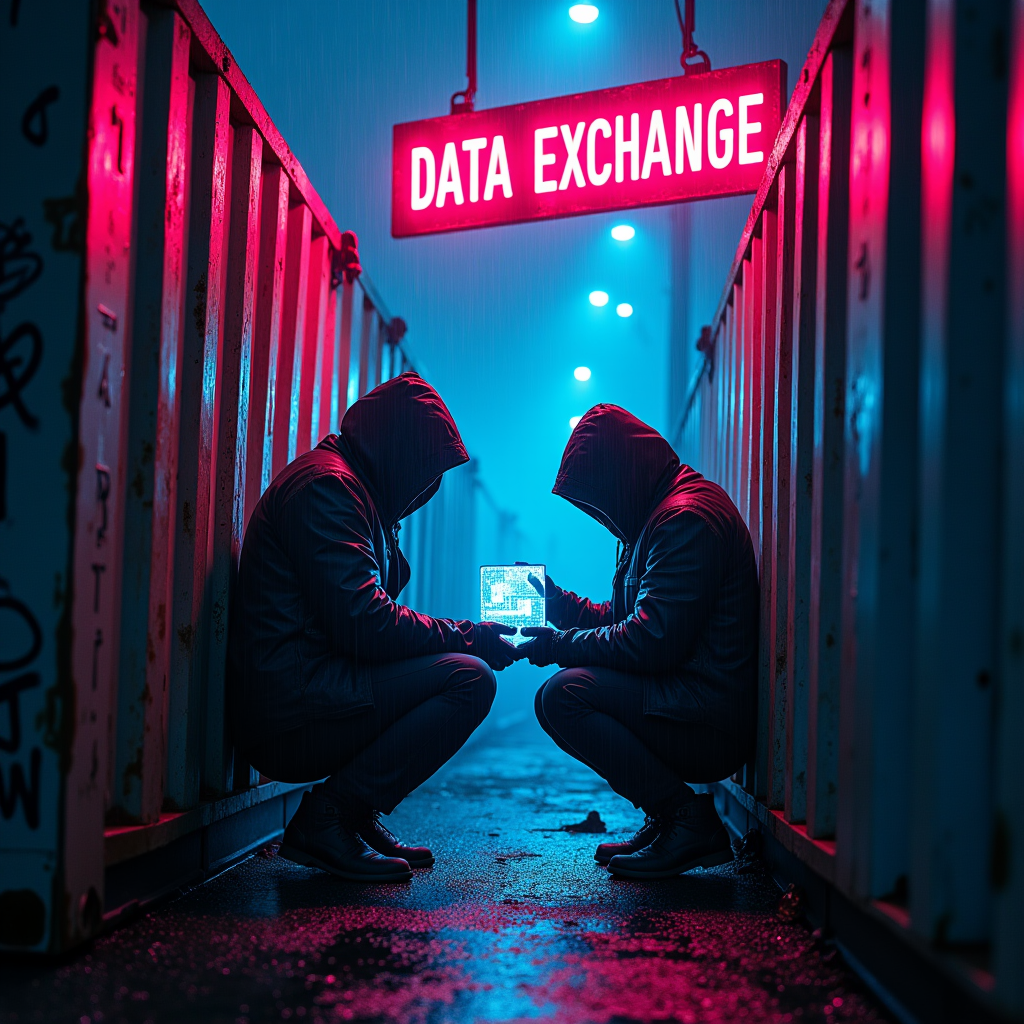
In a shadowy, rain-soaked alleyway, flickering neon signs in electric blue and vibrant magenta cast an otherworldly glow over rusted shipping containers, their surfaces mottled with graffiti and decay. The air is thick with a mist that clings to the ground, reflecting the kaleidoscope of colors above. Two figures, cloaked in dark, tattered jackets, huddle beneath the glow of a sputtering sign that reads "DATA EXCHANGE," their faces obscured by hoods, revealing only the glint of cybernetic implants. A small, holographic display hovers between them, pulsating with cryptic data streams and shimmering icons. The atmosphere is charged with tension, the distant hum of machinery and the soft patter of rain creating a haunting symphony. Shadows dance across the containers, hinting at unseen watchers, while the vibrant neon lights flicker, creating a sense of urgency and danger in this clandestine meeting of data smugglers.
Analisi Dettagliata del Prompt Immagine Flux AI
Analizza il prompt dettagliato utilizzato per generare l'immagine con il Generatore Immagini Flux AI.
Esplora i Prompt Flux per il Generatore Immagini Flux AI
Come generare immagini con Flux.1 dev
Segui questi quattro semplici passaggi per creare l'immagine desiderata.
Passaggio 1: Inserisci il Tuo Testo (Sentiti libero di perfezionare il prompt per risultati migliori)
Passaggio 2: Scegli le Proporzioni dell'Immagine
Passaggio 3: Seleziona il Tuo Modello Flux:
Passaggio 4: Clicca il Pulsante Genera e Attendi Alcuni Secondi per la Tua Immagine
Strumenti Flux AI correlati per prompt su Flux.1 dev
Scopri strumenti avanzati di Flux AI per potenziare il tuo flusso di lavoro creativo.