Neon Shadows: Biohacks & Dreams - Flux.1.1 pro
Eingabe
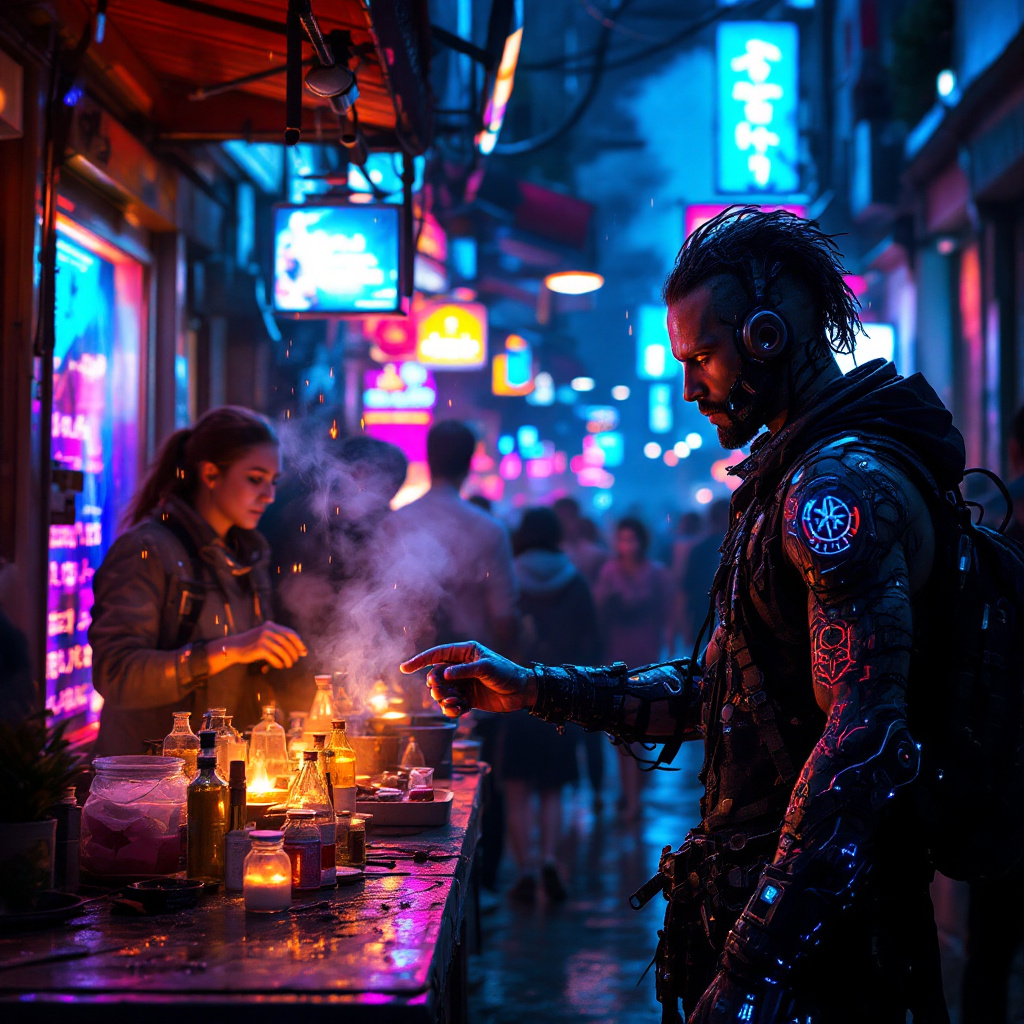
In a bustling neon-lit alleyway of a dystopian metropolis, augmented reality overlays shimmer in iridescent hues, distorting the perceptions of passersby. The air is thick with a haze of synthetic smoke, illuminated by flickering holographic advertisements that pulse in electric blues and vivid pinks. Street vendors, clad in tattered cybernetic gear, hawk illegal biohacks with fervor, their faces obscured by glowing visors and augmented masks. One vendor, a wiry figure with luminescent tattoos snaking up their arms, displays vials of shimmering liquid, each labeled with cryptic symbols. Nearby, a group of curious onlookers, their eyes wide with intrigue and trepidation, reach out to touch the floating AR icons that promise enhanced abilities. The atmosphere crackles with tension, the cacophony of distant sirens and the hum of drones overhead blending into a symphony of urban chaos, while rain-soaked pavement reflects the kaleidoscope of colors, creating a surreal, otherworldly scene.
Detaillierte Analyse des Flux KI Image Prompt
Analysiere den detaillierten Prompt, der zur Erstellung des Bildes mit dem Flux KI Image Generator verwendet wurde.
Flux-Prompts für den KI-Bildgenerator erkunden
Wie man ein Bild generiert von Flux.1.1 pro
Folge diesen vier einfachen Schritten, um das gewünschte Bild zu erstellen.
Schritt 1: Gib deinen Text ein (Fühle dich frei, deinen Prompt für bessere Ergebnisse zu verfeinern)
Schritt 2: Wähle das Bildseitenverhältnis
Schritt 3: Wähle dein Flux-Modell:
Schritt 4: Klicke auf die Generieren-Schaltfläche und warte ein paar Sekunden auf dein Bild
Verwandte Flux KI Tools für Prompts über Flux.1.1 pro
Entdecke fortschrittliche Tools von Flux KI, um deinen kreativen Workflow zu verbessern.