Neon Shadows: Biohacks & Dreams - Flux.1.1 pro
Indicador
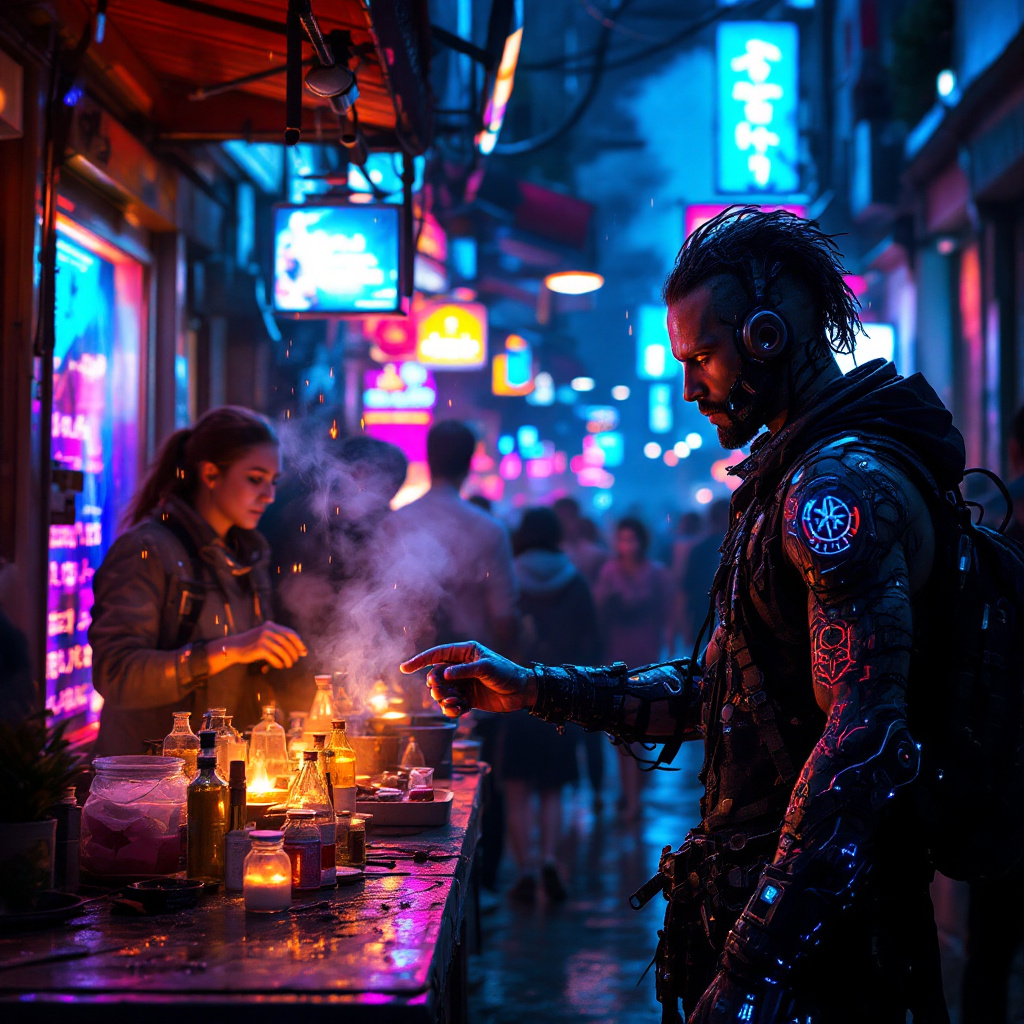
In a bustling neon-lit alleyway of a dystopian metropolis, augmented reality overlays shimmer in iridescent hues, distorting the perceptions of passersby. The air is thick with a haze of synthetic smoke, illuminated by flickering holographic advertisements that pulse in electric blues and vivid pinks. Street vendors, clad in tattered cybernetic gear, hawk illegal biohacks with fervor, their faces obscured by glowing visors and augmented masks. One vendor, a wiry figure with luminescent tattoos snaking up their arms, displays vials of shimmering liquid, each labeled with cryptic symbols. Nearby, a group of curious onlookers, their eyes wide with intrigue and trepidation, reach out to touch the floating AR icons that promise enhanced abilities. The atmosphere crackles with tension, the cacophony of distant sirens and the hum of drones overhead blending into a symphony of urban chaos, while rain-soaked pavement reflects the kaleidoscope of colors, creating a surreal, otherworldly scene.
Análisis Detallado del Prompt de Imagen de Flux IA
Analiza el prompt detallado utilizado para generar la imagen con Flux IA Image Generator.
Explorar Mensajes para Flux IA
Cómo generar una imagen por Flux.1.1 pro
Sigue estos cuatro sencillos pasos para crear la imagen que deseas.
Paso 1: Ingresa tu texto (No dudes en refinar tu prompt para mejores resultados)
Paso 2: Elige la relación de aspecto de la imagen
Paso 3: Selecciona tu modelo Flux:
Paso 4: Haz clic en el botón Generar y espera unos segundos para tu imagen
Herramientas Flux IA relacionadas para prompts sobre Flux.1.1 pro
Descubre herramientas avanzadas de Flux IA para potenciar tu flujo de trabajo creativo.