Aang Tenzin - Flux.1.1 pro
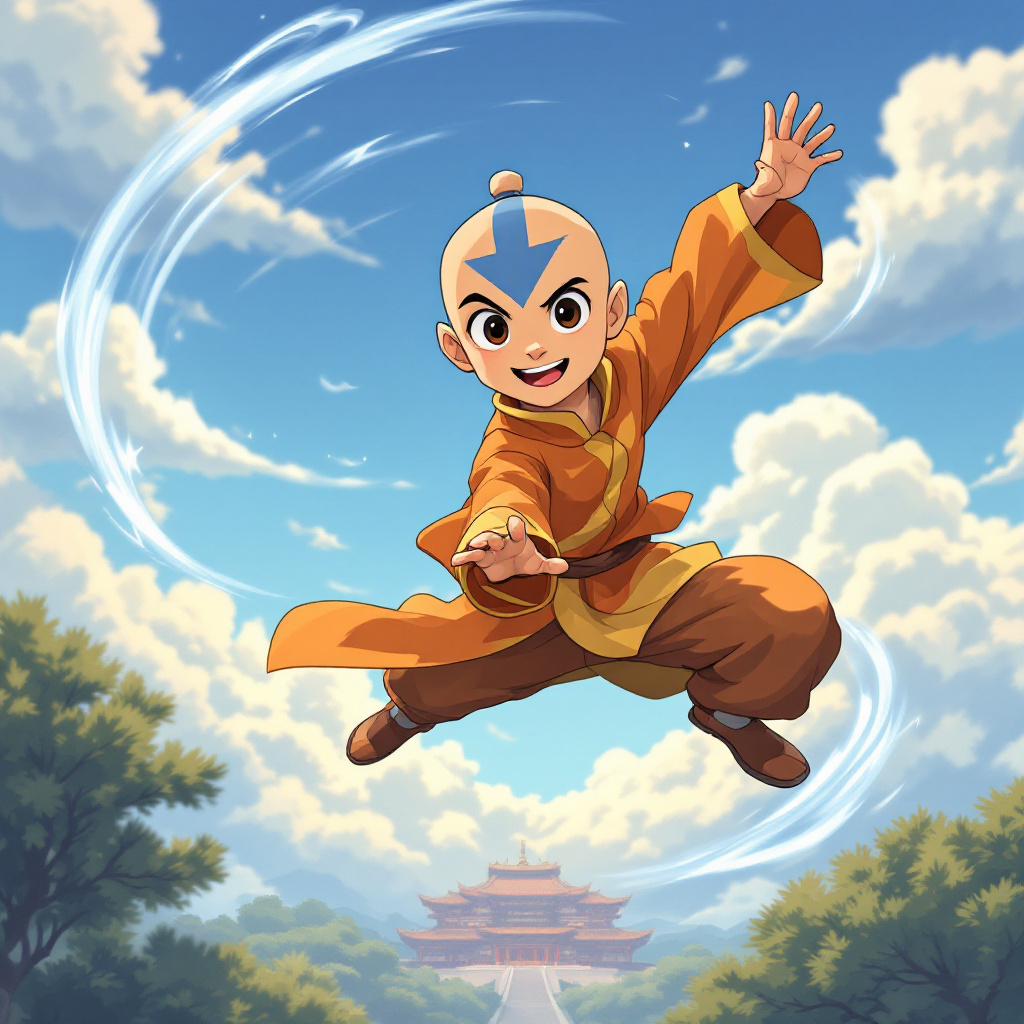
Eingabe
Create an anime-style image of Aang Tenzin, showcasing his youthful, airbender features with a round face, large expressive eyes, and a playful smile. He should be wearing his traditional orange and yellow airbender robes, with a blue arrow tattoo prominently displayed on his head and arms. Position him in a dynamic pose, mid-air, as if he is gracefully bending air, with one arm extended forward and the other pulled back, conveying a sense of freedom and agility. The background should depict a serene sky filled with fluffy clouds, hinting at the Southern Air Temple in the distance. Use vibrant colors and soft shading to capture the essence of anime art styles, emphasizing fluid lines and a whimsical atmosphere. Include signature elements like swirling gusts of wind around him, symbolizing his connection to the air. Add subtle hints of a playful spirit, showcasing Aang's adventurous nature in this lively, animated scene.
Detaillierte Analyse des Flux KI Image Prompt
Analysiere den detaillierten Prompt, der zur Erstellung des Bildes mit dem Flux KI Image Generator verwendet wurde.
Flux-Prompts für den KI-Bildgenerator erkunden
Wie man ein Bild generiert von Flux.1.1 pro
Folge diesen vier einfachen Schritten, um das gewünschte Bild zu erstellen.
Schritt 1: Gib deinen Text ein (Fühle dich frei, deinen Prompt für bessere Ergebnisse zu verfeinern)
Schritt 2: Wähle das Bildseitenverhältnis
Schritt 3: Wähle dein Flux-Modell:
Schritt 4: Klicke auf die Generieren-Schaltfläche und warte ein paar Sekunden auf dein Bild
Verwandte Flux KI Tools für Prompts über Flux.1.1 pro
Entdecke fortschrittliche Tools von Flux KI, um deinen kreativen Workflow zu verbessern.