Aang Tenzin - Flux.1.1 pro
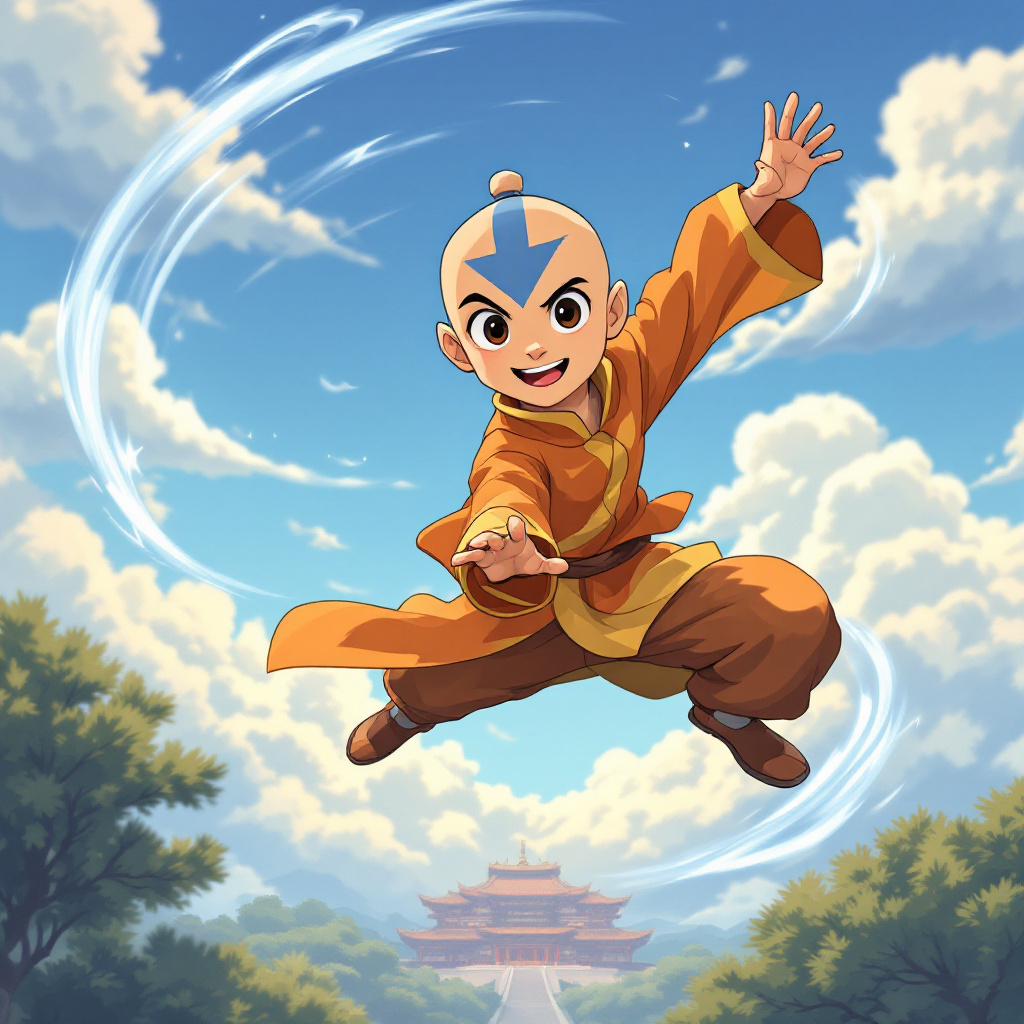
prompt
Create an anime-style image of Aang Tenzin, showcasing his youthful, airbender features with a round face, large expressive eyes, and a playful smile. He should be wearing his traditional orange and yellow airbender robes, with a blue arrow tattoo prominently displayed on his head and arms. Position him in a dynamic pose, mid-air, as if he is gracefully bending air, with one arm extended forward and the other pulled back, conveying a sense of freedom and agility. The background should depict a serene sky filled with fluffy clouds, hinting at the Southern Air Temple in the distance. Use vibrant colors and soft shading to capture the essence of anime art styles, emphasizing fluid lines and a whimsical atmosphere. Include signature elements like swirling gusts of wind around him, symbolizing his connection to the air. Add subtle hints of a playful spirit, showcasing Aang's adventurous nature in this lively, animated scene.
Analisi Dettagliata del Prompt Immagine Flux AI
Analizza il prompt dettagliato utilizzato per generare l'immagine con il Generatore Immagini Flux AI.
Esplora i Prompt Flux per il Generatore Immagini Flux AI
Come generare immagini con Flux.1.1 pro
Segui questi quattro semplici passaggi per creare l'immagine desiderata.
Passaggio 1: Inserisci il Tuo Testo (Sentiti libero di perfezionare il prompt per risultati migliori)
Passaggio 2: Scegli le Proporzioni dell'Immagine
Passaggio 3: Seleziona il Tuo Modello Flux:
Passaggio 4: Clicca il Pulsante Genera e Attendi Alcuni Secondi per la Tua Immagine
Strumenti Flux AI correlati per prompt su Flux.1.1 pro
Scopri strumenti avanzati di Flux AI per potenziare il tuo flusso di lavoro creativo.