Neon Samurai Showdown - Flux.1.1 pro
Eingabe
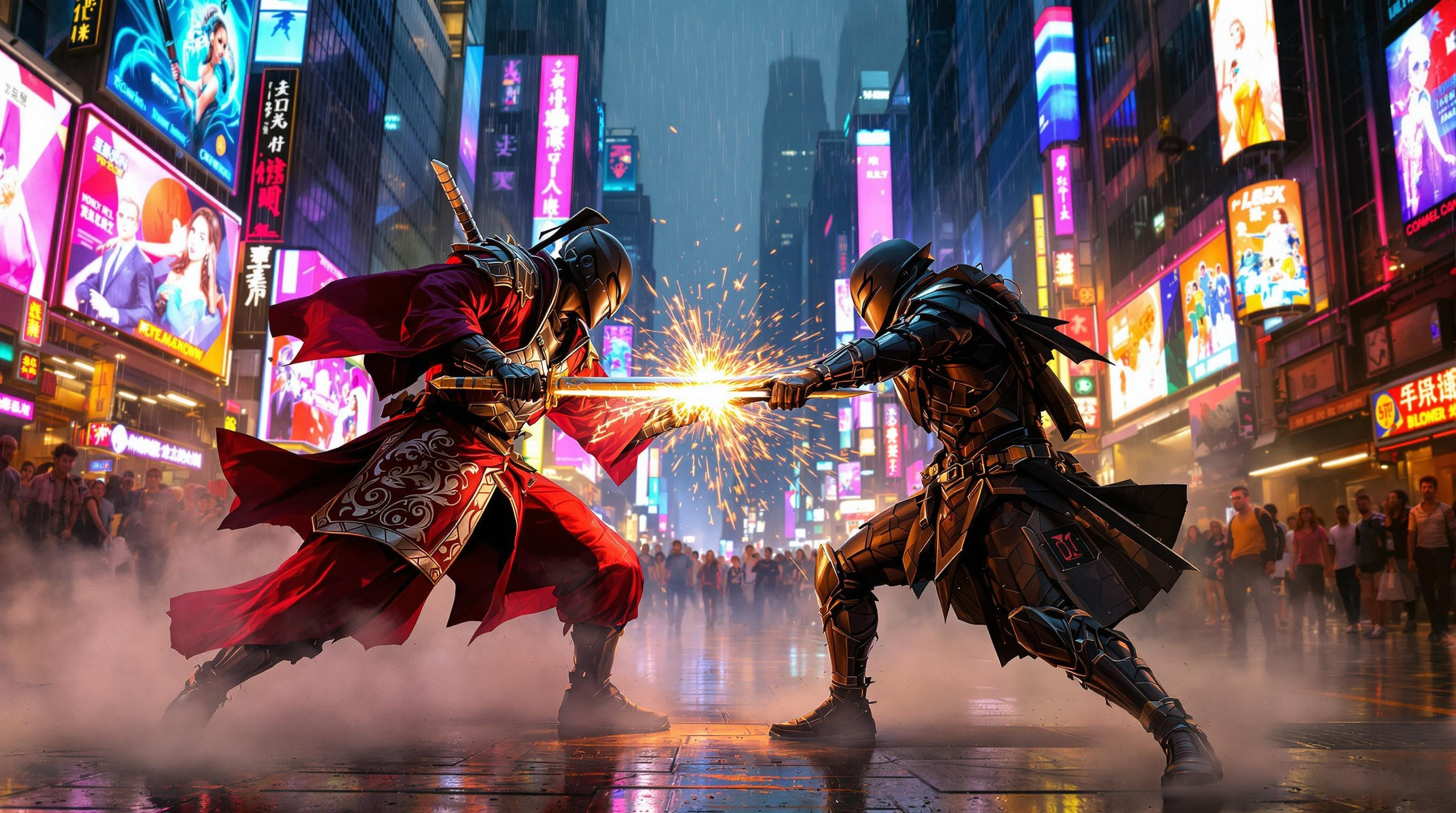
In a bustling cyberpunk metropolis, holographic advertisements flicker with vibrant hues of electric blue and neon pink, casting a surreal glow over the rain-slicked streets. Towering skyscrapers loom overhead, their glass facades reflecting the chaotic dance of light, while tendrils of steam rise from grates in the pavement. At the center of this neon-soaked chaos, two street samurai clash, their sleek, armor-clad figures illuminated by the pulsating glow of nearby billboards. One, adorned in a deep crimson kimono with intricate silver patterns, wields a shimmering katana that catches the light like a razor. The other, dressed in a matte black exosuit, brandishes a high-tech blade that hums with energy. Sparks fly as their weapons collide, creating a dazzling display amidst the swirling mist. In the background, a crowd of onlookers with cybernetic enhancements watches in awe, their faces illuminated by the kaleidoscope of colors surrounding them.
Detaillierte Analyse des Flux KI Image Prompt
Analysiere den detaillierten Prompt, der zur Erstellung des Bildes mit dem Flux KI Image Generator verwendet wurde.
Flux-Prompts für den KI-Bildgenerator erkunden
Wie man ein Bild generiert von Flux.1.1 pro
Folge diesen vier einfachen Schritten, um das gewünschte Bild zu erstellen.
Schritt 1: Gib deinen Text ein (Fühle dich frei, deinen Prompt für bessere Ergebnisse zu verfeinern)
Schritt 2: Wähle das Bildseitenverhältnis
Schritt 3: Wähle dein Flux-Modell:
Schritt 4: Klicke auf die Generieren-Schaltfläche und warte ein paar Sekunden auf dein Bild
Verwandte Flux KI Tools für Prompts über Flux.1.1 pro
Entdecke fortschrittliche Tools von Flux KI, um deinen kreativen Workflow zu verbessern.