Stonehenge - Flux.1 dev
Eingabe
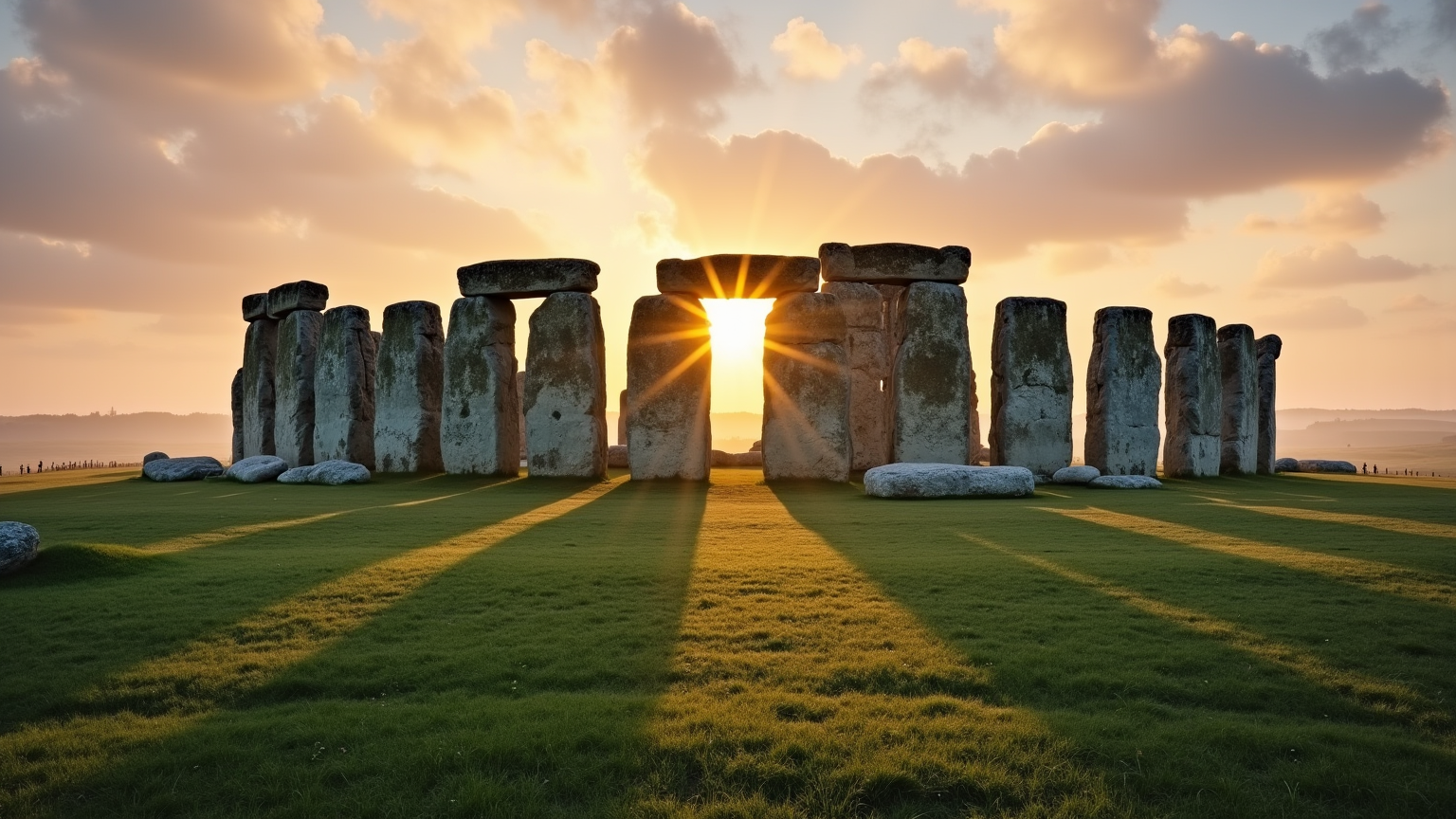
Create a captivating scene of Stonehenge at dawn, with the first light of day casting a warm golden hue over the ancient stones. Emphasize the massive sarsen stones and smaller bluestones, showcasing their weathered textures and moss-covered surfaces. The iconic circular arrangement should be highlighted, with the sun rising directly over the heel stone, creating long shadows that stretch across the lush green grass. Surround the monument with a misty landscape, where rolling hills and wildflowers add a touch of color and vibrancy. Include a soft sky painted in pastel shades of pink and orange, reflecting the tranquility of the early morning. Capture the historical significance of this prehistoric site, evoking a sense of mystery and reverence. Use a wide-angle lens to encompass both the grandeur of Stonehenge and the serene beauty of its environment, aiming for a dreamy, ethereal quality that invites viewers to ponder its ancient purpose.
Detaillierte Analyse des Flux KI Image Prompt
Analysiere den detaillierten Prompt, der zur Erstellung des Bildes mit dem Flux KI Image Generator verwendet wurde.
Flux-Prompts für den KI-Bildgenerator erkunden
Wie man ein Bild generiert von Flux.1 dev
Folge diesen vier einfachen Schritten, um das gewünschte Bild zu erstellen.
Schritt 1: Gib deinen Text ein (Fühle dich frei, deinen Prompt für bessere Ergebnisse zu verfeinern)
Schritt 2: Wähle das Bildseitenverhältnis
Schritt 3: Wähle dein Flux-Modell:
Schritt 4: Klicke auf die Generieren-Schaltfläche und warte ein paar Sekunden auf dein Bild
Verwandte Flux KI Tools für Prompts über Flux.1 dev
Entdecke fortschrittliche Tools von Flux KI, um deinen kreativen Workflow zu verbessern.