Stonehenge - Flux.1 dev
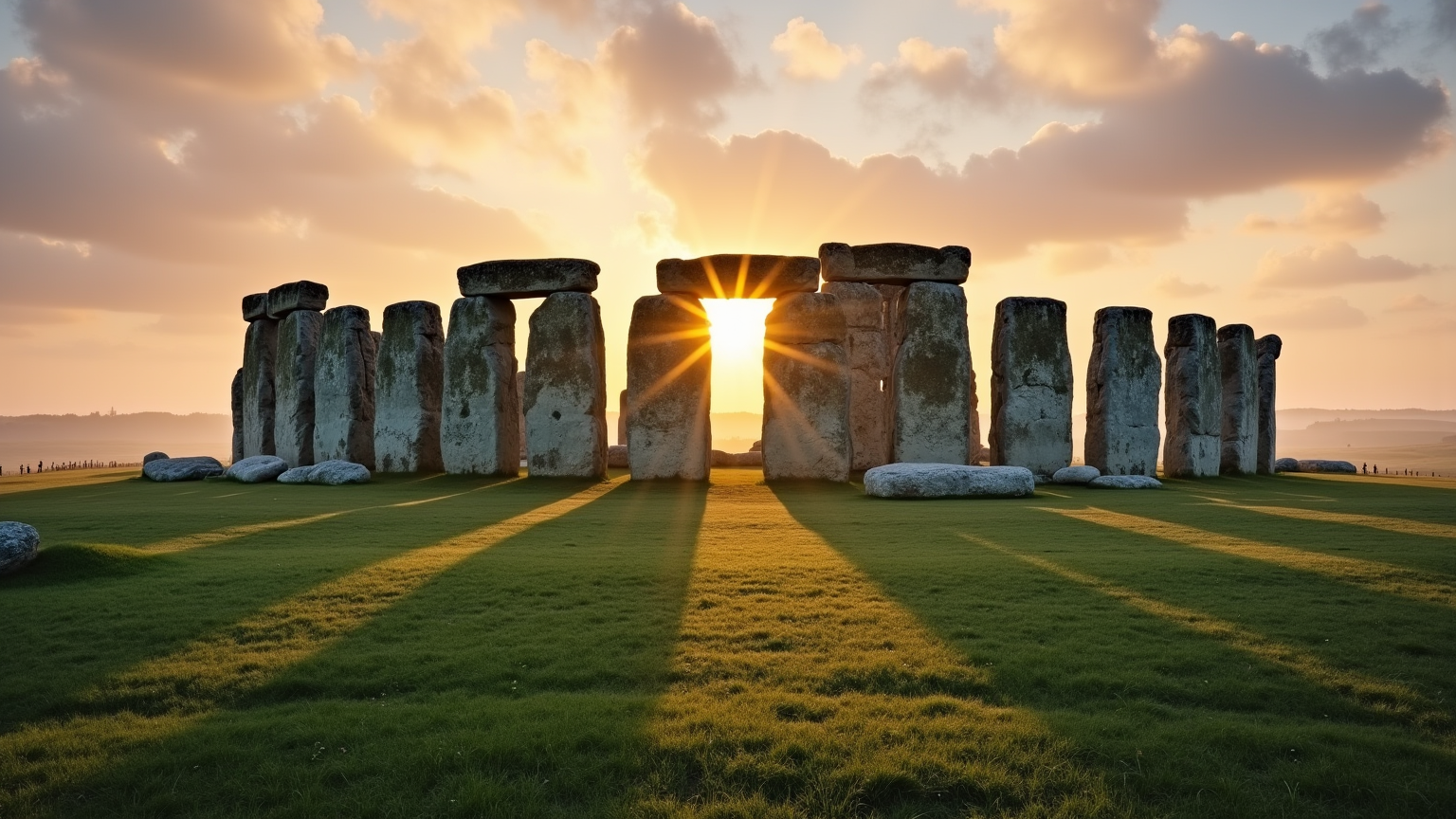
prompt
Create a captivating scene of Stonehenge at dawn, with the first light of day casting a warm golden hue over the ancient stones. Emphasize the massive sarsen stones and smaller bluestones, showcasing their weathered textures and moss-covered surfaces. The iconic circular arrangement should be highlighted, with the sun rising directly over the heel stone, creating long shadows that stretch across the lush green grass. Surround the monument with a misty landscape, where rolling hills and wildflowers add a touch of color and vibrancy. Include a soft sky painted in pastel shades of pink and orange, reflecting the tranquility of the early morning. Capture the historical significance of this prehistoric site, evoking a sense of mystery and reverence. Use a wide-angle lens to encompass both the grandeur of Stonehenge and the serene beauty of its environment, aiming for a dreamy, ethereal quality that invites viewers to ponder its ancient purpose.
Analisi Dettagliata del Prompt Immagine Flux AI
Analizza il prompt dettagliato utilizzato per generare l'immagine con il Generatore Immagini Flux AI.
Esplora i Prompt Flux per il Generatore Immagini Flux AI
Come generare immagini con Flux.1 dev
Segui questi quattro semplici passaggi per creare l'immagine desiderata.
Passaggio 1: Inserisci il Tuo Testo (Sentiti libero di perfezionare il prompt per risultati migliori)
Passaggio 2: Scegli le Proporzioni dell'Immagine
Passaggio 3: Seleziona il Tuo Modello Flux:
Passaggio 4: Clicca il Pulsante Genera e Attendi Alcuni Secondi per la Tua Immagine
Strumenti Flux AI correlati per prompt su Flux.1 dev
Scopri strumenti avanzati di Flux AI per potenziare il tuo flusso di lavoro creativo.