Frodo Baggins - Flux.1 schnell
Eingabe
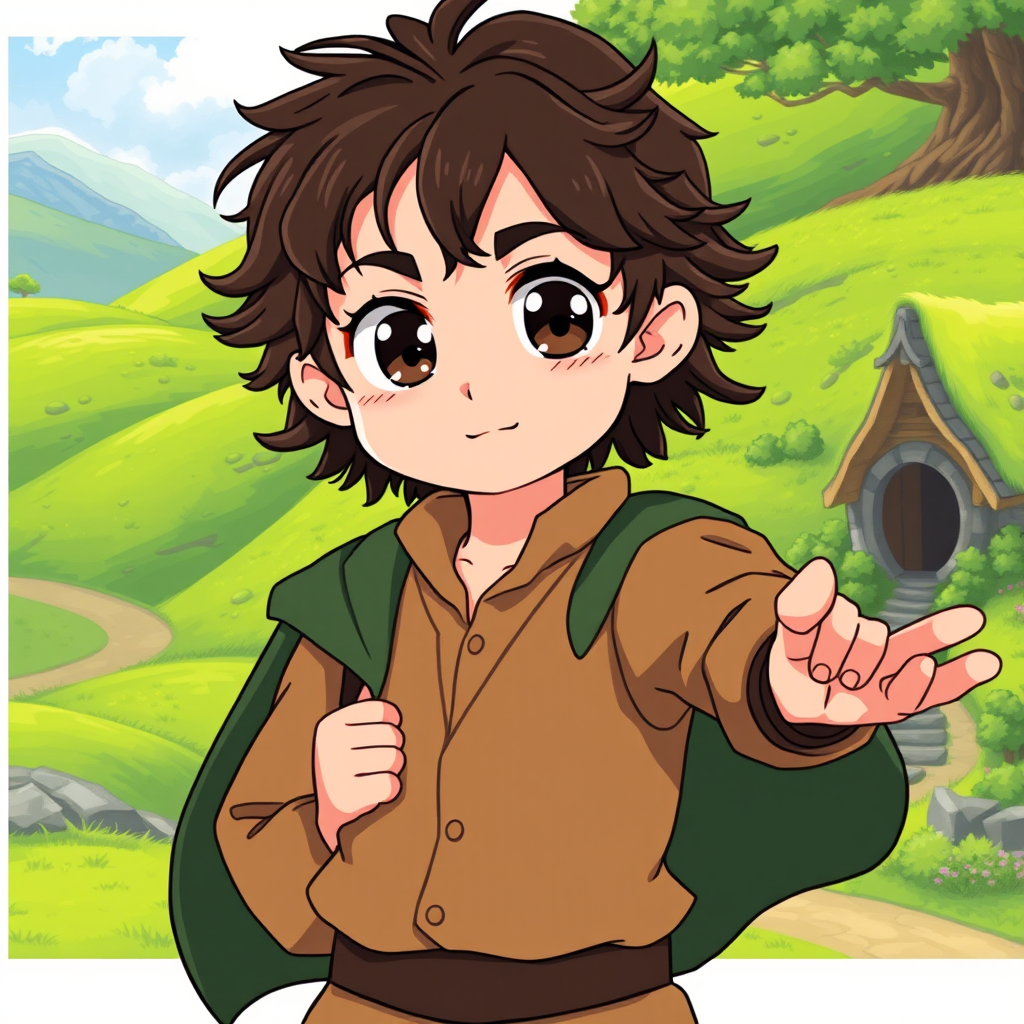
Create an anime-style image of Frodo Baggins, showcasing his essential traits. He should have large, expressive eyes with a hint of determination, framed by tousled dark curly hair. Dress him in a classic hobbit outfit: a simple, earthy-toned shirt, a brown waistcoat, and a green cloak draped over his shoulders. Include his signature accessory, the One Ring, dangling from a chain around his neck. Frodo's expression should convey a mix of bravery and vulnerability, with a slight furrow in his brow, as he stands in a dynamic pose, one hand clutching the Ring and the other reaching out as if ready to embark on an adventure. The background should depict a lush, rolling landscape of the Shire, with vibrant green hills and a quaint hobbit hole peeking in the distance. Use a bright, colorful anime art style with soft lines and exaggerated features, capturing the whimsical essence of the character while adding a touch of magical realism.
Detaillierte Analyse des Flux KI Image Prompt
Analysiere den detaillierten Prompt, der zur Erstellung des Bildes mit dem Flux KI Image Generator verwendet wurde.
Flux-Prompts für den KI-Bildgenerator erkunden
Wie man ein Bild generiert von Flux.1 schnell
Folge diesen vier einfachen Schritten, um das gewünschte Bild zu erstellen.
Schritt 1: Gib deinen Text ein (Fühle dich frei, deinen Prompt für bessere Ergebnisse zu verfeinern)
Schritt 2: Wähle das Bildseitenverhältnis
Schritt 3: Wähle dein Flux-Modell:
Schritt 4: Klicke auf die Generieren-Schaltfläche und warte ein paar Sekunden auf dein Bild
Verwandte Flux KI Tools für Prompts über Flux.1 schnell
Entdecke fortschrittliche Tools von Flux KI, um deinen kreativen Workflow zu verbessern.