Frodo Baggins - Flux.1 schnell
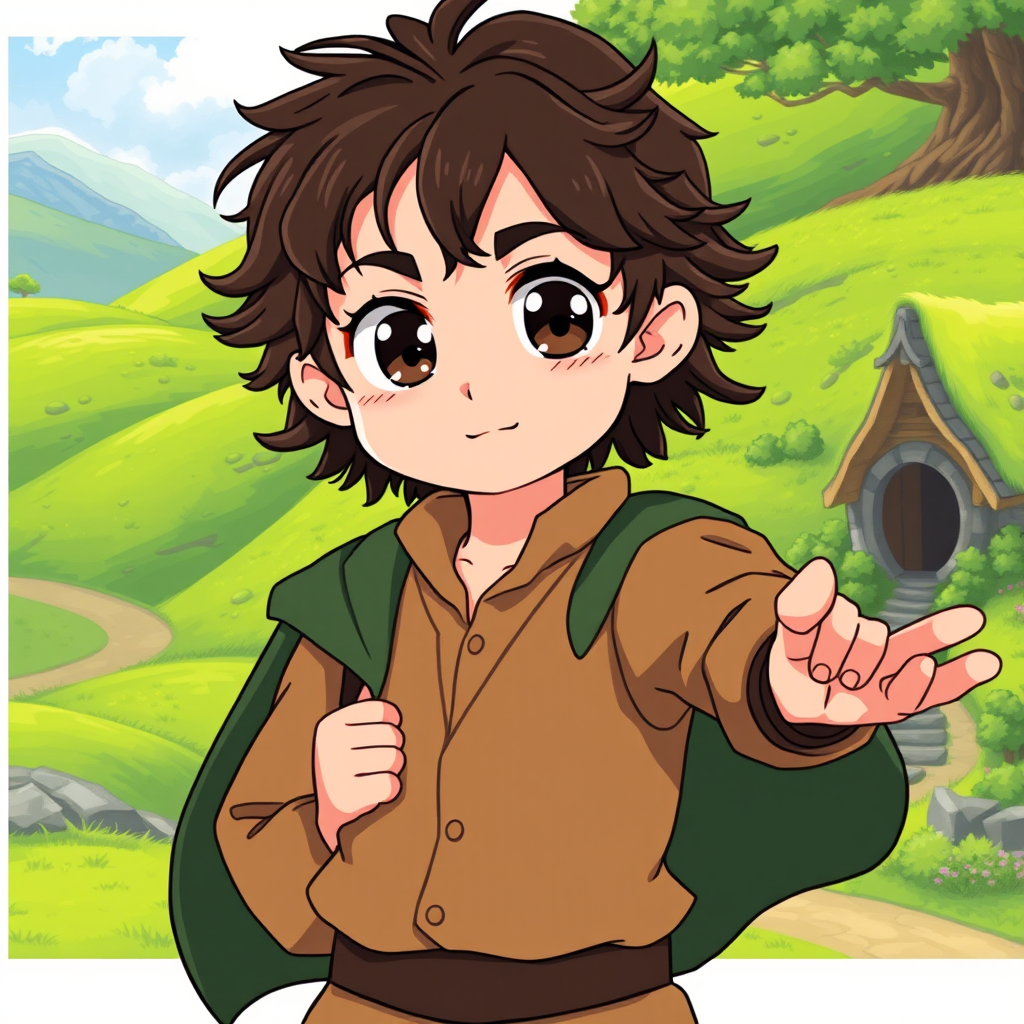
prompt
Create an anime-style image of Frodo Baggins, showcasing his essential traits. He should have large, expressive eyes with a hint of determination, framed by tousled dark curly hair. Dress him in a classic hobbit outfit: a simple, earthy-toned shirt, a brown waistcoat, and a green cloak draped over his shoulders. Include his signature accessory, the One Ring, dangling from a chain around his neck. Frodo's expression should convey a mix of bravery and vulnerability, with a slight furrow in his brow, as he stands in a dynamic pose, one hand clutching the Ring and the other reaching out as if ready to embark on an adventure. The background should depict a lush, rolling landscape of the Shire, with vibrant green hills and a quaint hobbit hole peeking in the distance. Use a bright, colorful anime art style with soft lines and exaggerated features, capturing the whimsical essence of the character while adding a touch of magical realism.
Detailed Analysis of the Flux AI Image Prompt
Analyze the detailed prompt used to generate the image with Flux AI Image Generator.
Explore Flux Prompts for the Flux AI Image Generator
How to generate image by Flux.1 schnell
Follow these four simple steps to create your desired image.
Step 1: Enter Your Text (Feel free to refine your prompt for better results)
Step 2: Choose Image Aspect Ratio
Step 3: Select Your Flux Model:
Step 4: Click the Generate Button and Wait a Few Seconds for Your Image
Related Flux AI tools for prompts about Flux.1 schnell
Discover advanced tools from Flux AI to boost your creative workflow.