Neon Shadows: Data Dance in Decay - Flux.1.1 pro
Eingabe
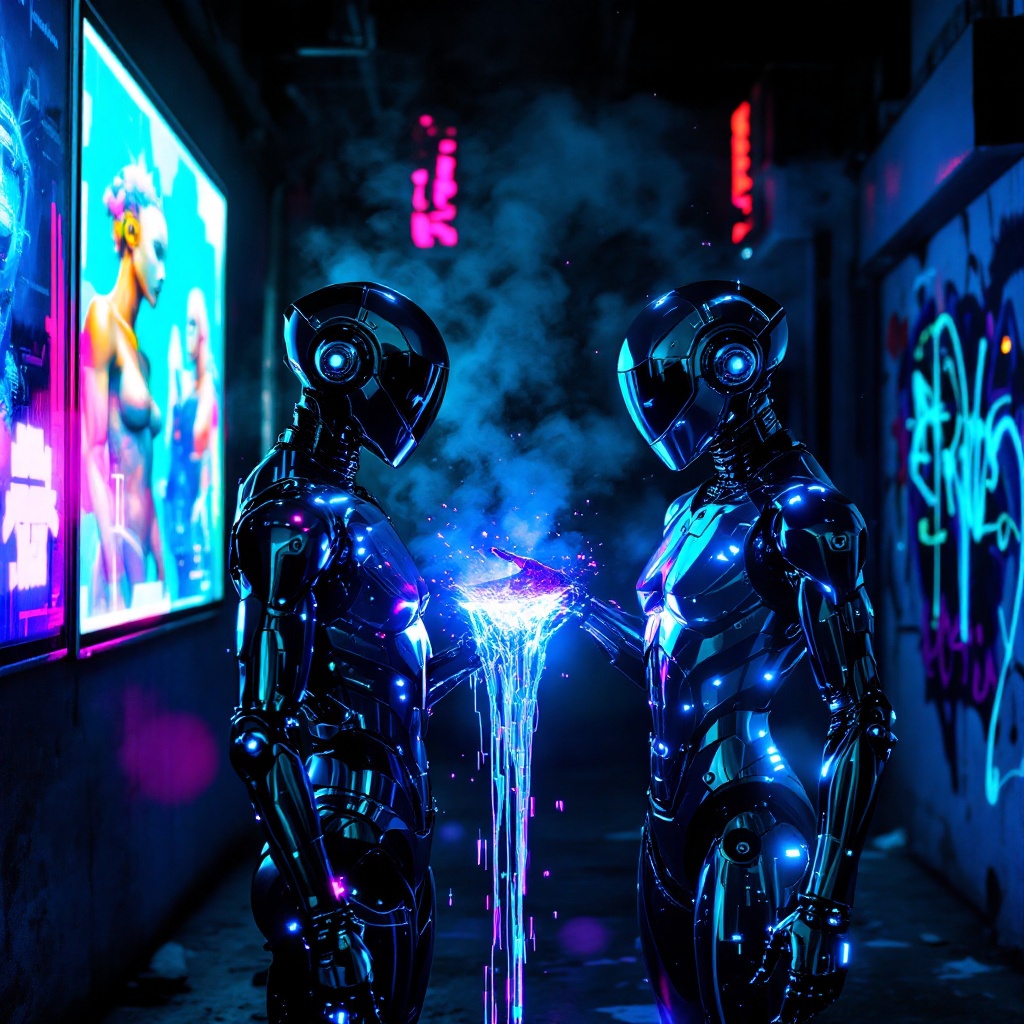
In a neon-drenched alleyway, two sleek, chromed figures stand illuminated by flickering holographic billboards, their metallic surfaces reflecting vibrant hues of electric blue and pulsating magenta. The air is thick with a haze of vapor, swirling around them as synth music thumps rhythmically, reverberating off the damp concrete walls. One figure, with angular features and glowing circuitry etched into its skin, extends a hand, projecting a stream of iridescent data that dances like liquid light between them. Shadows loom in the background, where graffiti art glows under ultraviolet light, depicting cybernetic creatures and abstract designs. The atmosphere is charged with an electric tension, a fusion of technology and urban decay, as the figures exchange encrypted information, their expressions hidden behind visors that shimmer with digital readouts, creating a surreal tableau of connection amidst the chaos of a dystopian night.
Detaillierte Analyse des Flux KI Image Prompt
Analysiere den detaillierten Prompt, der zur Erstellung des Bildes mit dem Flux KI Image Generator verwendet wurde.
Flux-Prompts für den KI-Bildgenerator erkunden
Wie man ein Bild generiert von Flux.1.1 pro
Folge diesen vier einfachen Schritten, um das gewünschte Bild zu erstellen.
Schritt 1: Gib deinen Text ein (Fühle dich frei, deinen Prompt für bessere Ergebnisse zu verfeinern)
Schritt 2: Wähle das Bildseitenverhältnis
Schritt 3: Wähle dein Flux-Modell:
Schritt 4: Klicke auf die Generieren-Schaltfläche und warte ein paar Sekunden auf dein Bild
Verwandte Flux KI Tools für Prompts über Flux.1.1 pro
Entdecke fortschrittliche Tools von Flux KI, um deinen kreativen Workflow zu verbessern.