Neon Shadows: Data Dance in Decay - Flux.1.1 pro
prompt
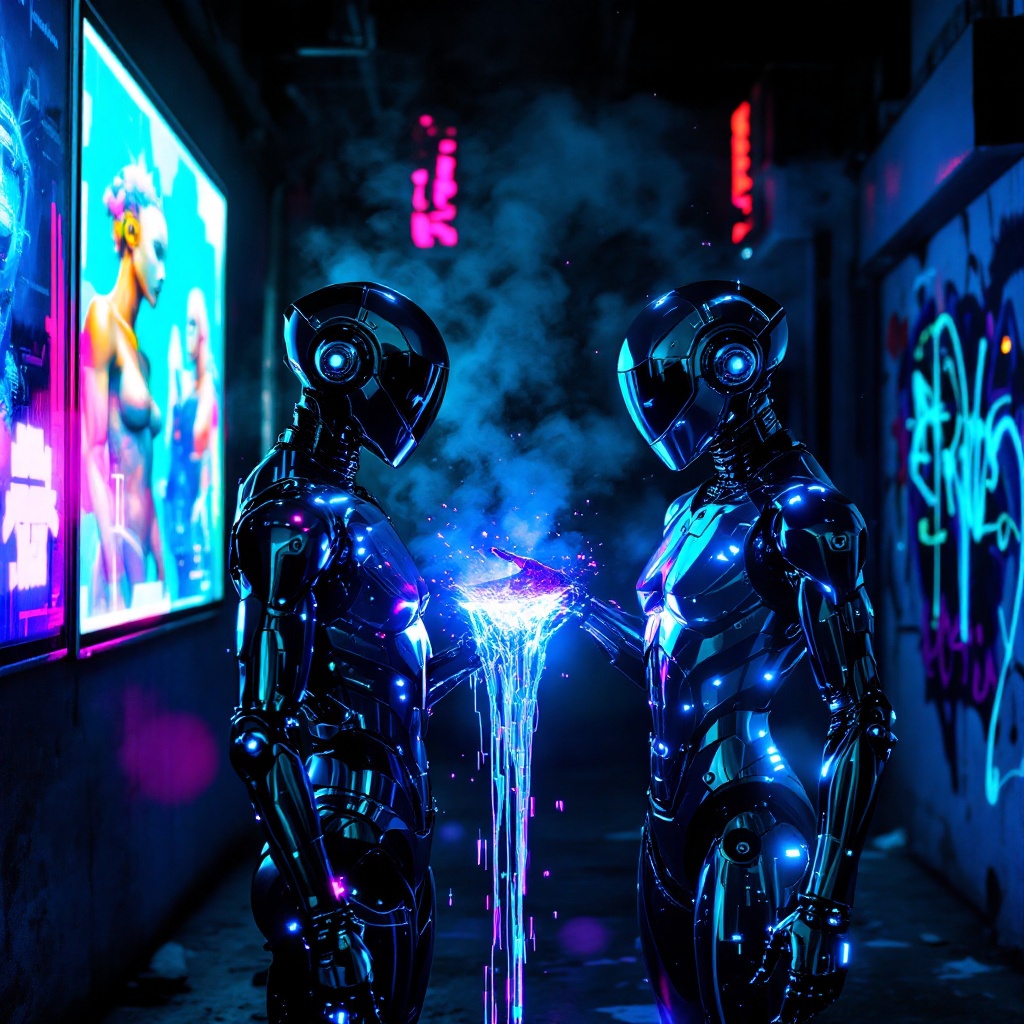
In a neon-drenched alleyway, two sleek, chromed figures stand illuminated by flickering holographic billboards, their metallic surfaces reflecting vibrant hues of electric blue and pulsating magenta. The air is thick with a haze of vapor, swirling around them as synth music thumps rhythmically, reverberating off the damp concrete walls. One figure, with angular features and glowing circuitry etched into its skin, extends a hand, projecting a stream of iridescent data that dances like liquid light between them. Shadows loom in the background, where graffiti art glows under ultraviolet light, depicting cybernetic creatures and abstract designs. The atmosphere is charged with an electric tension, a fusion of technology and urban decay, as the figures exchange encrypted information, their expressions hidden behind visors that shimmer with digital readouts, creating a surreal tableau of connection amidst the chaos of a dystopian night.
Analisi Dettagliata del Prompt Immagine Flux AI
Analizza il prompt dettagliato utilizzato per generare l'immagine con il Generatore Immagini Flux AI.
Esplora i Prompt Flux per il Generatore Immagini Flux AI
Come generare immagini con Flux.1.1 pro
Segui questi quattro semplici passaggi per creare l'immagine desiderata.
Passaggio 1: Inserisci il Tuo Testo (Sentiti libero di perfezionare il prompt per risultati migliori)
Passaggio 2: Scegli le Proporzioni dell'Immagine
Passaggio 3: Seleziona il Tuo Modello Flux:
Passaggio 4: Clicca il Pulsante Genera e Attendi Alcuni Secondi per la Tua Immagine
Strumenti Flux AI correlati per prompt su Flux.1.1 pro
Scopri strumenti avanzati di Flux AI per potenziare il tuo flusso di lavoro creativo.