Shadows of a Neon Underworld - Flux.1.1 pro
Eingabe
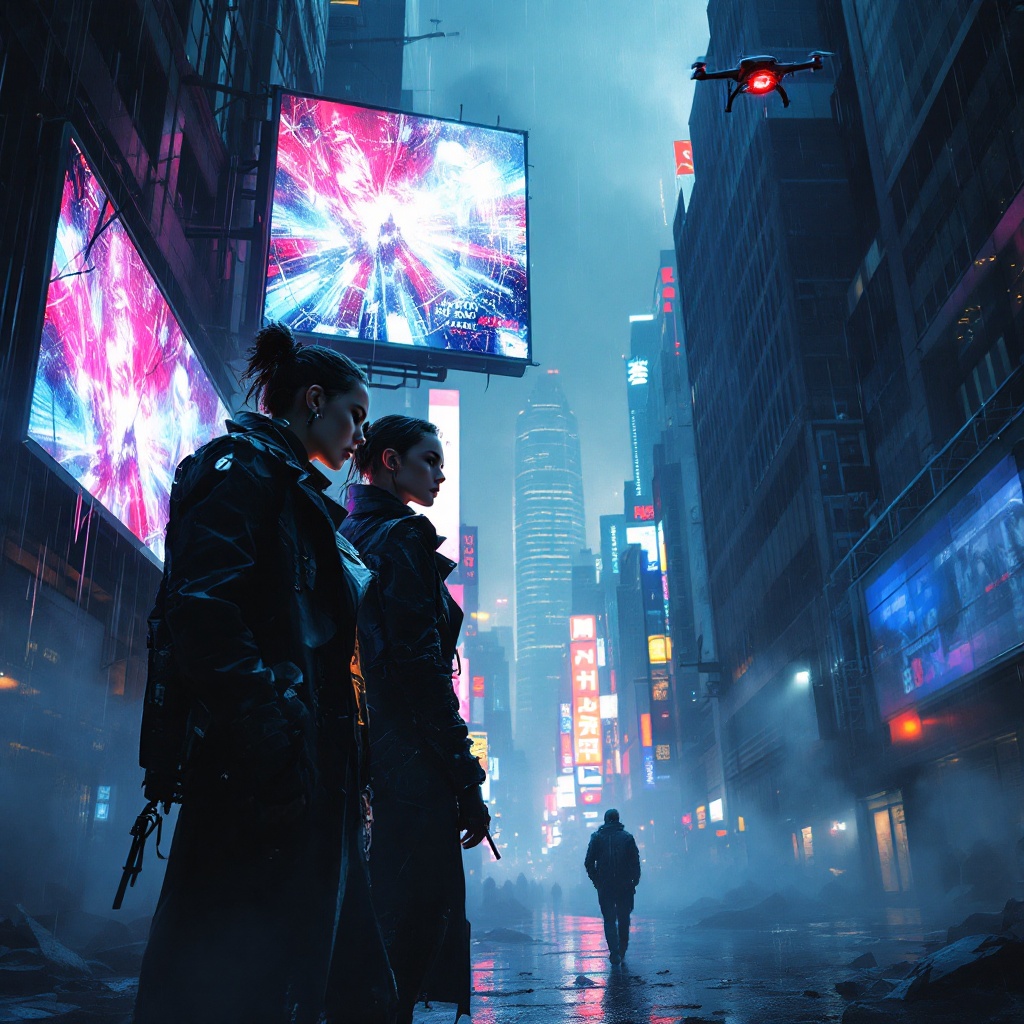
Beneath shattered skylines of neon-lit skyscrapers, jagged shards of glass glisten in the rain-soaked streets, reflecting hues of electric blue and crimson. In the foreground, two rogue operatives, clad in dark, tattered trench coats, huddle beneath a flickering holographic billboard, its garish advertisements casting a surreal glow on their determined faces. One, a woman with cybernetic implants and a fierce gaze, examines a glowing data pad, while the other, a brooding figure with a half-hidden face, scans the alley for lurking threats. Shadows dance around them, thick with intrigue, as tendrils of mist curl through the air, blurring the outlines of distant, looming structures. Above, a drone buzzes silently, its red eye piercing the gloom, capturing secrets hidden beneath the chaotic urban tapestry. The atmosphere is charged with tension, a palpable sense of danger mingling with the electric pulse of the city, where every corner holds a concealed truth waiting to be unveiled.
Detaillierte Analyse des Flux KI Image Prompt
Analysiere den detaillierten Prompt, der zur Erstellung des Bildes mit dem Flux KI Image Generator verwendet wurde.
Flux-Prompts für den KI-Bildgenerator erkunden
Wie man ein Bild generiert von Flux.1.1 pro
Folge diesen vier einfachen Schritten, um das gewünschte Bild zu erstellen.
Schritt 1: Gib deinen Text ein (Fühle dich frei, deinen Prompt für bessere Ergebnisse zu verfeinern)
Schritt 2: Wähle das Bildseitenverhältnis
Schritt 3: Wähle dein Flux-Modell:
Schritt 4: Klicke auf die Generieren-Schaltfläche und warte ein paar Sekunden auf dein Bild
Verwandte Flux KI Tools für Prompts über Flux.1.1 pro
Entdecke fortschrittliche Tools von Flux KI, um deinen kreativen Workflow zu verbessern.