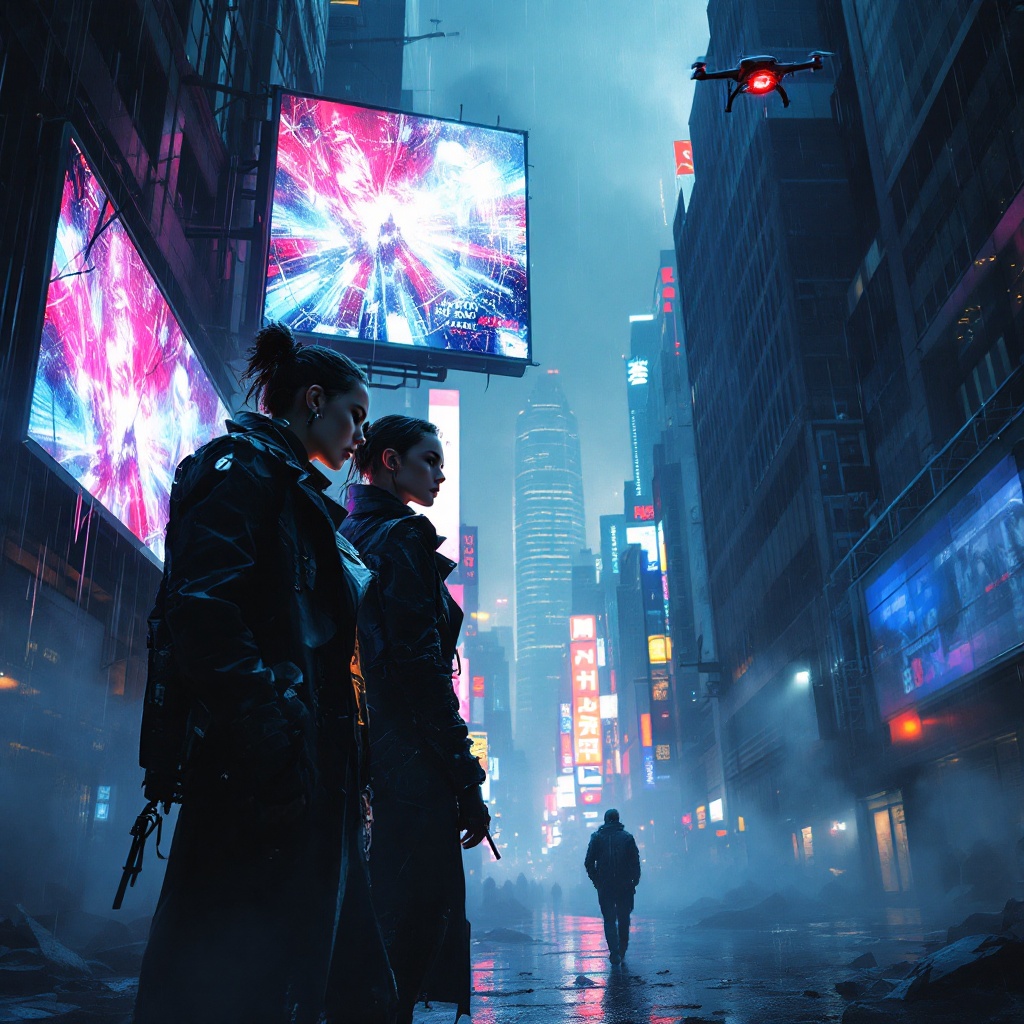
Shadows of a Neon Underworld - Flux.1.1 pro
prompt
Beneath shattered skylines of neon-lit skyscrapers, jagged shards of glass glisten in the rain-soaked streets, reflecting hues of electric blue and crimson. In the foreground, two rogue operatives, clad in dark, tattered trench coats, huddle beneath a flickering holographic billboard, its garish advertisements casting a surreal glow on their determined faces. One, a woman with cybernetic implants and a fierce gaze, examines a glowing data pad, while the other, a brooding figure with a half-hidden face, scans the alley for lurking threats. Shadows dance around them, thick with intrigue, as tendrils of mist curl through the air, blurring the outlines of distant, looming structures. Above, a drone buzzes silently, its red eye piercing the gloom, capturing secrets hidden beneath the chaotic urban tapestry. The atmosphere is charged with tension, a palpable sense of danger mingling with the electric pulse of the city, where every corner holds a concealed truth waiting to be unveiled.
Analisi Dettagliata del Prompt Immagine Flux AI
Analizza il prompt dettagliato utilizzato per generare l'immagine con il Generatore Immagini Flux AI.
Esplora i Prompt Flux per il Generatore Immagini Flux AI
Come generare immagini con Flux.1.1 pro
Segui questi quattro semplici passaggi per creare l'immagine desiderata.
Passaggio 1: Inserisci il Tuo Testo (Sentiti libero di perfezionare il prompt per risultati migliori)
Passaggio 2: Scegli le Proporzioni dell'Immagine
Passaggio 3: Seleziona il Tuo Modello Flux:
Passaggio 4: Clicca il Pulsante Genera e Attendi Alcuni Secondi per la Tua Immagine
Strumenti Flux AI correlati per prompt su Flux.1.1 pro
Scopri strumenti avanzati di Flux AI per potenziare il tuo flusso di lavoro creativo.